Should You Buy a Dell Latitude Under $700? Refurbished vs. New Laptop Trade-Offs
A practical guide to deciding between a refurbished Dell Latitude and a new budget laptop under $700, with checks for condition, warranty, battery, and Windows support.

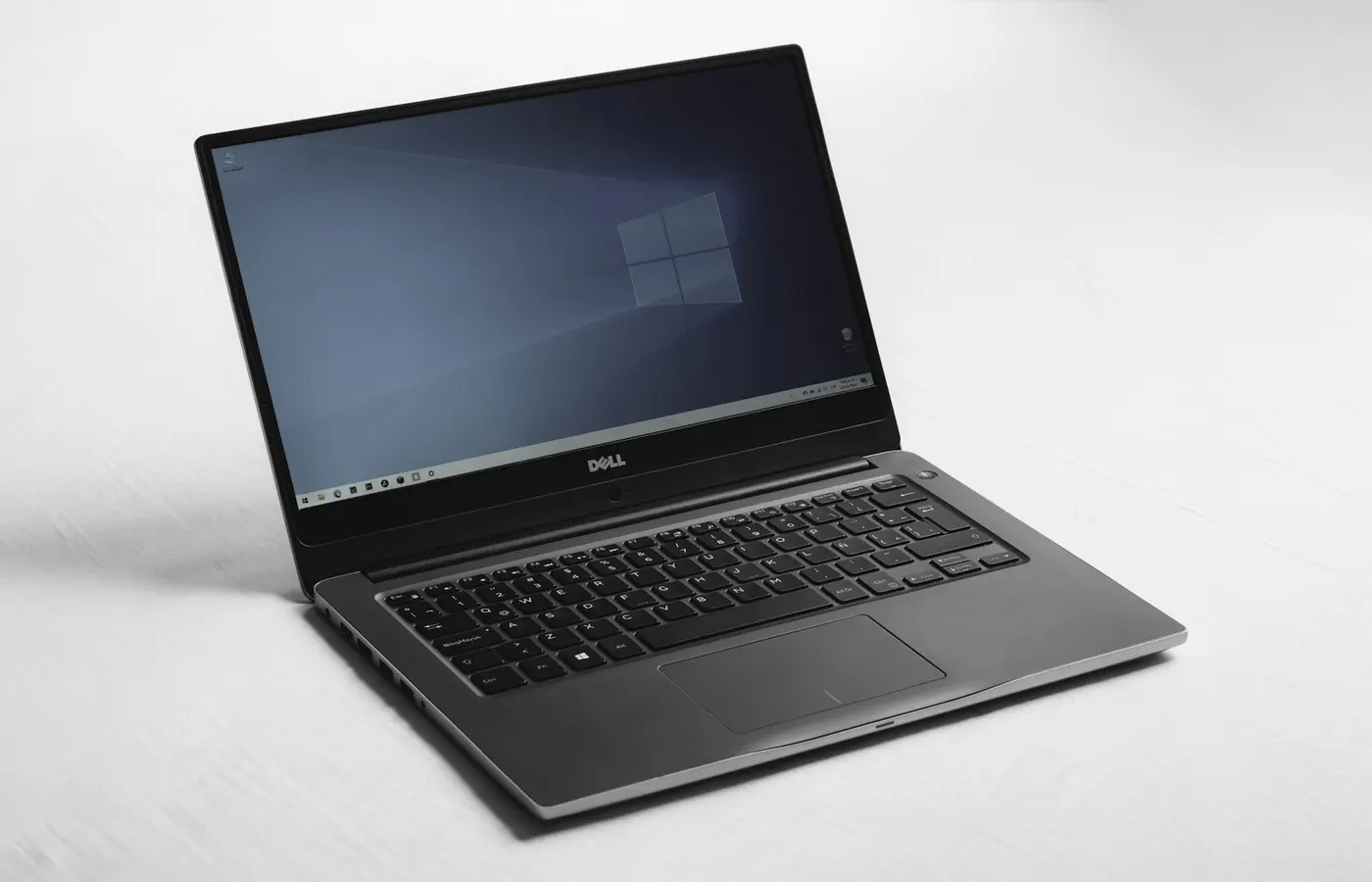
A refurbished Dell Latitude can be a strong buy under $700, but only when the listing identifies the exact generation and configuration, provides meaningful return coverage, and gives you a way to assess battery and cosmetic condition. A new budget laptop is the safer default if you want a full manufacturer warranty, predictable battery condition, current platform support, and a straightforward return process.
Editorial disclosure: This is a research-based buying guide, not a hands-on review. Laptop Advices has not tested the individual Latitude units or new laptops a retailer may offer. Refurbished inventory, prices, condition grades, warranty terms, and included accessories vary by seller and can change quickly.
The short answer: who should buy refurbished Latitude and who should buy new
A refurbished Latitude makes the most sense for buyers who are comfortable doing a little verification before checkout. That includes students, home-office users, and organizations that need a practical Windows machine for web work, documents, video calls, coding, and ordinary business software—not a gaming laptop or a workstation for demanding creative work.
Choose a refurbished Latitude when all of the following are true:
- The seller gives the full model number and processor, not just “Dell Latitude i5.”
- The unit has enough memory and storage for your work now, or the official service documentation confirms an upgrade path you are prepared to use.
- The listing explains its condition grade, warranty length, return window, charger, and battery policy.
- You can confirm that the processor and installed operating system fit your Windows and application requirements.
- The total delivered price still leaves room for a replacement battery, memory, storage, or an extended warranty if those become necessary.
Choose a new budget laptop when certainty matters more than business-laptop features. A new machine is generally the safer route for a buyer who needs a known battery condition, a current manufacturer warranty, simple returns, and less ambiguity about the original software and accessories.
This is especially important if the laptop is for a child, a remote worker with little time to troubleshoot, or anyone who cannot tolerate an unexpected repair. A new laptop may have fewer ports or less service access than an older business model, but it can be the lower-risk ownership choice.
The key point: do not compare “a Latitude” with “a new laptop.” Compare two complete configurations at their actual checkout prices.
A Latitude name is not a configuration
Latitude is a product family, not a single specification. Listings can cover machines from very different eras, with different processors, displays, wireless cards, ports, batteries, memory layouts, and operating-system prospects.
A seller title such as “Dell Latitude 14-inch i5” is not enough to make a decision. Before comparing it with a new budget laptop, identify these details.
| What to verify | Why it matters | What to request or check |
|---|---|---|
| Exact model and generation | Similar-looking Latitudes can have very different internals and support status. | Full model number, such as Latitude 54xx, 74xx, or a specific 7xxx model. |
| Processor model | “Core i5” covers many generations and core counts. | The complete processor name, not only the Intel badge. |
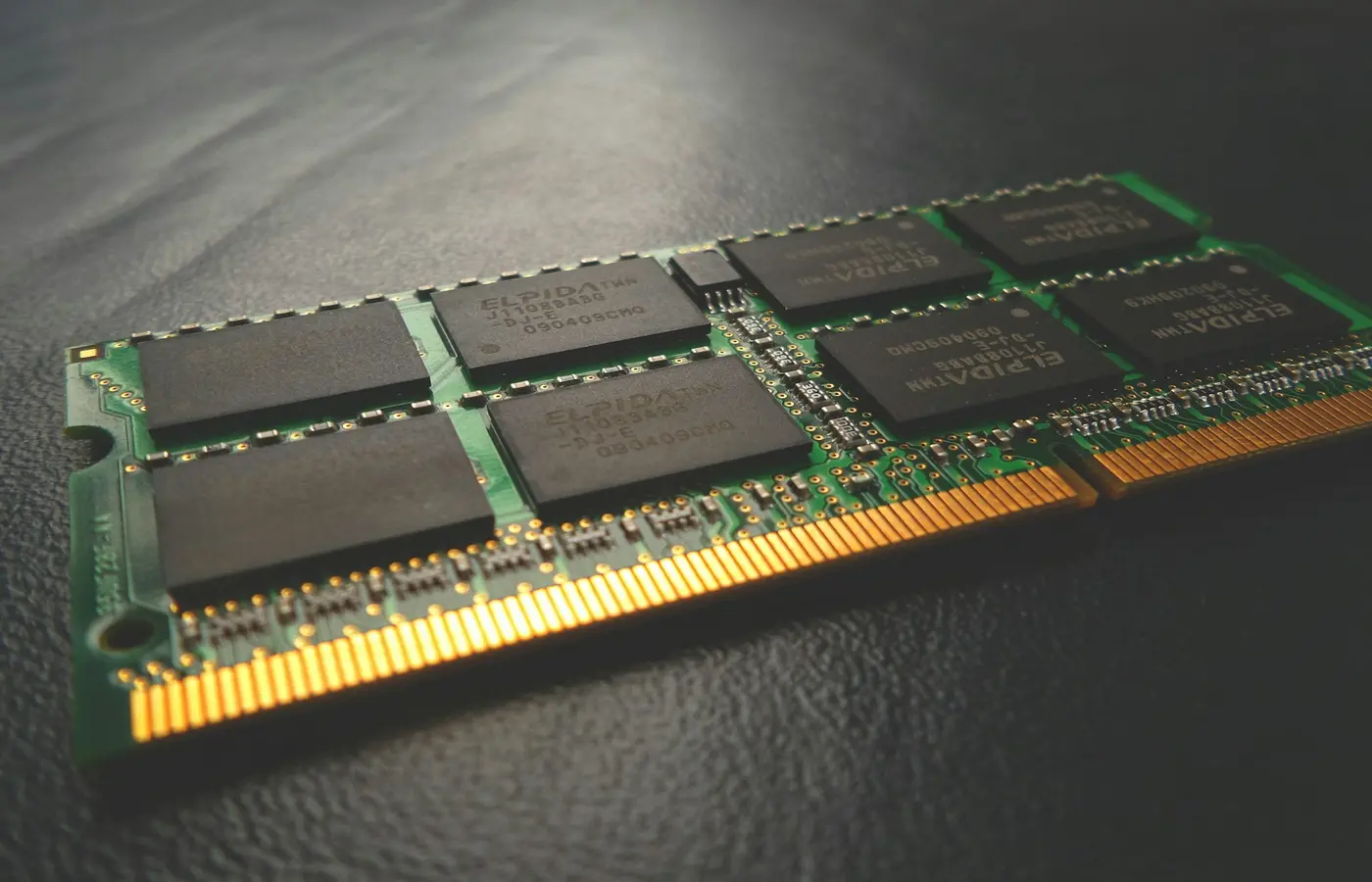
| Memory | Capacity and upgradeability affect useful life. | Installed RAM, number of slots, and whether memory is soldered. |
| Storage | A small or aging drive can change the real cost. | SSD capacity, drive type, and whether a second slot is available. |
| Display | Screen resolution and panel description affect daily usability. | Exact resolution and panel type if listed. |
| Wireless and ports | Older hardware may not match your network, dock, or monitor needs. | Wi-Fi version, USB-C capabilities, HDMI, Ethernet, and charging method. |
| Charger | Missing or incorrect adapters can add cost and create charging problems. | Included wattage and Dell-compatible part information. |
Use Dell’s support tools with the unit’s service tag or express service code where the seller provides one. That can help you locate manuals, driver pages, and original configuration information. It does not replace inspecting the seller’s current listing: a refurbished unit may have different memory, storage, battery, operating system, or display components from its original factory configuration.
Do not assume a newer-looking chassis means a newer processor. Likewise, do not assume every Latitude with the same model number has the same panel, RAM, SSD, or wireless card.
Ask for the configuration in writing
If a listing omits the processor suffix, memory layout, display resolution, or battery details, ask the seller before paying. Keep the answer with your order records. If the seller cannot identify the machine beyond a broad family name, treat that as a reason to skip the listing rather than as a bargain.
What refurbished business hardware can offer
A well-documented Latitude can offer ownership features that are less common on some entry-level consumer laptops. Depending on the exact model, those may include a broader port selection, wired Ethernet, docking support, replaceable storage, accessible memory, replaceable batteries, and detailed service documentation.
Those are potential advantages, not guarantees. Dell’s manuals for the exact model should be your source for confirming port layout, component access, battery procedure, and compatible docks.
For example, a buyer who uses an older office monitor, wired network connection, USB peripherals, and a desk dock may value a specific Latitude’s ports more than a thinner new laptop with fewer connections. A buyer who needs to expand storage later may also prefer a model with a documented SSD replacement procedure.
On the other hand, a new budget laptop may offer a more current processor platform, newer wireless hardware, a fresh battery, and a simpler warranty path. The right choice depends on what you will use—not on whether “business class” appears in the listing title.
Avoid broad claims that every Latitude is tougher, easier to repair, or better built than every new budget laptop. Those characteristics vary by model and configuration. Check the manual and specification sheet for the individual machine you are considering.
The hidden costs of a cheap Latitude
The lowest listed price is rarely the whole purchase price. With refurbished and used laptops, battery condition, charger quality, cosmetic wear, return shipping, and warranty exclusions can matter more than a modest difference in sticker price.
Condition grades are seller-defined
“Grade A,” “excellent,” “good,” and similar labels are not universal standards. One seller’s Grade A may allow light lid wear; another may classify the same marks differently. Read that seller’s written grade definition and look at photos of the actual unit when available.
Pay particular attention to:
- Keyboard shine, missing key markings, sticky keys, or unusual layouts.
- Screen pressure marks, scratches, bright spots, dead pixels, and uneven backlighting.
- Hinge condition and chassis cracks near ports or corners.
- Missing rubber feet, damaged port housings, or signs of swelling around the battery area.
- Whether the photos show the actual unit, a representative image, or a manufacturer stock photo.
A cosmetic grade does not establish battery health. It also does not prove that every port, webcam, microphone, fingerprint reader, smart-card reader, or docking connector has been tested.
Battery information deserves a separate check
A refurbished seller may state that a battery was tested, but the wording matters. “Tests and holds a charge” is not the same as a disclosed capacity figure, a replaced battery, or a guaranteed runtime.
If the seller can provide a current Windows battery report, ask for the report date and whether it belongs to the exact unit. After purchase, Windows can generate a battery report through its built-in power-reporting tools. Use that report as one input, alongside real-world use and the seller’s return terms; it is not a promise of future runtime.
Do not estimate battery life from battery size, processor name, or the product family alone. Background software, panel type, battery wear, charging limits, and your workload all matter.
Check what the warranty actually covers
Before checkout, read the seller’s warranty and return pages for answers to these questions:
- How long is the warranty, and when does it begin?
- Is the battery covered, excluded, or covered for a shorter period?
- Is accidental damage excluded?
- Who pays return shipping if the laptop arrives defective or differs from the listing?
- Is there a restocking fee for a return that is not a technical fault?
- Is the original Dell warranty transferable, expired, or replaced by the refurbisher’s own coverage?
- Does the included charger match the laptop’s documented power requirements?
If a seller’s answers are vague, calculate the purchase as if you may need to buy a proper charger or replace a weak battery. That may make a new laptop the better value.
Windows support and useful life: check the processor, not the badge
Do not buy an older Latitude because a listing simply says “Windows 11 installed.” An installed operating system, official Windows 11 eligibility, Dell driver availability, and long-term application compatibility are separate questions.
Before buying, verify the exact processor against Microsoft’s current Windows 11 requirements and supported-processor information. Then check Dell’s support page for the specific model or service tag for BIOS, chipset, graphics, network, and audio drivers.
Use this sequence:
- Record the exact CPU model from the listing.
- Check current Windows 11 requirements and processor support on Microsoft’s official documentation.
- Check Dell’s support page for available BIOS and driver downloads for that model.
- Confirm the operating system edition and activation status promised by the seller.
- Check the requirements for your required software, school portal, employer security tools, or peripherals.
- Avoid treating unofficial installation workarounds as a normal support plan.
A laptop can still be useful for basic tasks even when it is not an ideal long-term Windows purchase, but that is a different decision. If you need predictable software support for work or school, official compatibility should carry more weight than a low used price.
How to compare a Latitude listing with a new laptop under $700
Use a checkout comparison instead of a generic “refurbished is better” or “new is better” rule. Record the exact configuration and compare the delivered cost, not only the advertised price.
| Comparison item | Refurbished Latitude | New budget laptop |
|---|---|---|
| Exact model/SKU | Record the complete model and service tag if available. | Record the retailer SKU and manufacturer part number. |
| Processor and memory | Confirm exact CPU and installed RAM. | Confirm exact CPU and RAM; avoid assuming all retailer variants match. |
| Storage | Note SSD capacity and replacement options. | Note SSD capacity and whether expansion is documented. |
| Screen | Verify resolution and panel description. | Verify resolution and panel description. |
| Battery evidence | Look for replacement status, report, or written policy. | New battery, but still check warranty terms. |
| Warranty and returns | Read seller-specific coverage and return shipping rules. | Read manufacturer and retailer coverage separately. |
| Charger and accessories | Confirm included adapter and wattage. | Confirm charger, ports, and any required adapters. |
| Software support | Check official Windows eligibility and drivers. | Check installed Windows version and vendor support page. |
| Total delivered cost | Include shipping, tax, accessories, and likely upgrades. | Include shipping, tax, and needed adapters or storage. |
Do not name a permanent under-$700 winner. Prices, stock, and terms change. At publication time, buyers should treat any price as a dated checkout condition and save a screenshot of the offer, configuration, return policy, and warranty description.
For context, reputable buying guidance consistently warns that low-cost laptops require close attention to processor, memory, storage, and display compromises. Wirecutter’s budget-laptop guidance makes a similar point: a low price alone does not identify a suitable configuration.
A safer under-$700 buying checklist
Before buying a used or refurbished Latitude, complete this checklist:
- Get the complete model number, processor name, RAM capacity, SSD capacity, and display resolution.
- Ask whether photos show the exact unit you will receive.
- Read the seller’s condition-grade definition rather than assuming the grade is standardized.
- Confirm the battery policy and ask whether a battery report or replacement record is available.
- Verify that the charger is included and appropriate for that model.
- Check Dell support documentation for the exact model’s service guides, drivers, BIOS updates, and component information.
- Verify current Windows support against the exact processor rather than the Latitude family name.
- Read the full return and warranty terms, including return shipping and restocking fees.
- Compare total delivered cost with a new laptop configured with comparable memory, storage, screen, and warranty coverage.
- Pay with a method that preserves your buyer protections and retain screenshots of the listing and policies.
Skip the listing if the seller will not identify the configuration, cannot explain the condition grade, offers no meaningful return route, uses only stock photos, or makes vague claims about battery health and Windows support.
Conclusion
A refurbished Dell Latitude under $700 is worth considering when you want a specific, verifiable business-laptop configuration and are prepared to inspect the details that a broad product title hides. It can be a sensible option for office work, school, and general productivity when the exact unit has adequate memory and storage, clear support status, a credible warranty, and an acceptable return policy.
For most buyers who want the least complicated purchase, a new budget laptop remains the safer default. A fresh battery, full manufacturer coverage, predictable software support, and easy returns can outweigh the ports, service access, or business-oriented design of an older Latitude.
The best choice is not the oldest Latitude with the lowest price or the newest laptop with the largest discount. It is the configuration whose condition, support path, warranty, and total cost you can actually verify before buying.
Frequently asked questions
What is the newest Dell Latitude generation worth considering under $700?
There is no responsible universal cutoff. The right generation depends on the exact processor, RAM, storage, display, battery condition, Windows support, and current price. Start with models whose exact CPU can meet your software requirements and whose seller provides meaningful return and warranty terms. Compare that specific listing against a new alternative at checkout.
How can I check the battery condition of a refurbished Dell Latitude before buying?
Ask the seller whether the battery was replaced, whether the exact unit has a current battery report, and what the warranty covers. Read the seller’s battery policy carefully. After delivery, generate a Windows battery report, inspect the chassis for warning signs such as swelling, and test charging during the return window. Stop using the laptop and seek professional service if you suspect battery swelling or physical battery damage.
Will an older Dell Latitude run Windows 11?
Possibly, but do not assume it will. Check the exact processor against Microsoft’s current Windows 11 requirements and supported-processor documentation, then review Dell’s driver and BIOS support for the specific model. A seller’s claim that Windows 11 is installed does not by itself confirm official compatibility or future support.
Is a refurbished Latitude better than a new budget laptop for college or office work?
It can be, especially if the Latitude has enough memory and storage, a suitable screen and ports, official software support, and a warranty-backed return path. A new budget laptop is usually better for buyers who need a new battery, simpler support, and minimal setup risk. For either option, compare the complete configuration and total delivered cost rather than the product family name.