
 Buying Guides
Buying Guides Editor
Mia Chen
Expertise: Student laptops, Budget systems, Buying guides
Mia builds scenario-led recommendations for students, remote workers, and budget-conscious households, with particular attention to comfort and useful life.
Every assignment begins with a buyer question. The work then examines configuration differences, long-term ownership, and the trade-offs that matter after the first week.
Articles by Mia Chen
Buying Guides Buying Guides
ノートPCのメモリは16GBと32GBどちら?用途別に選ぶ基準
 Buying Guides
Laptop IPS Displays Explained: Check Brightness, Color, and Refresh Rate
 Buying Guides
Soldered vs. Upgradeable Laptop RAM: What to Check Before You Buy
 Buying Guides
How to Choose a Gaming Laptop for Esports vs. AAA Games
 Best Laptops
Best Gaming Laptops for 1080p: What to Prioritize in a Lower-Resolution Setup
 Buying Guides
Should You Buy a Dell Latitude Under $700? Refurbished vs. New Laptop Trade-Offs
 Buying Guides
How to Choose a College Laptop Around Course Software, Not Major Labels
 Buying Guides
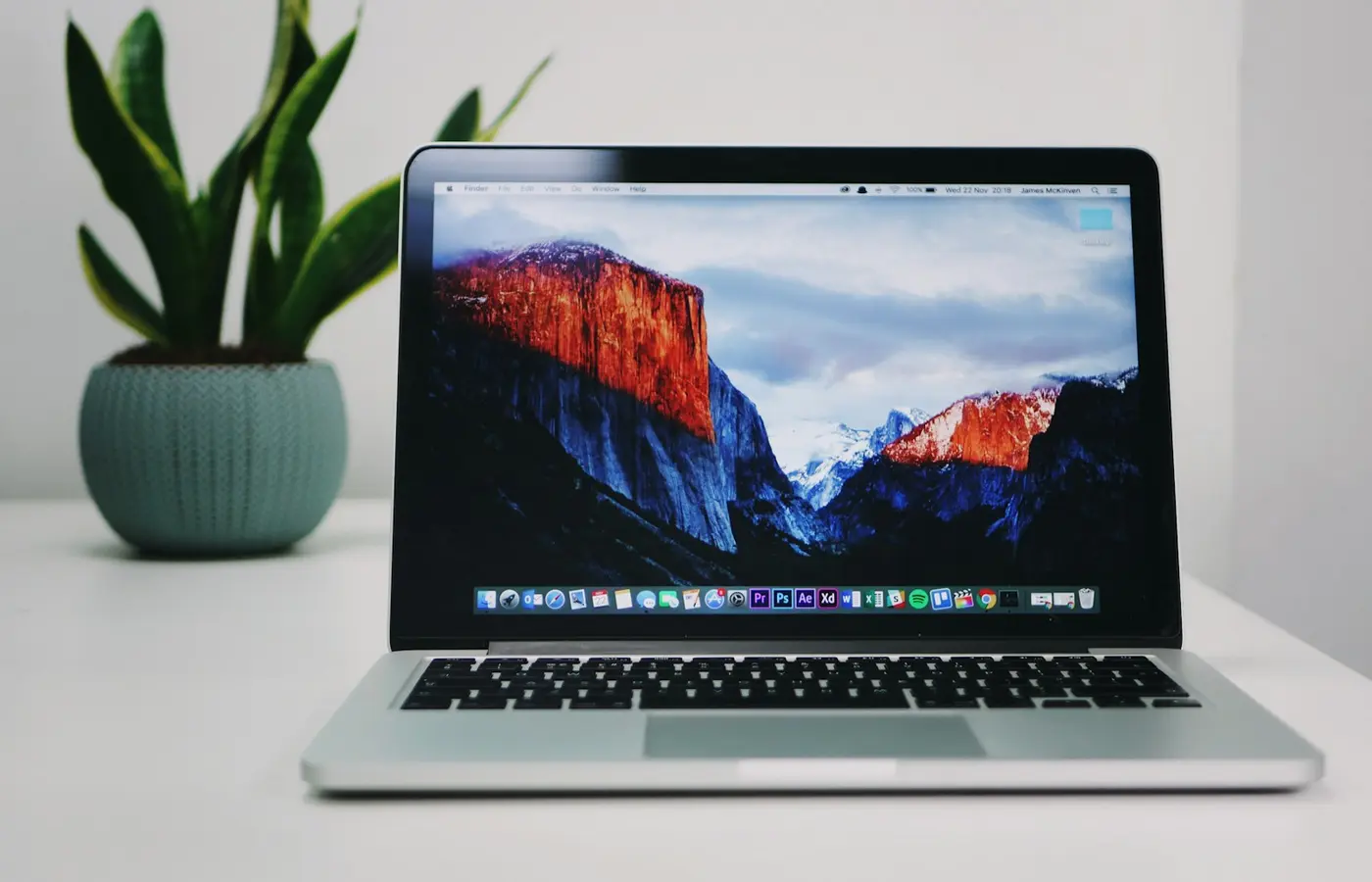
Laptop Buying Guide: Choose the Right Configuration for Your Workload
 Buying Guides
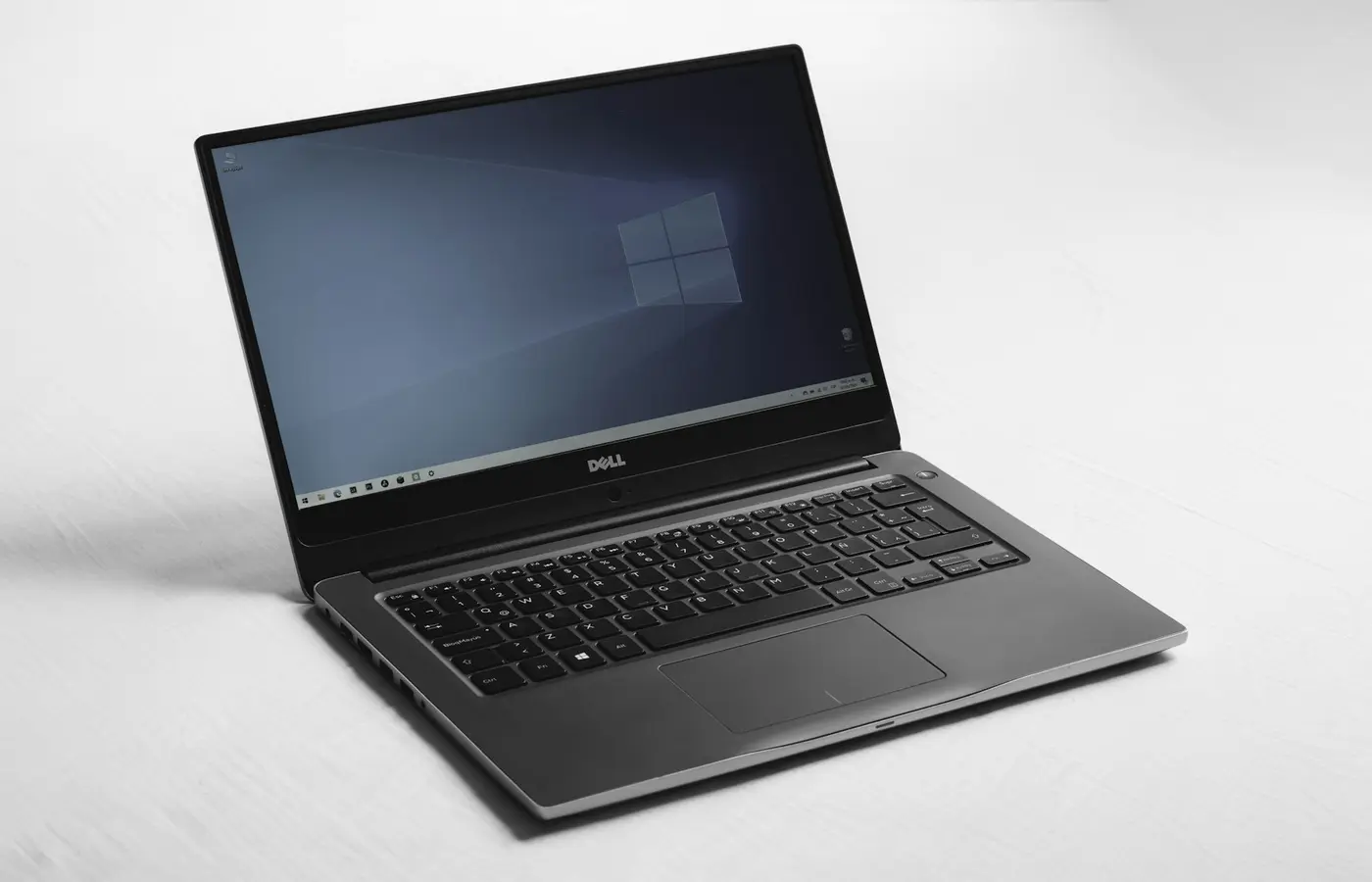
How to Check Linux Compatibility Before Buying a Laptop
 Buying Guides
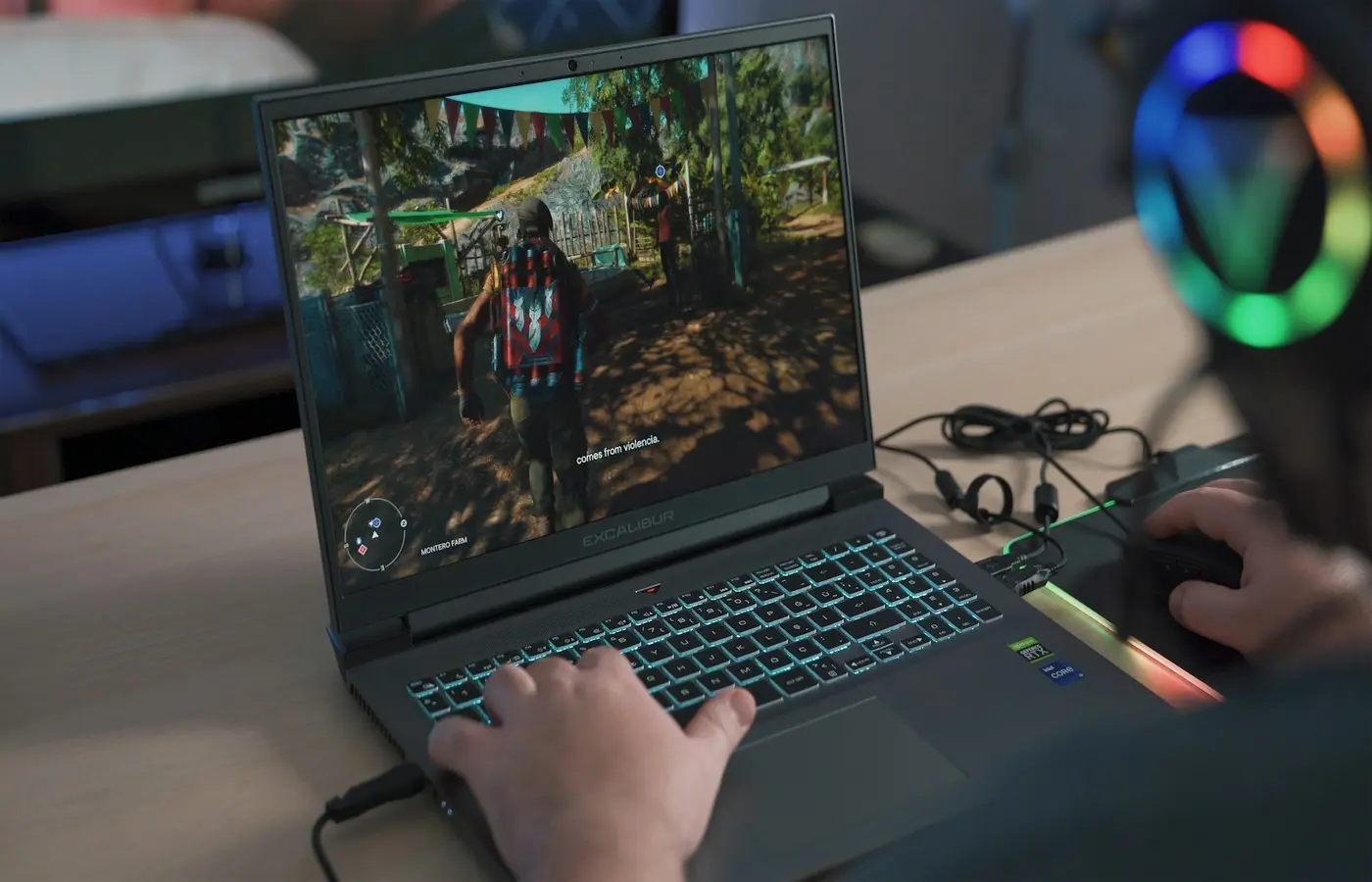
Is a 1440p Gaming Laptop Worth It? How to Match the Screen to the GPU
 Buying Guides
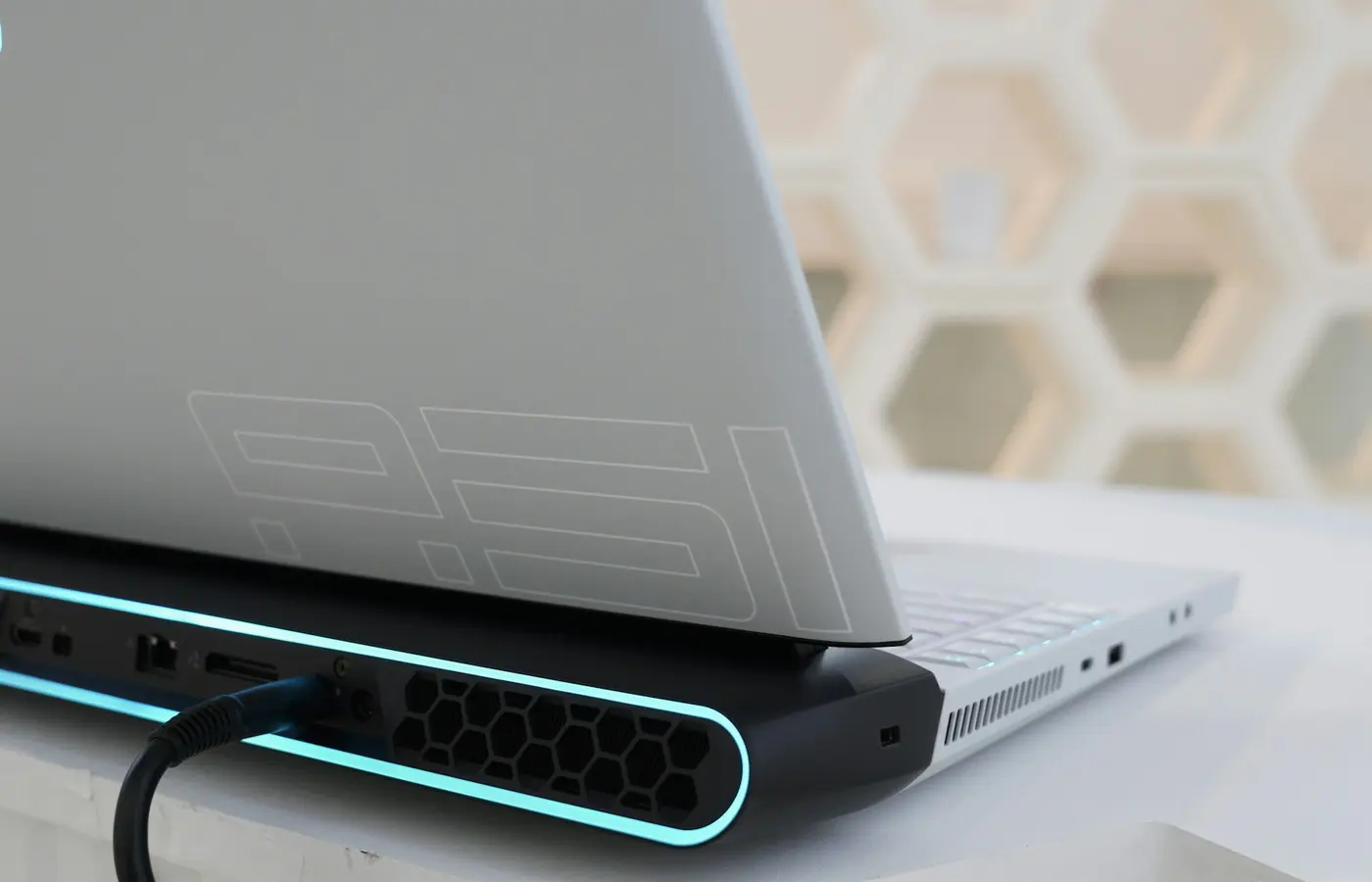
Laptop GPU TGP Explained: How Power Limits Affect Gaming Performance
 Buying Guides
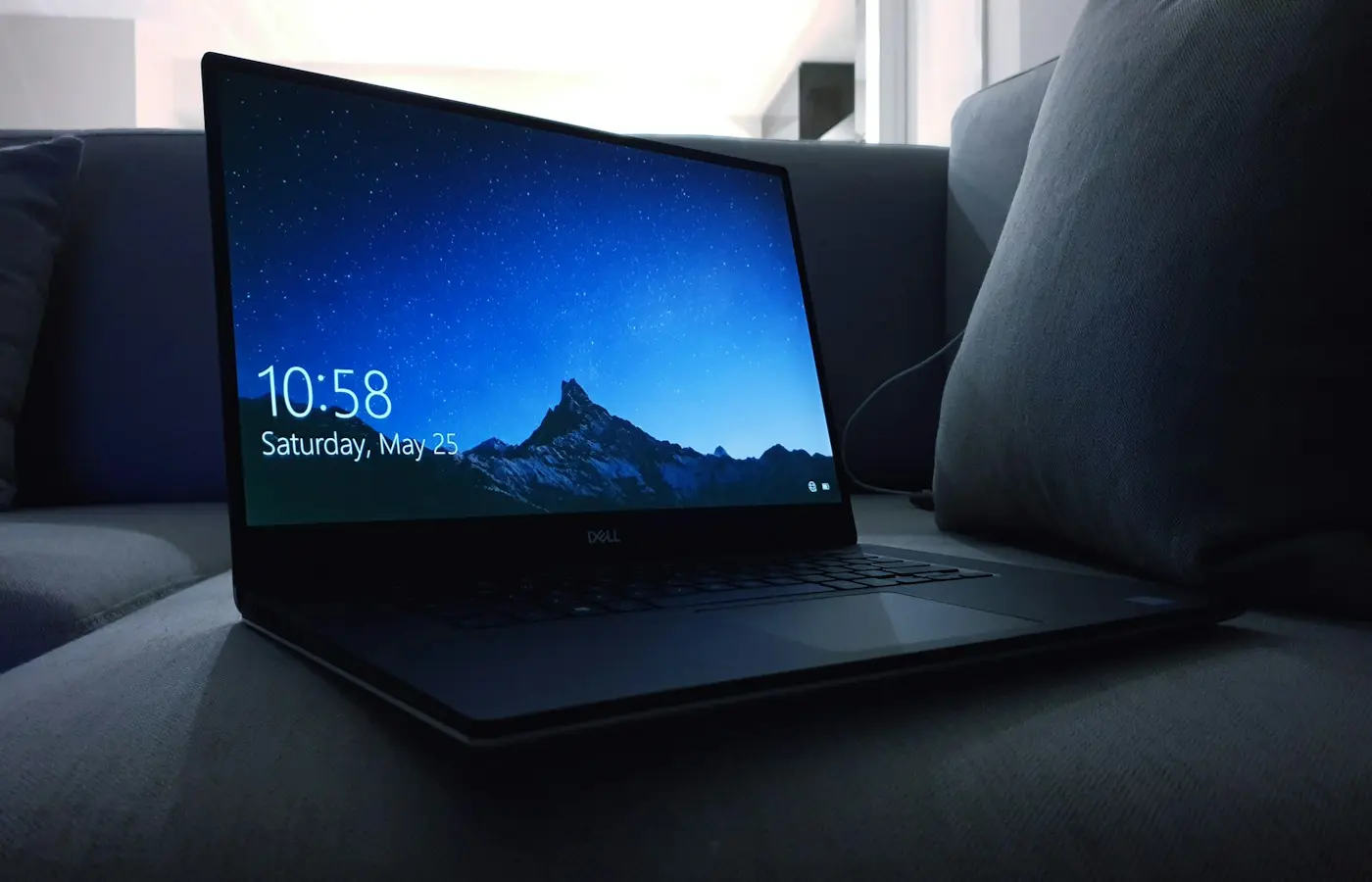
Windows, macOS, or ChromeOS: Which Laptop Operating System Fits Your Apps and Workflow?
 Buying Guides
Laptop OLED vs. IPS: Which Display Is Better for Your Work and Budget?
 Buying Guides
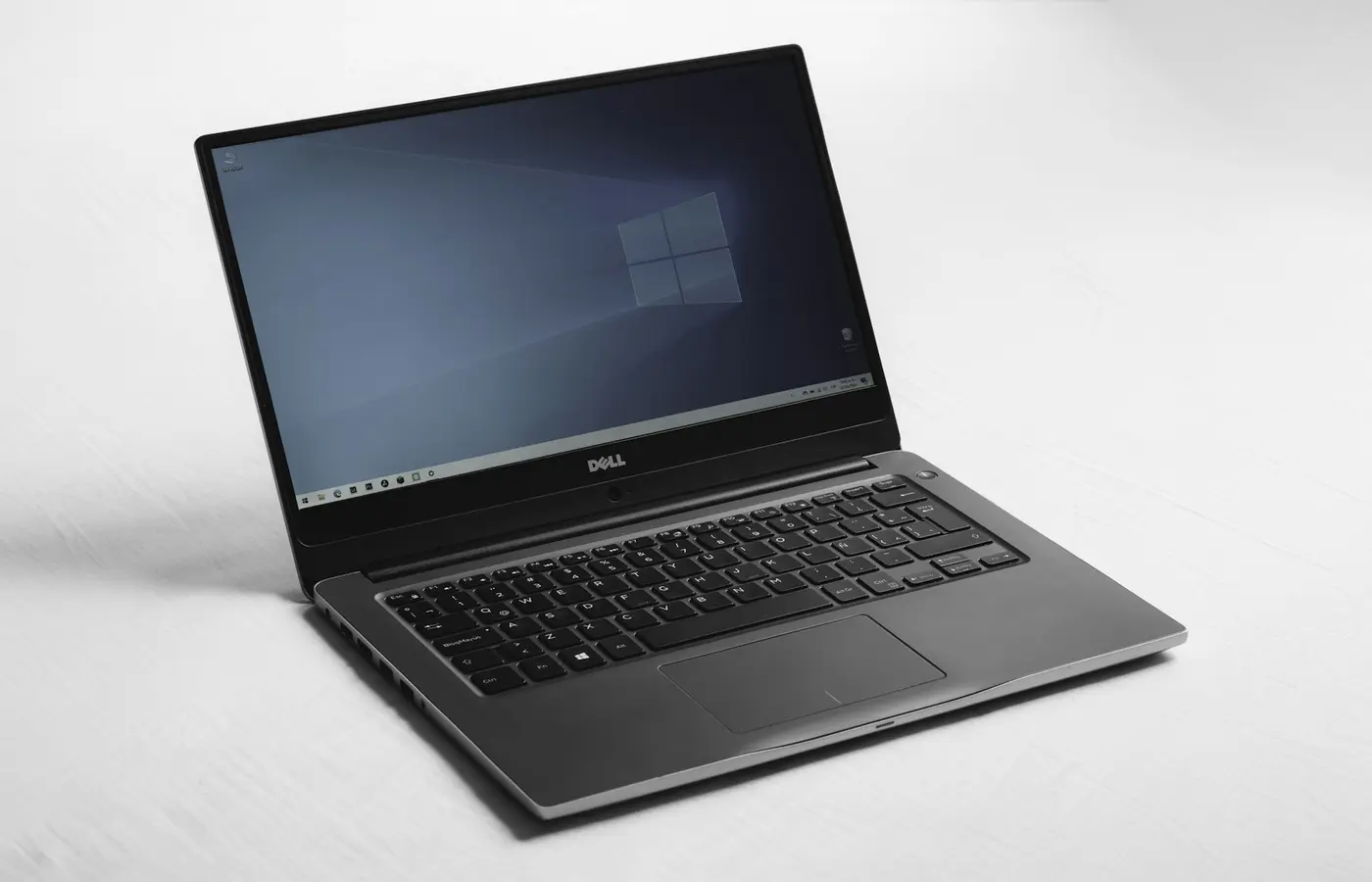
Wi-Fi 7 on a Laptop: When the Upgrade Matters and What Must Match
 Buying Guides
Will Your Apps Run on a Windows-on-Arm Laptop? A Pre-Purchase Compatibility Checklist
 Buying Guides
Laptop Buying Guide: Match the CPU, RAM, Storage, and Display to Your Workload
 Buying Guides
Laptop Buying Guide: How to Verify the Exact Configuration Before You Buy
 Buying Guides
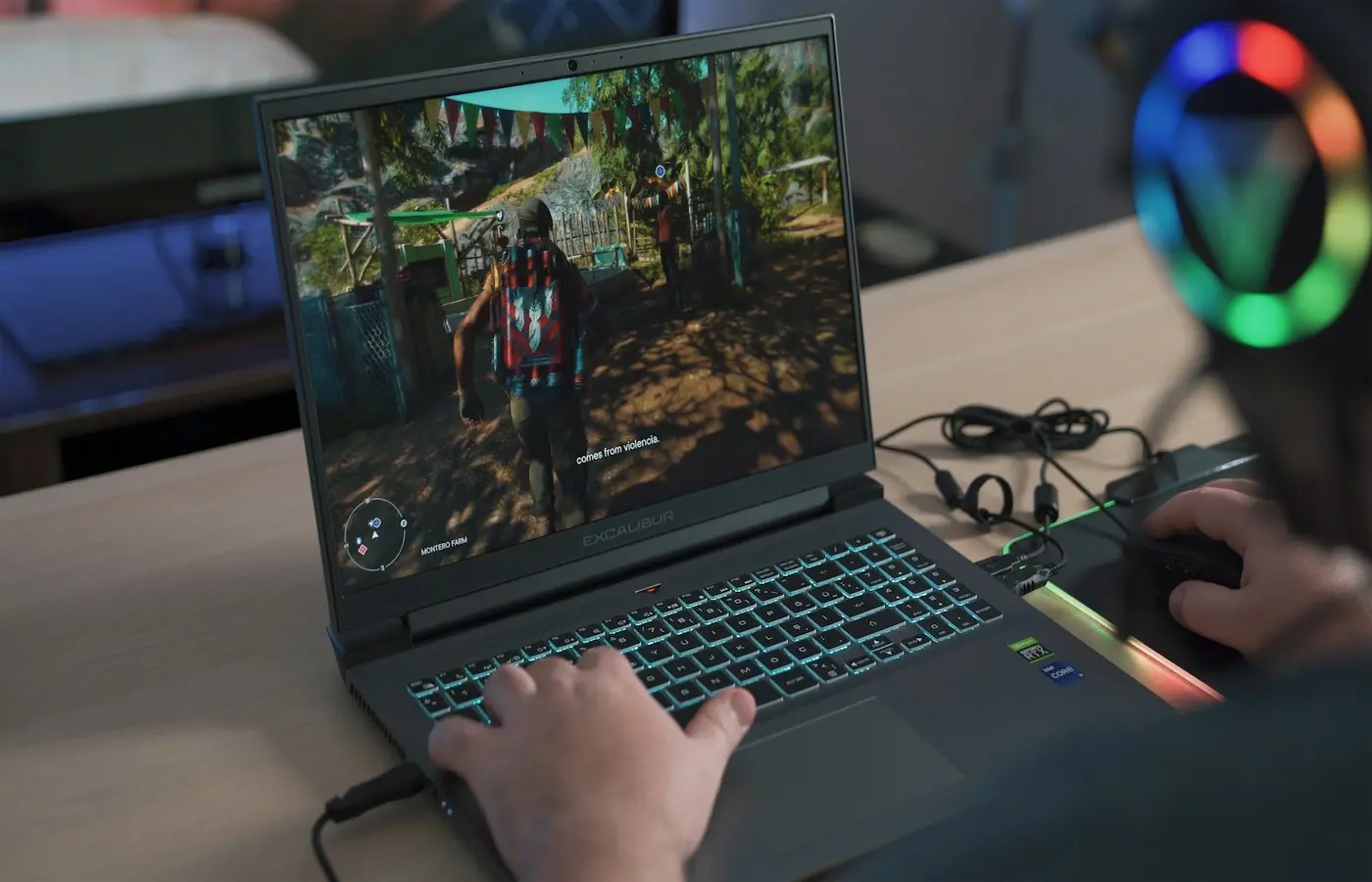
What GPU Do You Need for 1440p Laptop Gaming? VRAM, Power Limits, and Settings Explained
 Buying Guides
How to Choose a Laptop for Two External Monitors: Ports, Docks, and Display Limits
 Buying Guides
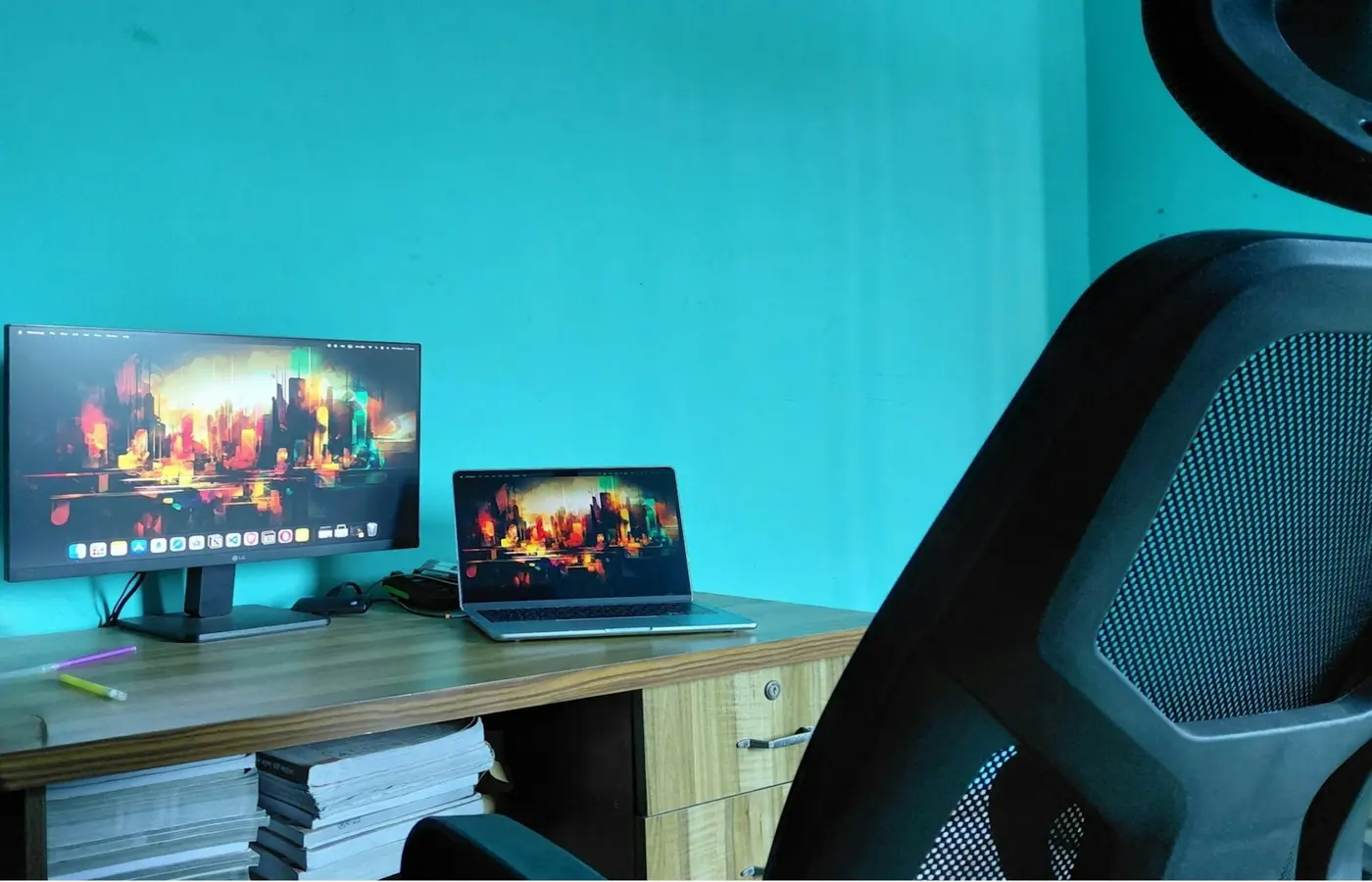
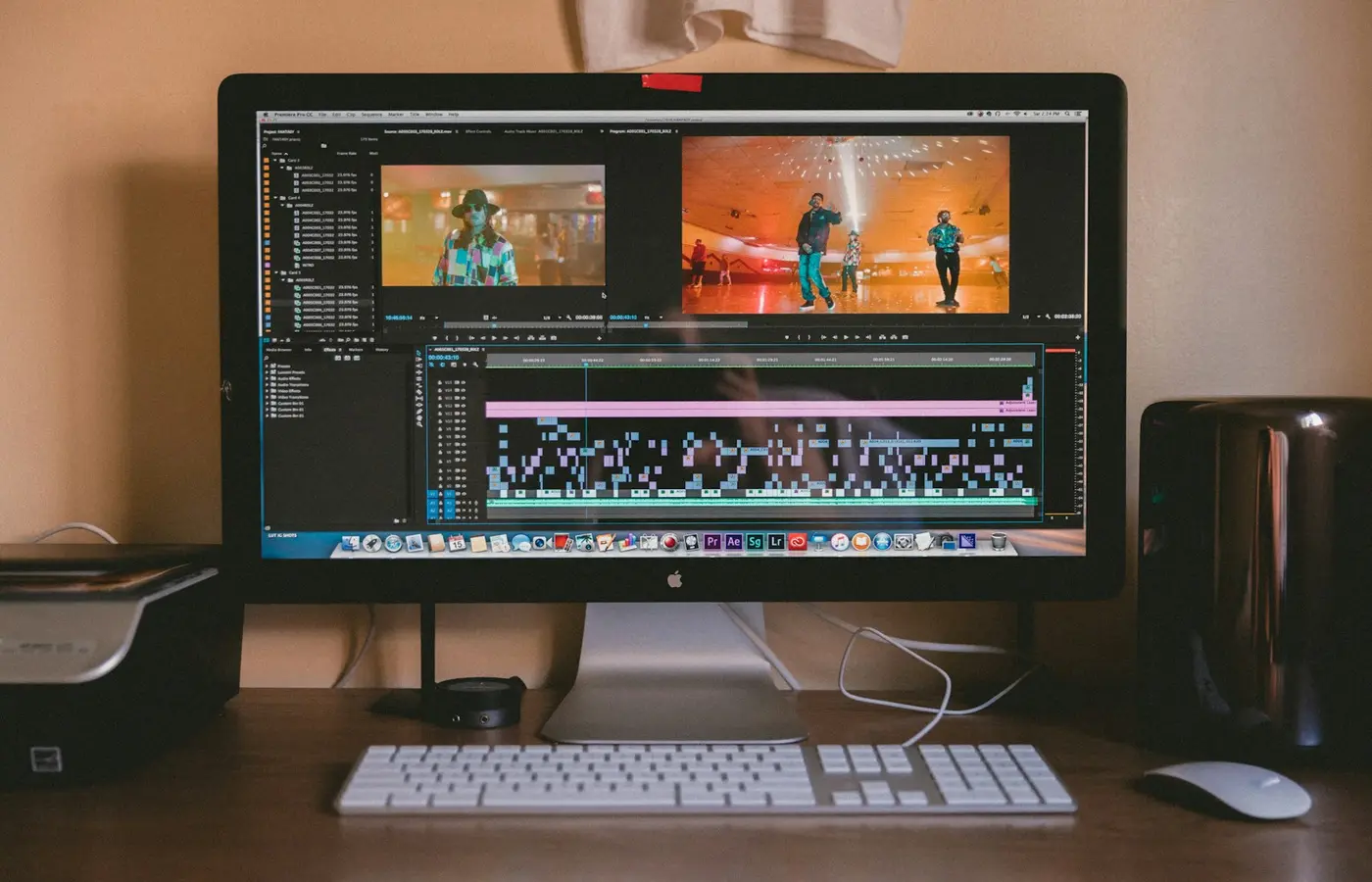
How to Choose the Best Laptop for Programming: RAM, Linux, VMs, and External Displays
 Buying Guides
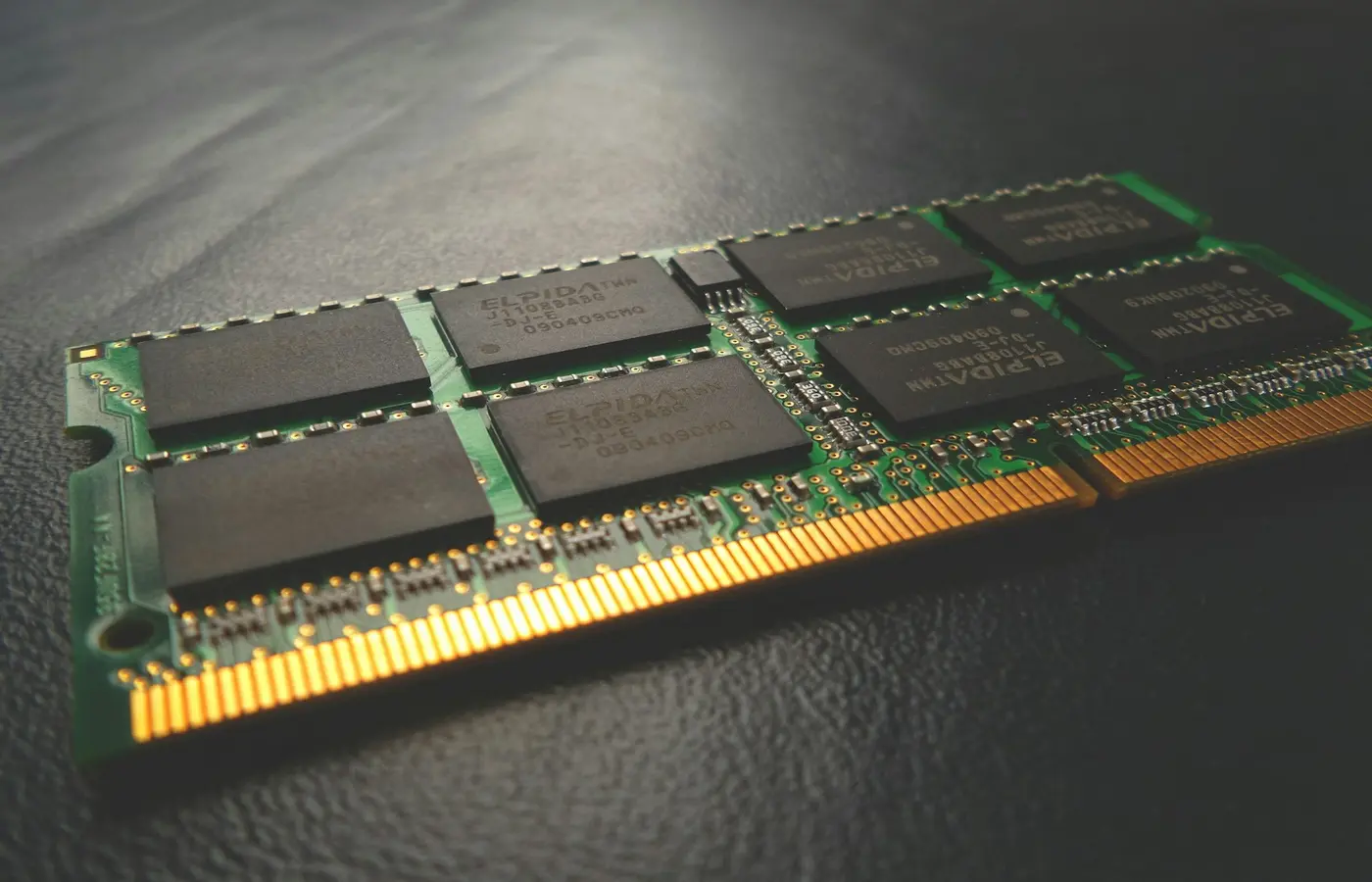
How to Choose a Laptop for Photo and Video Editing: A Configuration-First Guide
 Buying Guides
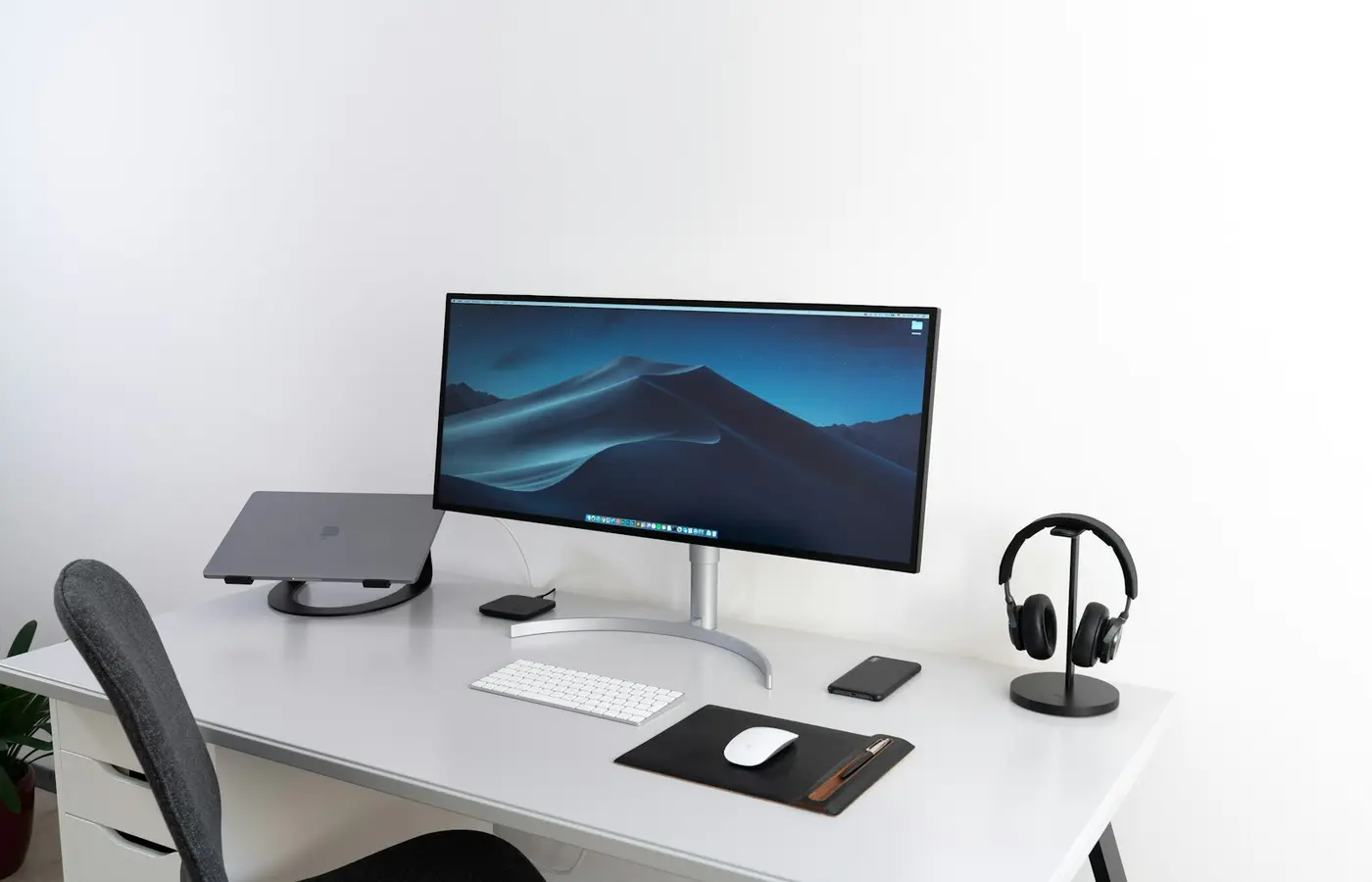
How Much Laptop RAM Do You Need? 8GB, 16GB, 32GB, and 64GB by Workload
 Buying Guides
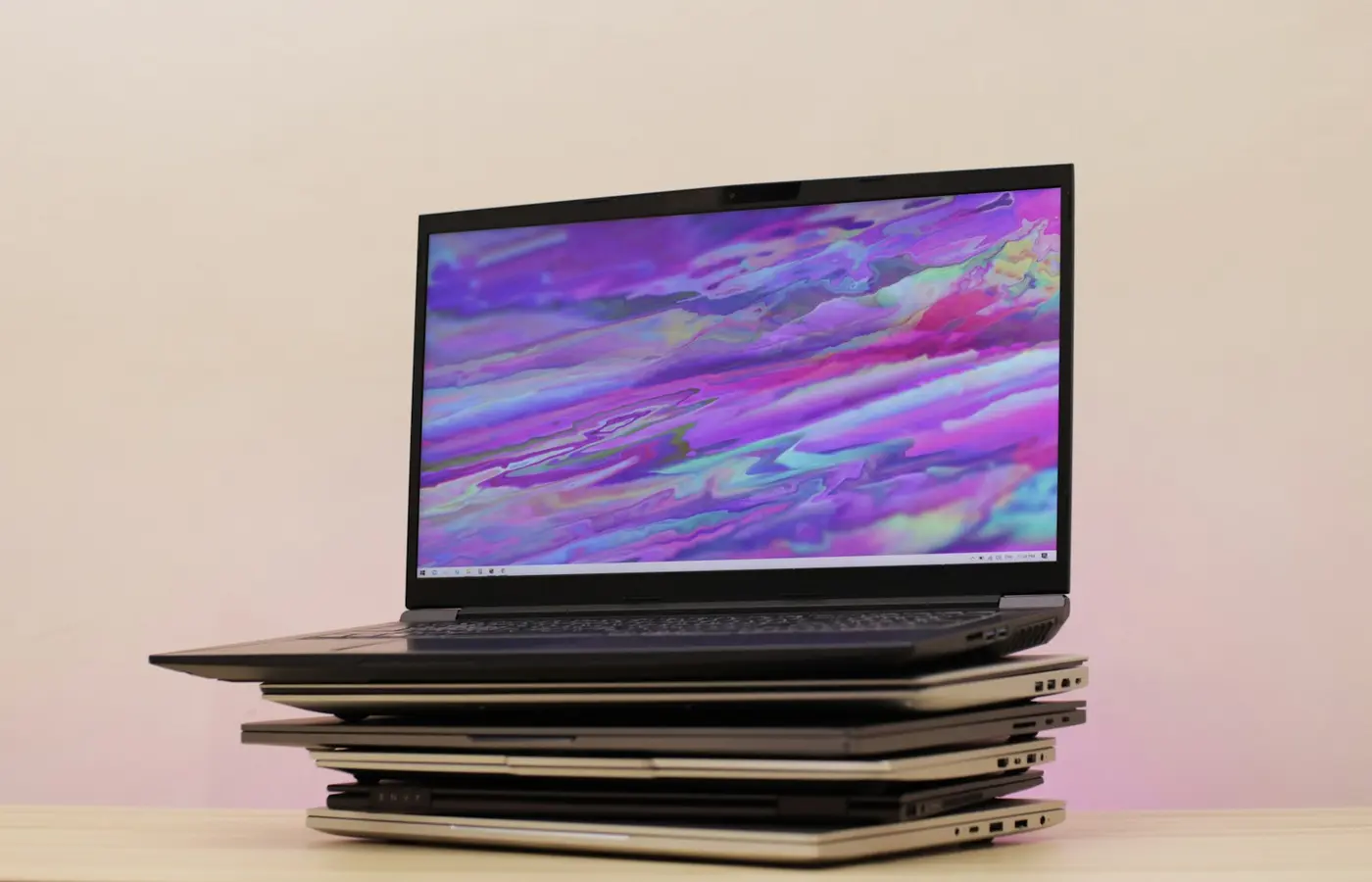
How to Choose a Laptop Dock: Compatibility, Display Limits, Charging, and Ethernet
 Buying Guides
How to Choose a Laptop Display: OLED vs. IPS, Resolution, Refresh Rate, and Brightness
 Buying Guides
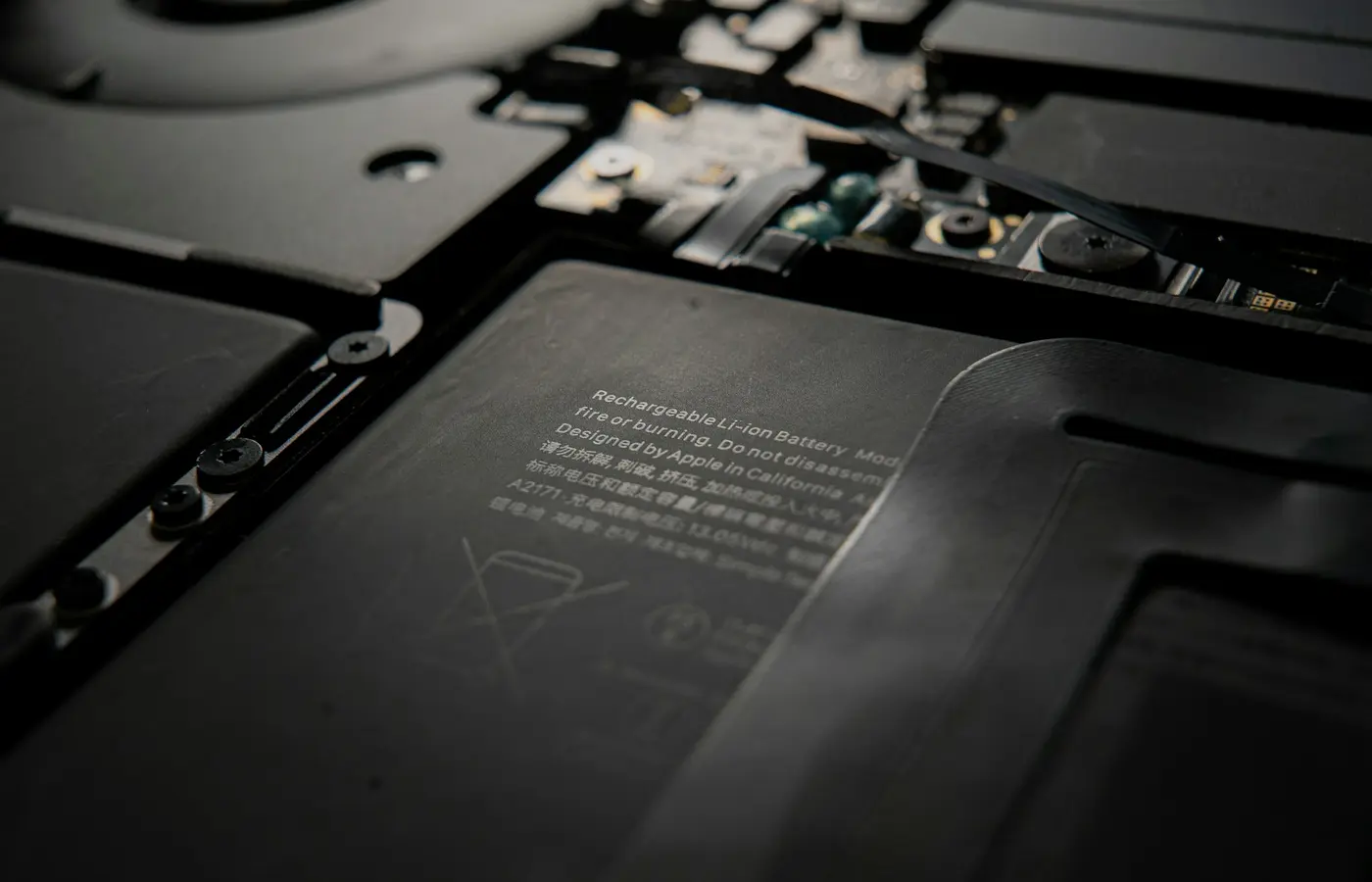
How to Check Whether a Laptop Has a Replaceable Battery Before You Buy
 Buying Guides
Should You Buy a Windows on ARM Laptop? A Compatibility Checklist
 Buying Guides
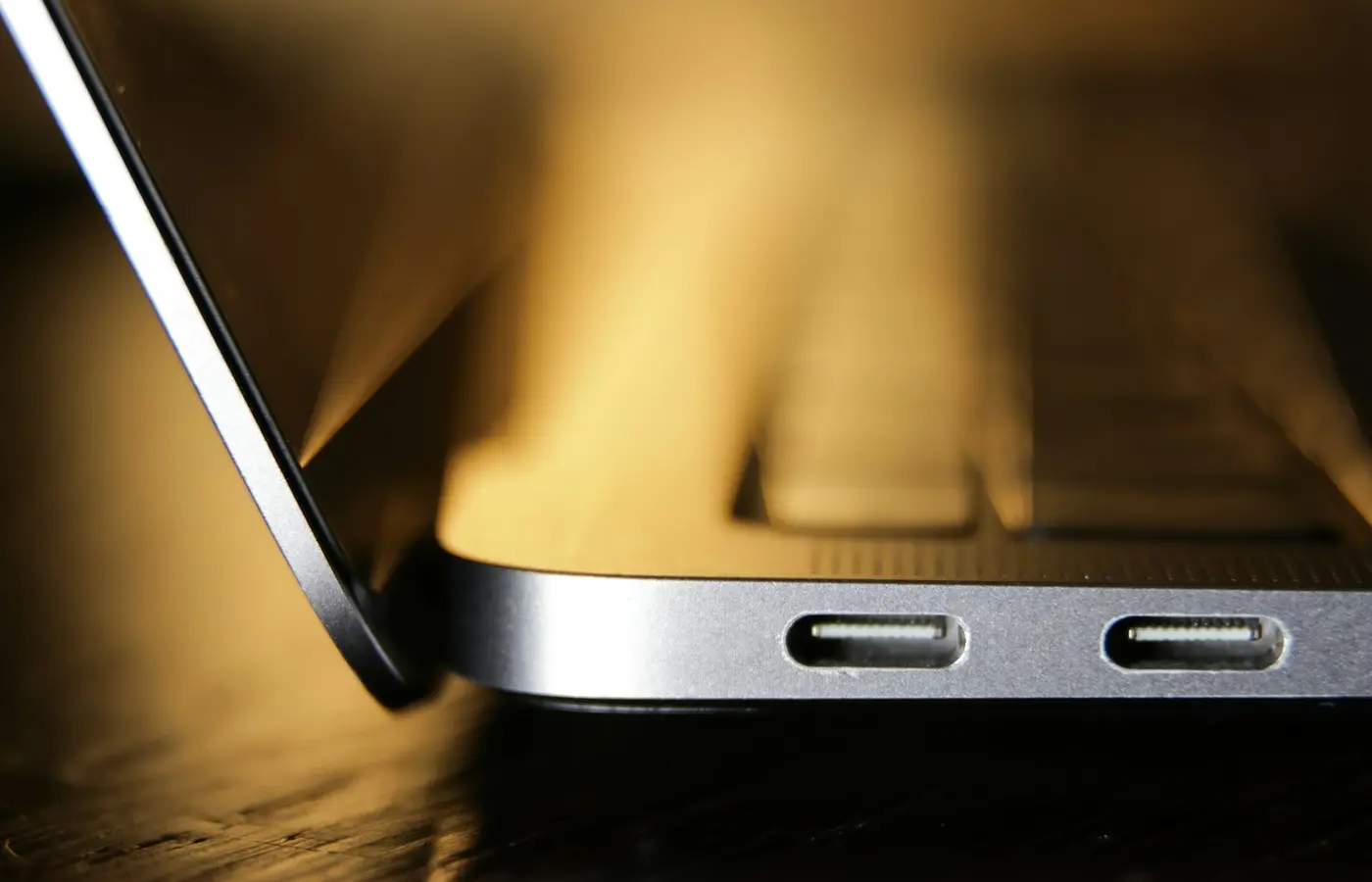
How to Check Whether a Laptop Can Charge Over USB-C Before You Buy
 Buying Guides
How to Check Whether a Laptop Supports USB4, Thunderbolt, or Neither Before You Buy
 How-To
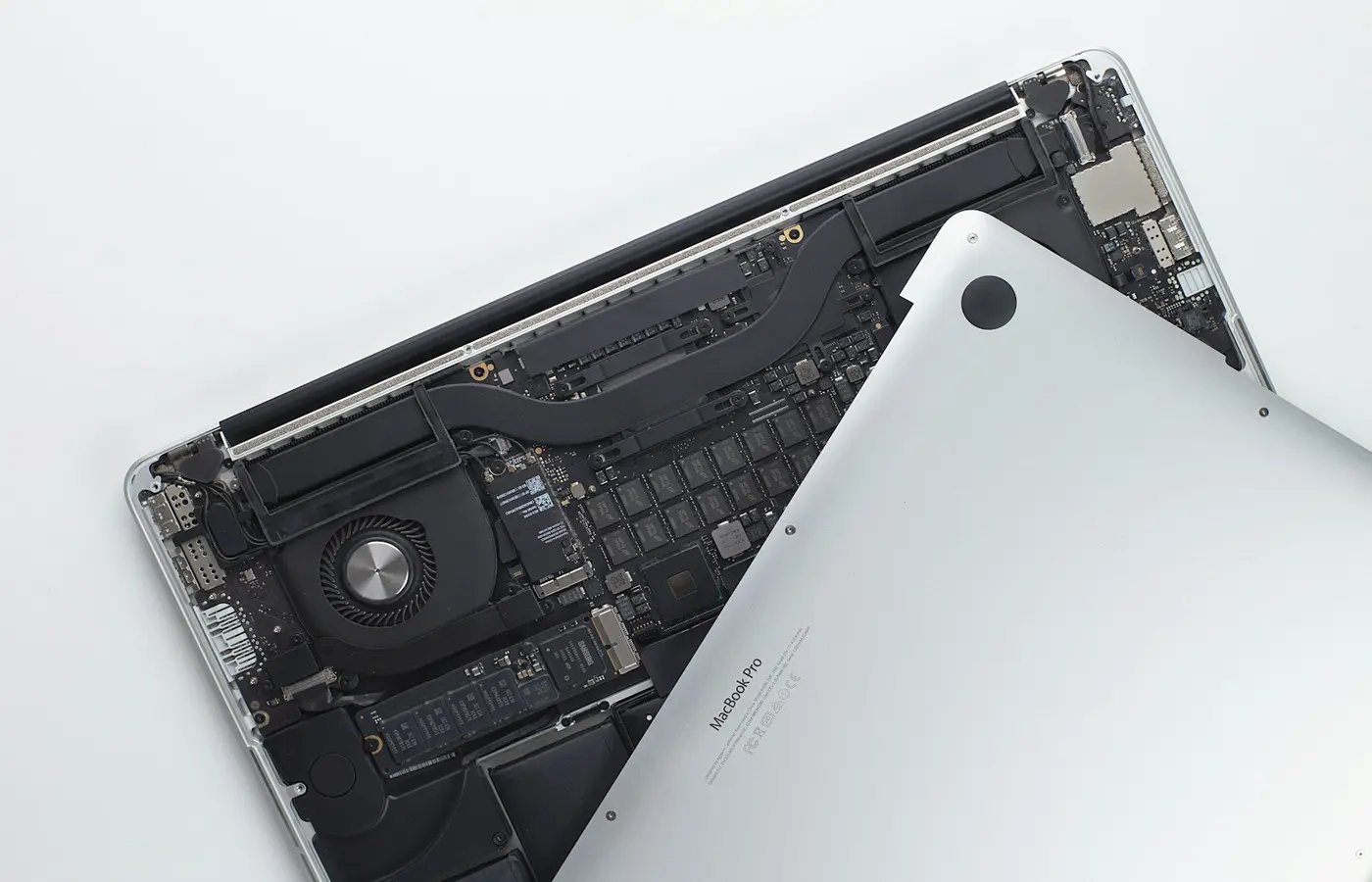
How to Check Whether a Laptop SSD Can Be Upgraded Before You Buy
 Buying Guides
How to Check Whether a Laptop Can Run Your Required Software Before You Buy
 Buying Guides
How to Choose a Laptop for College: Match Your Major, Required Software, and Campus Setup
 Buying Guides
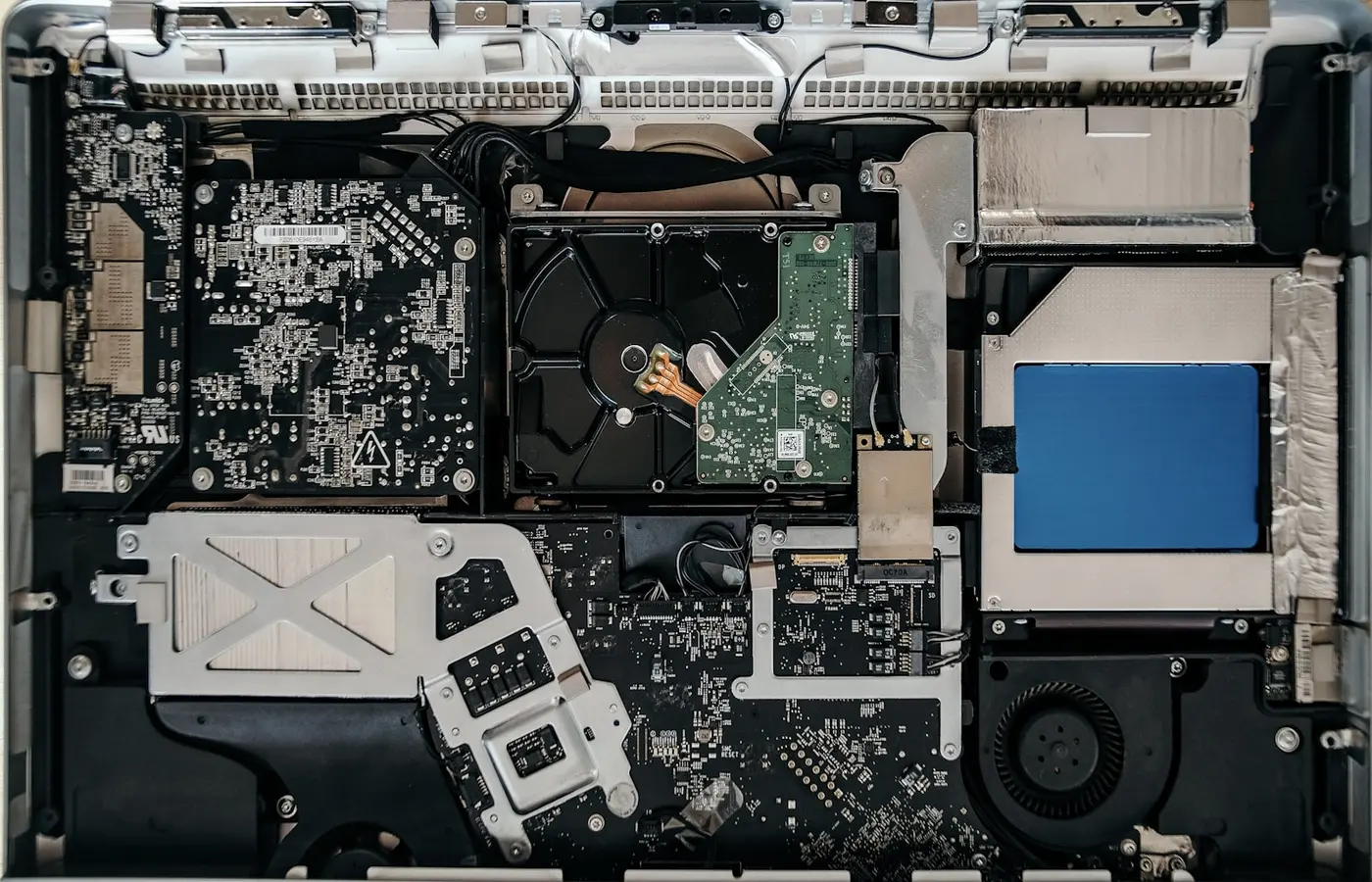
How to Check a Laptop’s Repairability Before You Buy: Battery, SSD, RAM, Parts, and Manuals
 Buying Guides
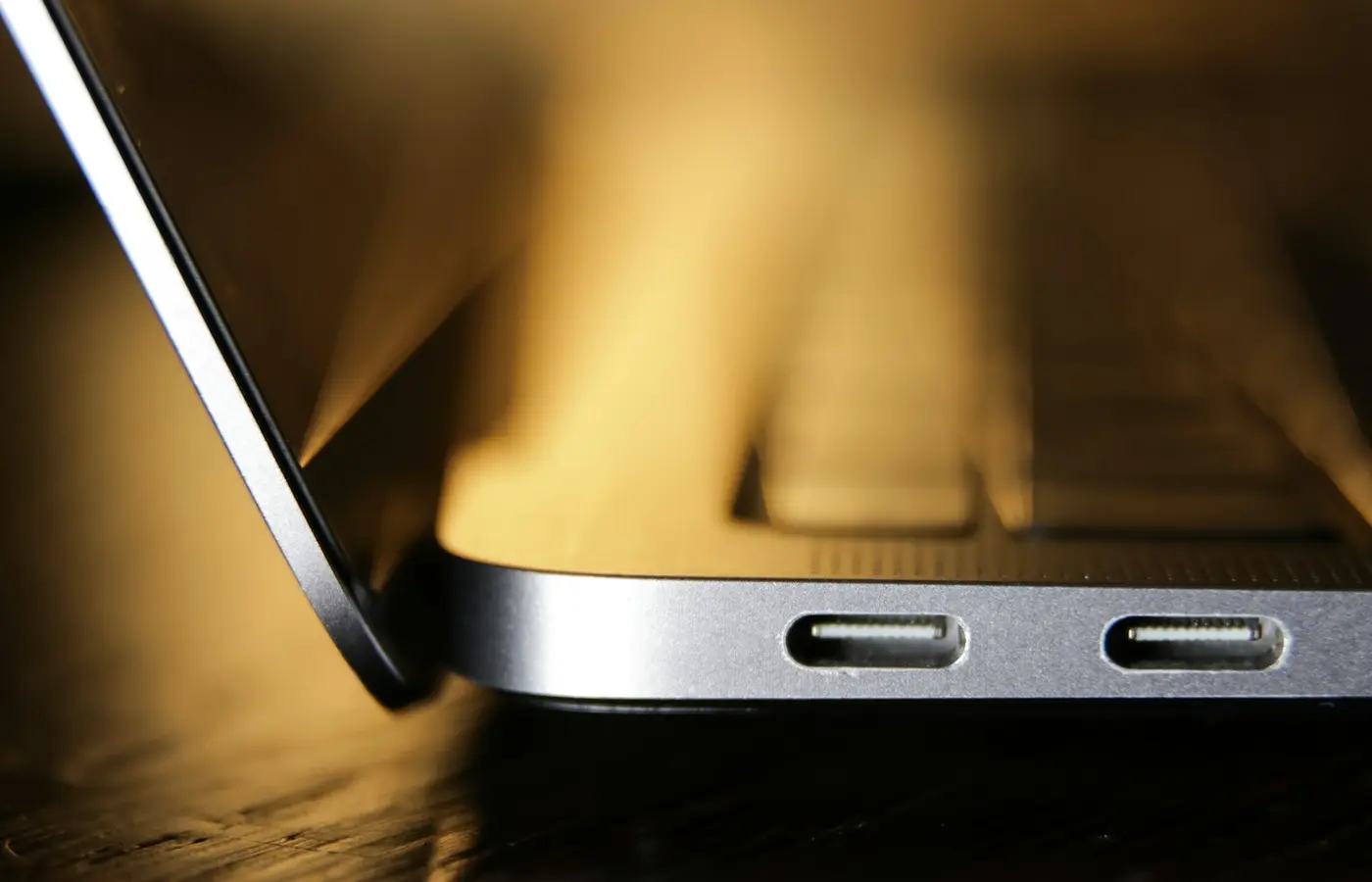
How to Check Whether a Laptop’s USB-C Port Supports Charging, Displays, and Thunderbolt
 Buying Guides
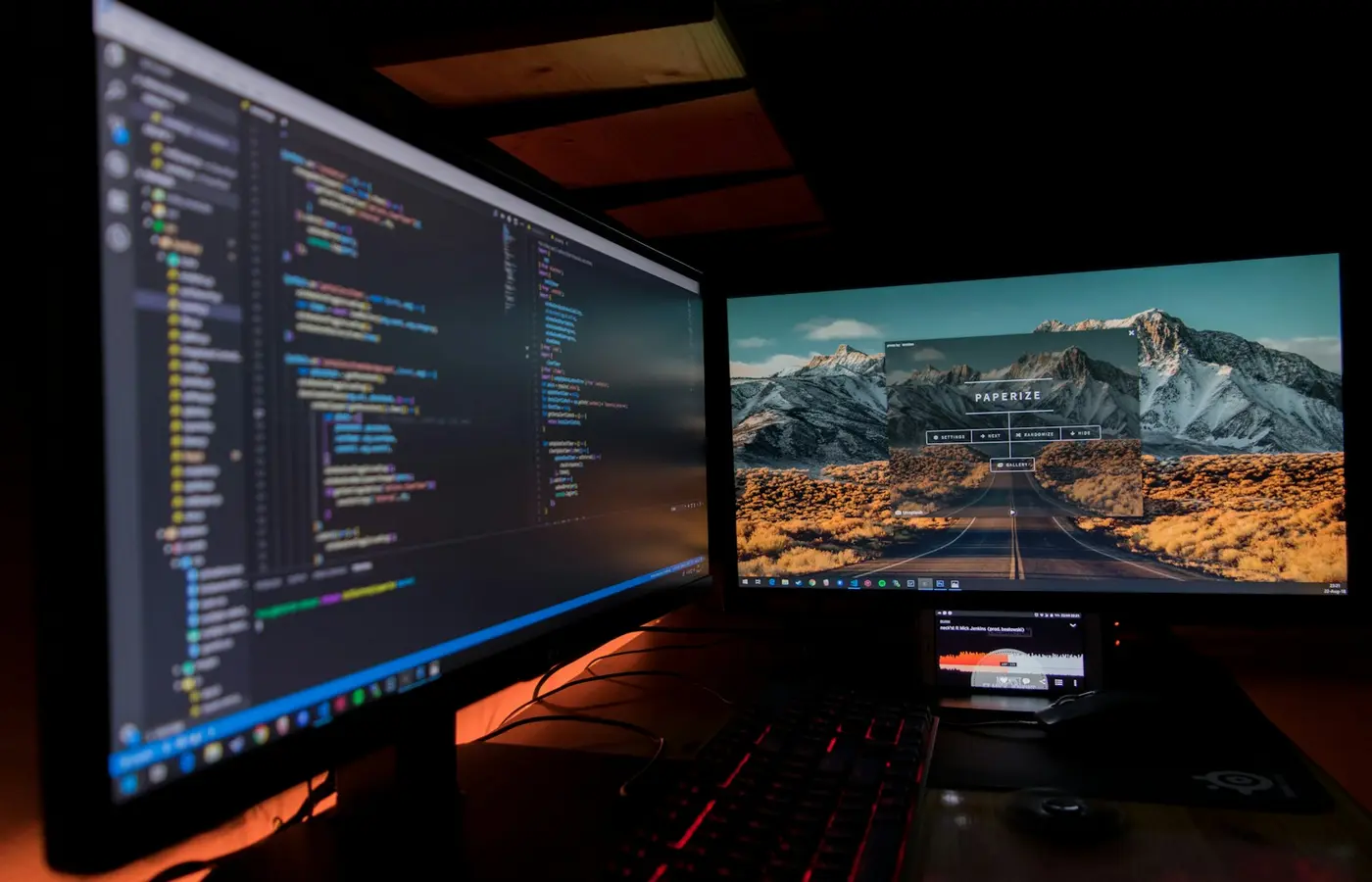
How to Check Whether a Laptop Supports Two External Monitors Before You Buy
 Buying Guides
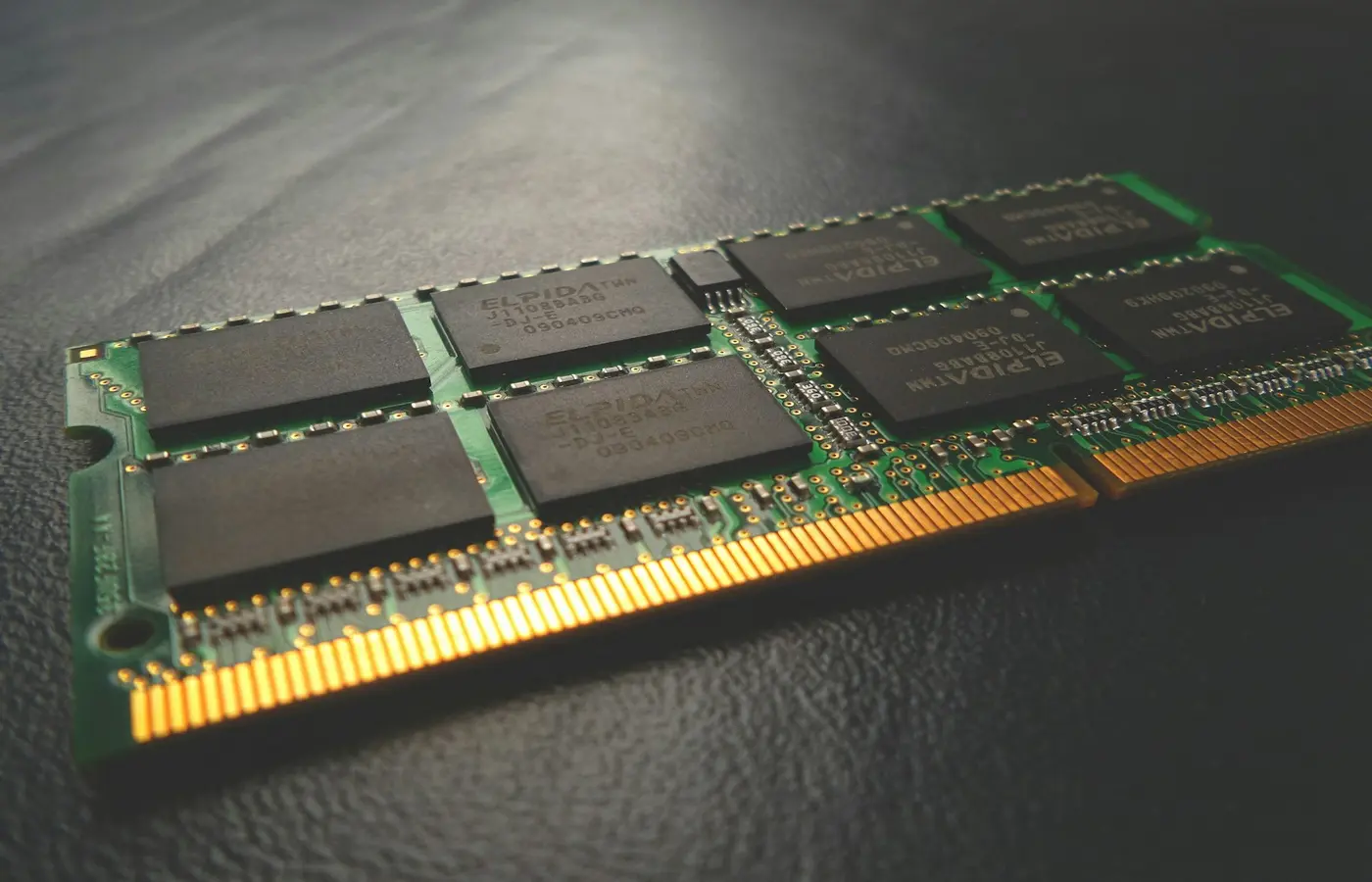
How Much RAM Do You Need in a Laptop? 8GB vs. 16GB vs. 32GB
 Best Laptops
Best Laptops for College Students in 2026
 Best Laptops
Best Laptops for Remote Work in 2026
Best LaptopsBest Budget Laptops Under $700: What to Buy in 2026
 Buying Guides