Best Budget Laptops Under $700: What to Buy in 2026
A configuration-first guide to choosing a Windows laptop or Chromebook under $700 without accepting a poor screen, too little memory, or non-upgradeable storage.

A good laptop under $700 is possible, but the model name alone will not identify it. Manufacturers often reuse one name across excellent and poor configurations. The winning purchase is therefore not a permanent product ranking; it is the right configuration at today’s checkout price.
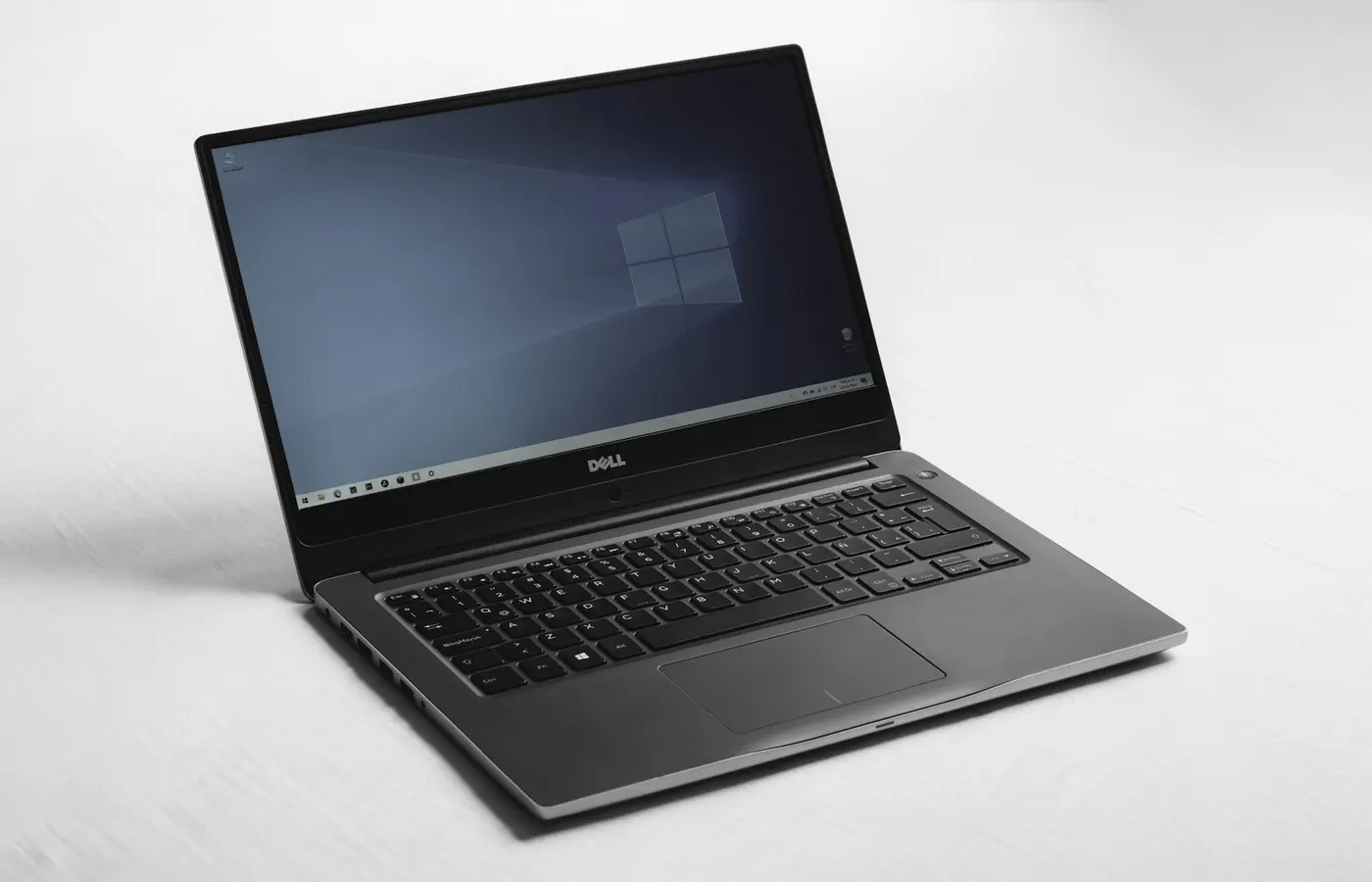
Quick verdict: most buyers should look for a 14-inch Windows laptop with 16GB of memory, a 512GB NVMe SSD, and an IPS-class 1920×1200 or 1920×1080 panel. A Chromebook Plus model is the cleaner choice when all required work runs in a browser or Android app. Skip any bargain whose listing hides the panel type, ships with 4GB RAM, or uses storage too small for your files.
The three budget-laptop types worth considering
| Product type | Best for | Configuration to demand | Main compromise |
|---|---|---|---|
| 14-inch Windows notebook | School, Office, browsing, light coding | 16GB RAM, 512GB SSD, IPS-class display | Build and speakers vary widely |
| Chromebook Plus | Browser-first study and home use | 8GB+ RAM, 128GB+ storage, 1080p display | Windows-only software will not run natively |
| Discounted business laptop | Typing, ports, repairability | Current supported CPU, 16GB RAM, healthy warranty | May look plain or use an older display design |
Recognizable families such as Acer Aspire Go, ASUS Vivobook, HP Pavilion, Lenovo IdeaPad Slim, and Chromebook Plus devices frequently appear in this bracket. That is a starting list, not an endorsement of every SKU. A family may include TN and IPS screens, 8GB and 16GB memory, or soldered and socketed components under nearly identical names.
Because prices change daily, this guide does not invent a fixed selling price. Apply the “under $700” rule to the final cart total on the day you buy, and compare the exact part number—not only the marketing name.
What your $700 should buy
Memory: 16GB is the Windows target
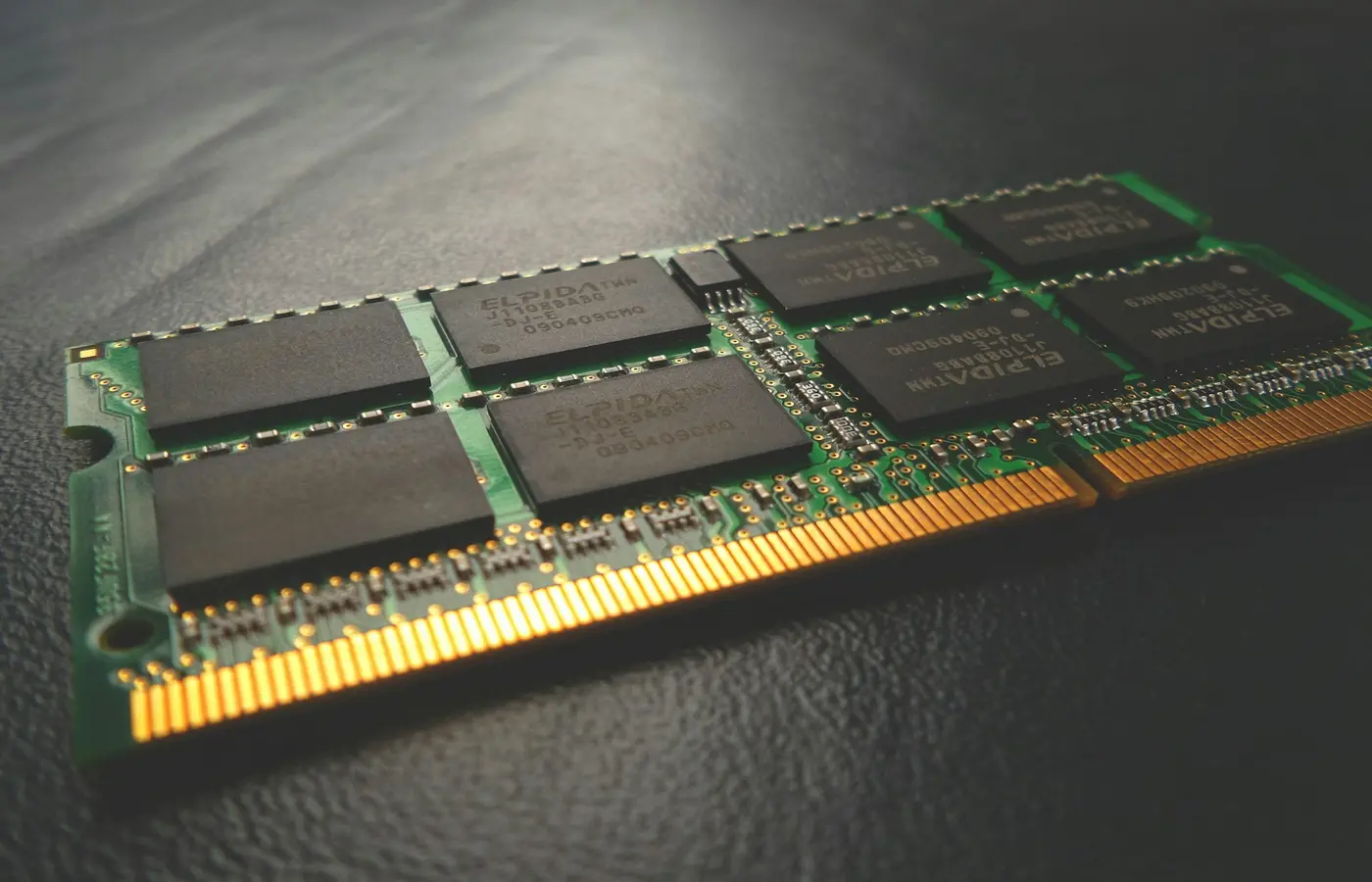
Eight gigabytes can still run basic Windows tasks, but it leaves less room for a browser, video call, documents, cloud sync, and security software at the same time. Choose 16GB unless the 8GB model is genuinely upgradeable and the total cost of the upgrade remains lower. Our 16GB versus 32GB RAM guide explains when more capacity changes real work.
For ChromeOS, 8GB can be reasonable for ordinary web use. It is not equivalent to promising that every Android or Linux workload will remain comfortable.
Storage: distinguish an SSD from a usable SSD
A 512GB NVMe SSD is the practical Windows baseline for local applications, updates, photos, and recovery space. A 256GB drive can work for cloud-first use, but check whether the laptop has a replaceable M.2 drive. If it does, our second NVMe SSD installation guide shows the compatibility and safety checks that come before opening a laptop.
Avoid listings that merely say “solid-state storage” without capacity or interface. Very small eMMC storage may be acceptable in a simple Chromebook, but it is a poor foundation for a general Windows machine.
Display: reject vague specifications
Resolution alone does not guarantee a good panel. Look for IPS, IPS-level, or an explicitly named equivalent; a 1920×1200 16:10 panel gives useful vertical room, while 1920×1080 remains serviceable. Check whether brightness, color coverage, touch, and finish are stated. If these are missing, assume nothing and use the return window to inspect text clarity, viewing angles, backlight uniformity, and reflections.
OLED can occasionally fall below the cap during promotions, but it should not displace memory, storage, or warranty quality. See OLED versus IPS laptop displays before choosing the more dramatic panel.
A five-minute listing audit
- Copy the complete manufacturer part number from the retailer page.
- Find that part number on the manufacturer support or specifications page.
- Confirm RAM capacity and whether it is soldered, socketed, or mixed.
- Confirm SSD capacity and whether an M.2 slot is replaceable.
- Verify display resolution and panel technology; do not infer IPS from a photo.
- Check USB-C charging and display output separately—USB-C does not guarantee either.
- Read the warranty and return-window terms before paying.
If the retailer and manufacturer pages disagree, ask the seller in writing or choose another listing. A small discount is not worth an uncertain configuration.
Who should spend more—or less
Spend above this bracket for a color-managed creative display, a discrete GPU, durable fleet support, or a workstation-class workload. Engineering and design students should first check their department’s required software; a campus lab or remote workstation may make a lighter machine more sensible. The college laptop guide includes that decision path.
Spend less, or buy refurbished, when the workload is email, documents, streaming, and web forms. A reputable refurbished business notebook with a disclosed battery condition and return policy can be a better tool than a new machine built to hit the lowest shelf price.
Final recommendation
Choose the best-confirmed configuration, not the most impressive CPU label. For Windows, 16GB RAM, a 512GB replaceable SSD, an IPS-class full-HD-or-better panel, and a usable return policy form the safest core. Choose Chromebook Plus only after confirming that every required application works on ChromeOS. Skip both if your workload requires a dedicated GPU or verified professional color support.
Frequently asked questions
Is 8GB RAM enough for a laptop under $700?
It can be enough for a Chromebook or a narrowly used Windows PC, but 16GB gives Windows multitasking substantially more breathing room. If memory is soldered, buy the capacity you expect to need for the life of the laptop.
Is a Core i3 or Ryzen 3 laptop a bad buy?
Not automatically. A current lower-tier processor paired with 16GB RAM, an SSD, and a good screen can feel better in daily work than a higher-tier CPU paired with 8GB RAM and a poor panel.
Should I buy a refurbished business laptop instead?
Yes when the seller discloses battery condition, cosmetic grade, warranty, and return rights. Confirm current OS support and avoid a machine whose replacement battery or charger is difficult to source.