16GB vs 32GB RAM: How Much Laptop Memory Do You Need?
Decide between 16GB and 32GB laptop RAM by measuring current memory pressure, checking software requirements, and accounting for soldered or upgradeable memory.
Verdict: 16GB is the sensible baseline for a new general-purpose laptop in 2026. Buy 32GB when a named application recommends it, your normal workload already approaches 16GB, or the laptop has soldered memory and will be used for heavier work for years. More RAM does not make a light workload faster once it already fits comfortably.
| Workload | 16GB | 32GB |
|---|---|---|
| Documents, research, streaming | Recommended | Usually unnecessary |
| Browser, calls, Office, light coding together | Usually enough | Adds margin for very heavy tab/app use |
| Adobe Premiere HD projects | Adobe-recommended level | More room for other apps |
| Premiere 4K and higher | Can constrain work | Adobe recommends 32GB or more on Windows |
| Several VMs, containers, large datasets | Often restrictive | Safer starting point |
| Modern games only | Usually enough | Useful with mods, streaming, or creation tools |
Adobe’s current Premiere system requirements are a useful example of evidence-based sizing: 16GB is recommended for HD media on Windows and 32GB or more for 4K and higher. Apply the same method to your own software rather than copying a universal rule.
Measure your current computer first
On Windows, open Task Manager, choose Performance > Memory, and then reproduce your heaviest normal session. On macOS, open Activity Monitor and use the Memory tab. Watch the pattern for at least several minutes—not a single idle screenshot.
- If usage stays comfortably below capacity and memory pressure remains normal, more RAM is unlikely to change responsiveness.
- If the system repeatedly nears capacity, memory pressure rises, or storage paging grows during real work, 32GB may remove a bottleneck.
- If CPU, GPU, storage, network, or thermal limits dominate, RAM is not the fix.
Close nothing just to make the number look better. The point is to model the browser, call, editor, data, and background tools you actually keep open.
What extra memory changes—and what it does not
RAM keeps active code and data close to the processor. When the working set no longer fits, the operating system compresses memory and moves less-active data to storage. An SSD makes paging less painful than an old hard drive, but it remains slower than memory and adds latency.
Going from 16GB to 32GB helps when it prevents that pressure, lets a VM reserve enough memory, holds a larger creative timeline, or keeps development services running together. It does not double CPU speed, GPU speed, download speed, or game frame rate by itself.
Unified-memory Macs require special care: CPU and GPU share the pool, and it cannot be upgraded. Compare the complete workflow and application guidance; do not equate unified and discrete-memory configurations through one simple conversion.
Upgradeability changes the buying decision
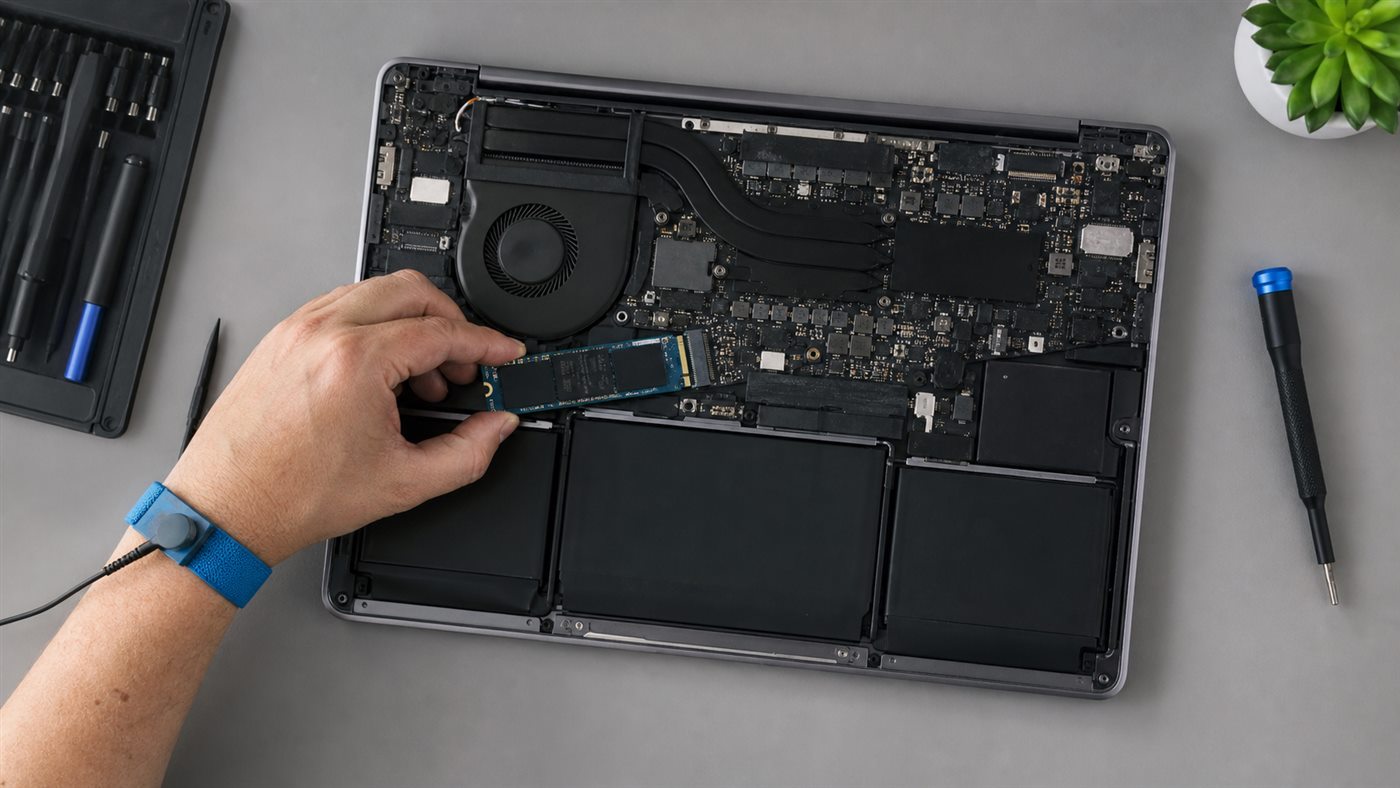
Check the manufacturer service manual for soldered memory, SO-DIMM slots, supported type, number of slots, and maximum tested capacity. “Up to 32GB” can mean a purchase-time-only option. Mixed soldered-plus-socketed designs require their own manual.
If a machine has accessible slots, buying 16GB and upgrading after measuring pressure can be economical. Follow our safe laptop RAM upgrade guide and use a model-specific manual. If memory is soldered, pay for 32GB only when the realistic workload or expected ownership period justifies it.
A practical decision tree
- Does required software explicitly recommend 32GB or more? If yes, follow it.
- Does a representative session show sustained pressure near 16GB? If yes, choose 32GB.
- Will you run several VMs/containers, large datasets, 4K media, or local models? Choose 32GB unless measured needs are clearly smaller.
- Is the laptop upgradeable and the workload ordinary? Start with 16GB.
- Would 32GB force a poor screen, weak battery, or inadequate storage? Keep 16GB and improve the component you will notice.
Students should combine this with the college laptop guide; remote workers should check the complete remote-work setup criteria.
Conclusion
Buy 16GB for mainstream work and 32GB for a demonstrated heavy workload. The best evidence is the software vendor’s requirement plus your own memory-pressure test. If the laptop is soldered, decide once with the heaviest plausible project; if it is upgradeable, keep the option to add capacity later.
Frequently asked questions
Will 32GB make Windows faster than 16GB?
Only when the 16GB system is constrained by memory. If the workload already fits, the difference may be imperceptible.
Is 16GB enough for gaming in 2026?
It remains workable for many games. Choose 32GB for heavy mods, simultaneous streaming/creation tools, or a game whose published requirements call for it.
Can I mix RAM capacities or speeds?
Sometimes, but support and channel behavior are model-specific. Use the service manual and memory vendor configurator; matched modules are the lowest-risk route.