OLED vs IPS Laptop Displays: Which Should You Buy?
Compare OLED and IPS laptop screens by black level, reflections, battery behavior, text use, response time, color workflow, and long-term static content.
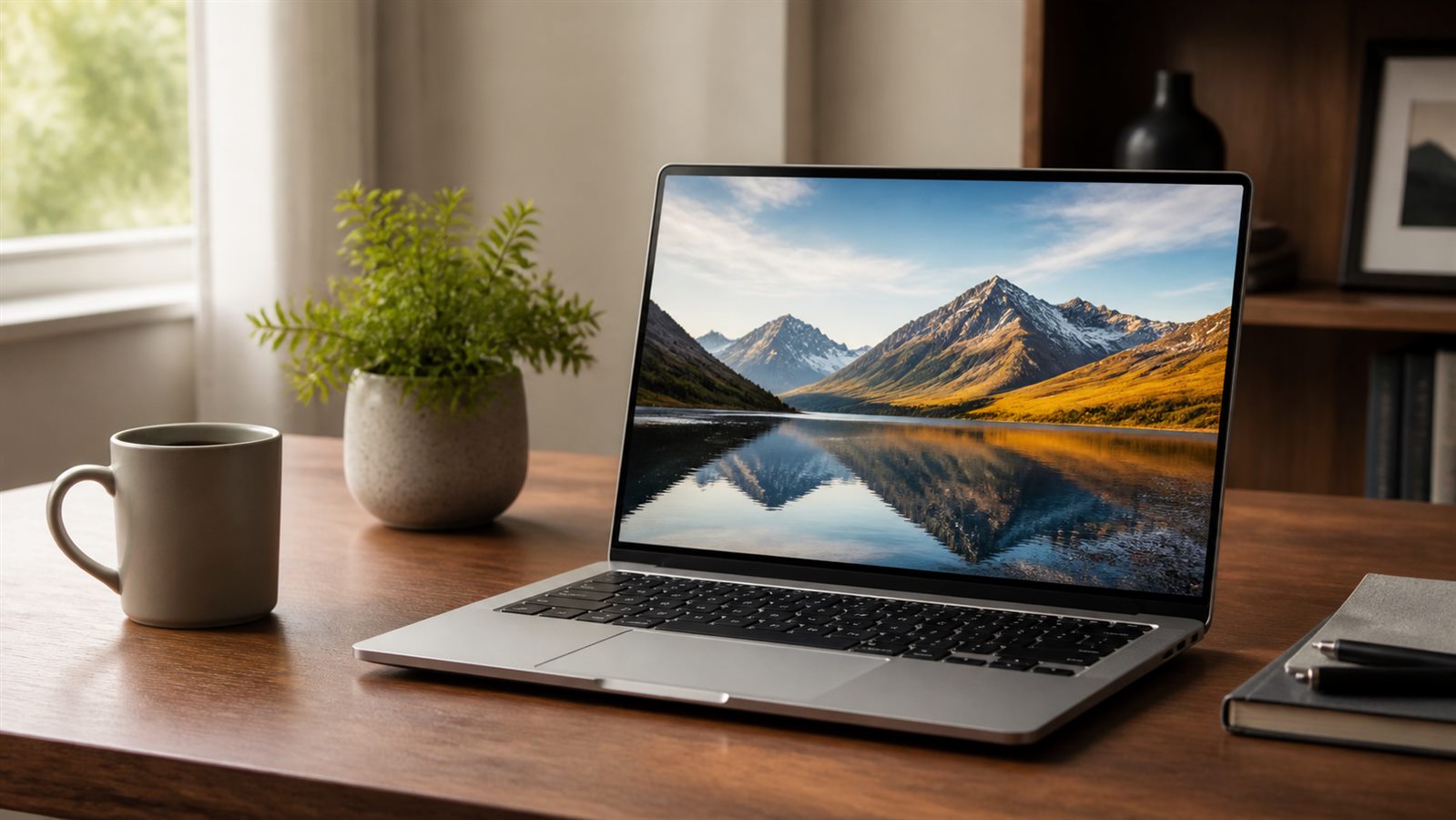
Verdict: OLED is the visual winner for dark scenes, movies, and high-contrast creative work. A good IPS panel remains the safer practical choice for long unplugged office sessions, bright rooms, static interfaces, and buyers sensitive to OLED-specific dimming or flicker behavior. Panel quality matters more than the label alone.
| Factor | OLED | IPS LCD |
|---|---|---|
| Black level | Individual pixels can turn off | Backlight remains active |
| Pixel response | Typically very fast | Varies from fast to visibly slow |
| Finish | Often glossy | Matte and glossy options common |
| Static-content aging | Uneven wear is possible over long exposure | No organic-pixel burn-in mechanism |
| Full-screen brightness | May vary with content/power limits | Often more stable, model-dependent |
| Battery | Dark content can help; bright pages may not | Depends on backlight and panel efficiency |
Choose by work, not showroom impact
OLED suits film viewing, dark games, photo/video contrast evaluation, and users who value immediate pixel transitions. IPS suits long writing, spreadsheets, coding, outdoor/bright-office use with a matte finish, and a laptop that spends years showing static toolbars.
Neither label guarantees accuracy. Check native resolution, refresh rate, measured gamut, calibration modes, brightness behavior, PWM/flicker findings, coating, touch layer, and independent measurements for the exact panel. Manufacturer claims such as peak HDR brightness may apply to a small highlight rather than a full white screen.
Battery life is content-dependent
OLED pixels consume according to displayed content: dark interfaces can reduce display power while large bright pages can increase it. IPS uses a backlight, so content has less direct effect, although brightness remains crucial. Compare battery tests only when the same laptop is offered with both panel types and the tester discloses brightness, refresh rate, workload, and power mode.
Windows includes dark mode and dynamic-refresh options that can reduce power in relevant configurations, as described in Microsoft’s Windows power settings. That is not a promise of a particular runtime.
Burn-in, flicker, and reflections
OLED uses organic emitters that can age unevenly when the same bright elements remain fixed for long periods. Modern mitigation reduces risk, but cannot make every workload identical. Auto-hide static bars, use sensible brightness, allow sleep, and keep vendor pixel-care features enabled. A user who displays the same dashboard all day has a different risk profile from someone watching varied video.
Some OLED laptops use pulse-width modulation or other brightness control that bothers sensitive users. IPS panels can also flicker, so consult model-specific testing and use the return window. Glossy coatings increase perceived contrast but can become mirror-like near windows; matte IPS options are easier to find.
A pre-purchase screen test
- Find the exact panel option, not merely “OLED” or “IPS.”
- Check independent measurements for brightness, color, response, and flicker.
- Open a white document, dark video, gray gradient, and small text.
- Move near a window to judge reflections and usable brightness.
- Run at the scaling and refresh rate you intend to use.
- Check the return policy before accepting a panel you have not seen.
For a college machine, combine this with the student laptop guide. For gaming, refresh behavior and adaptive sync in the 1440p gaming guide may matter more than panel chemistry. For remote work, an external monitor can make the built-in choice less important; see the remote-work guide.
Conclusion
Buy OLED when contrast, dark-scene quality, and fast response are worth reflections and workload-dependent power. Buy IPS when matte availability, static-content use, predictable brightness, or value matters more. Skip a poor implementation of either technology: an excellent IPS panel beats a dim, reflective, badly tuned OLED, and vice versa.
Frequently asked questions
Is OLED always more color-accurate than IPS?
No. Accuracy depends on the panel, factory calibration, profile, viewing mode, and workflow. Measure or consult a credible exact-model test.
Does dark mode improve OLED laptop battery life?
It can reduce display power when large areas become dark. The total gain depends on brightness, content, panel, and the rest of the system.
Is OLED burn-in covered by warranty?
Policies vary by manufacturer, model, region, and failure definition. Read the written warranty before purchase; do not infer coverage from panel marketing.