Best Gaming Laptops for 1440p in 2026
Choose a 1440p-class gaming laptop by GPU memory, power range, cooling, display resolution, and game settings—not the GPU badge alone.
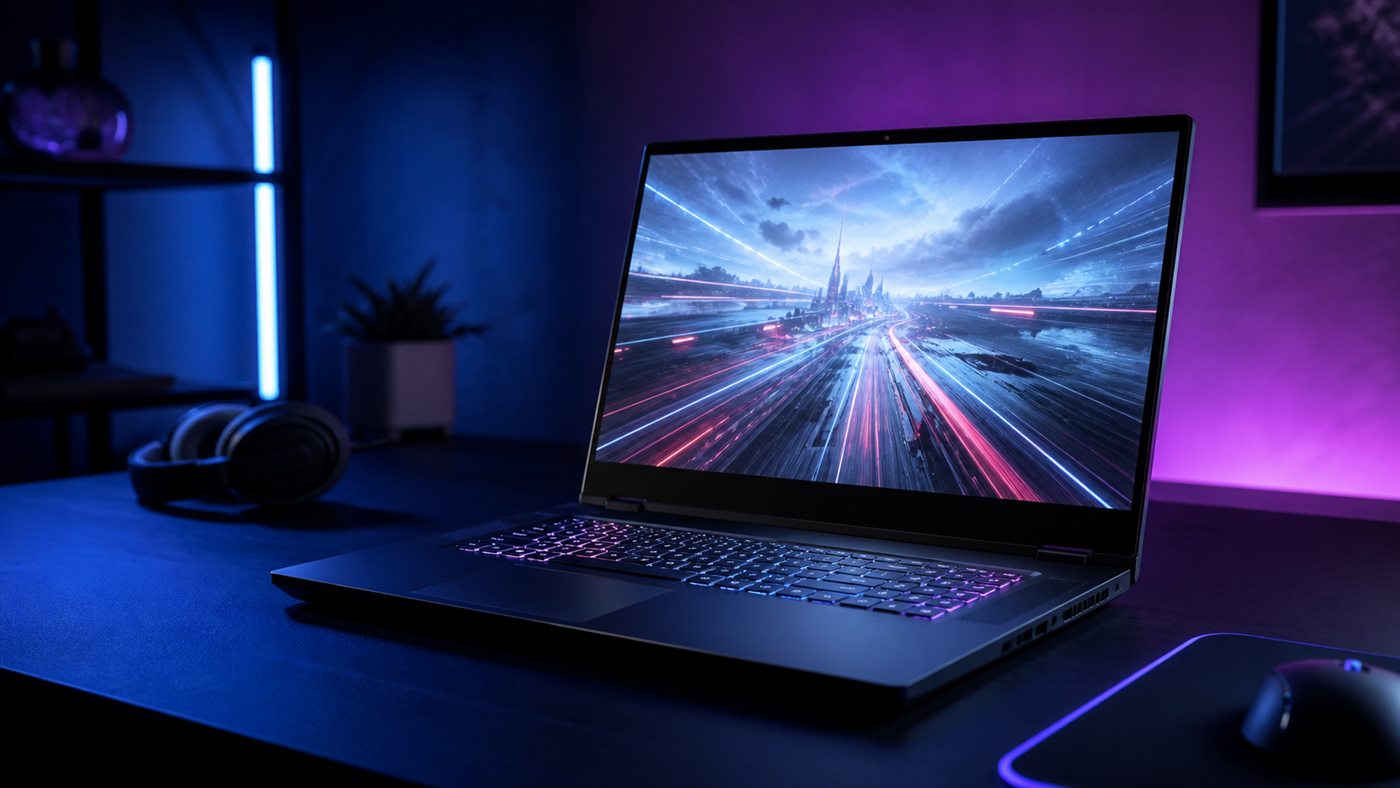
The 2026 market has moved beyond the RTX 4060 as the default new-laptop recommendation. NVIDIA’s current Blackwell laptop line spans the RTX 5050 through RTX 5090, with RTX 5060 and RTX 5070 models carrying 8GB of GDDR7 and RTX 5070 Ti carrying 12GB. Those are official hardware specifications, not promises of a particular frame rate; chassis power and cooling still determine what reaches the screen.
Quick verdict: an RTX 5060 laptop is the sensible entry point for a new 2560×1440 or 2560×1600 gaming machine when you accept optimized settings and upscaling. Choose RTX 5070 Ti for more native-resolution headroom, ray tracing, texture-heavy games, or GPU creation work. An RTX 5070 can make sense at the right price, but its 8GB standard configuration makes the 5070 Ti’s 12GB a meaningful distinction. Skip an RTX 5050 for this use unless you mainly play lighter games at reduced settings.
The short list by buyer type
| Laptop class | Who it fits | Configuration to verify | Why you might skip it |
|---|---|---|---|
| 16-inch RTX 5060 | Value-focused 1440p/1600p player | 8GB GDDR7, dual-channel RAM, adaptive sync | Demanding games may need reduced textures or upscaling |
| 16-inch RTX 5070 Ti | High-settings player and creator | 12GB GDDR7, adequate GPU power, 32GB option | Higher price, fan noise, and charger weight |
| 14-inch RTX 5060/5070 | Frequent traveler | Native panel resolution, total weight, USB-C behavior | Thin cooling can reduce sustained performance |
| RTX 5080/5090 desktop replacement | Maximum mobile GPU work | 16GB/24GB VRAM, full power adapter, service access | Poor value if a desktop is practical |
Current identifiable families include Lenovo Legion Pro, ASUS ROG Strix/Zephyrus, Acer Predator Helios, MSI Vector/Raider, and Dell Alienware. Buy the configuration, not the family reputation: screen, GPU power, memory, storage, and thermal design can change within one line.
NVIDIA’s official RTX 50 Laptop GPU specifications list wide subsystem-power ranges. That is the crucial warning. A thin RTX 5070 is not guaranteed to outrun every well-cooled RTX 5060, and a larger number does not remove the need for independent testing of the exact model.
What “1440p gaming laptop” means in practice
Laptop makers commonly use 2560×1600 16:10 panels rather than exact 2560×1440 16:9 panels. Games may render at the native 1600p resolution, at 1440p with bars or scaling, or at a lower internal resolution reconstructed with DLSS. Decide whether your priority is native pixels, image quality with upscaling, or high refresh rate.
For esports, a lower render resolution at a high frame rate may matter more than GPU memory. For recent single-player games, VRAM and stable sustained power become more important. Multi Frame Generation can improve displayed smoothness in supported titles, but it is not a substitute for a sufficiently responsive base frame rate and should not be treated like native rendered performance.
The checkout configuration that matters
GPU and power behavior
Record the full GPU name and manufacturer-stated power range. If the listing omits it, find the model’s support page or ask the seller. Compare independent reviews only when they tested the same model and GPU power profile. Our older RTX 4050 versus RTX 4060 Laptop GPU comparison explains why last-generation clearance systems still need this check.
Display
Confirm native resolution, refresh rate, variable-refresh or G-SYNC support, brightness specification, color coverage, and whether the laptop switches cleanly between integrated and discrete graphics. A fast GPU paired with a dim or smeary panel is a bad allocation of budget. Read OLED versus IPS laptop displays if choosing between visual contrast and a conventional high-refresh IPS panel.
RAM and storage
Sixteen gigabytes is a workable gaming floor; 32GB is preferable when gaming alongside browsers, streaming tools, mods, or creation applications. Check whether memory is socketed and dual-channel. A 1TB SSD fills quickly with modern game libraries, so verify whether a second M.2 slot exists before assuming an easy upgrade. The second-SSD guide covers the physical and firmware checks.
Cooling, noise, and power supply
Do not infer temperatures or noise from photographs. Look for a disclosed independent review of the exact configuration, including its performance mode and ambient conditions. A quieter balanced mode can be the better daily choice even when a maximum mode benchmarks higher. Also include the AC adapter in travel weight; high-performance laptops are systems, not just chassis.
A decision tree that prevents overspending
- Mostly esports at high refresh? Buy the best panel/CPU balance that sustains your target frame rate; RTX 5060 is often enough.
- Recent AAA games at native 1600p? Prefer RTX 5070 Ti or above, especially for high textures and ray tracing.
- Games plus 3D, video, or local AI? Prioritize VRAM and application support; 12GB or more can justify the higher tier.
- You rarely move the computer? Compare the complete cost and performance of a desktop plus a modest laptop.
- Buying clearance RTX 40 hardware? Demand a substantial discount and compare the exact chassis, not generation labels alone.
Final recommendation
For most new 1440p-class gaming laptops, start with a well-cooled 16-inch RTX 5060 configuration and spend first on a good adaptive-sync display, dual-channel memory, and adequate storage. Step up to RTX 5070 Ti when the extra 12GB memory configuration and stronger GPU align with games or creative workloads you actually run. Skip both when portability is the priority and cloud/desktop gaming is available, or when a stationary desktop would provide better value.
Frequently asked questions
Is 8GB of VRAM enough for 1440p gaming?
It can be enough with sensible texture settings and upscaling, but it is not a universal guarantee. Newer texture-heavy games and creation workloads can benefit from more, which is the clearest reason to consider RTX 5070 Ti’s 12GB configuration.
Should I choose 1440p or 1600p on a laptop?
Choose the panel that fits the laptop and your work. A 1600p 16:10 display adds useful vertical space outside games; rendering at its native resolution is slightly more demanding than 1440p.
Is an RTX 4060 laptop obsolete?
No. It is a previous-generation product, and NVIDIA still documents the RTX 40 laptop line. It can be a good clearance purchase when the exact configuration, condition, and discount compensate for older features and support horizon.