Do You Need an NPU in a Laptop? Match AI Features to Your Apps
An NPU matters when your chosen Windows features or apps support it. Learn when to prioritise a Copilot+ PC, GPU, RAM, or a better overall laptop.
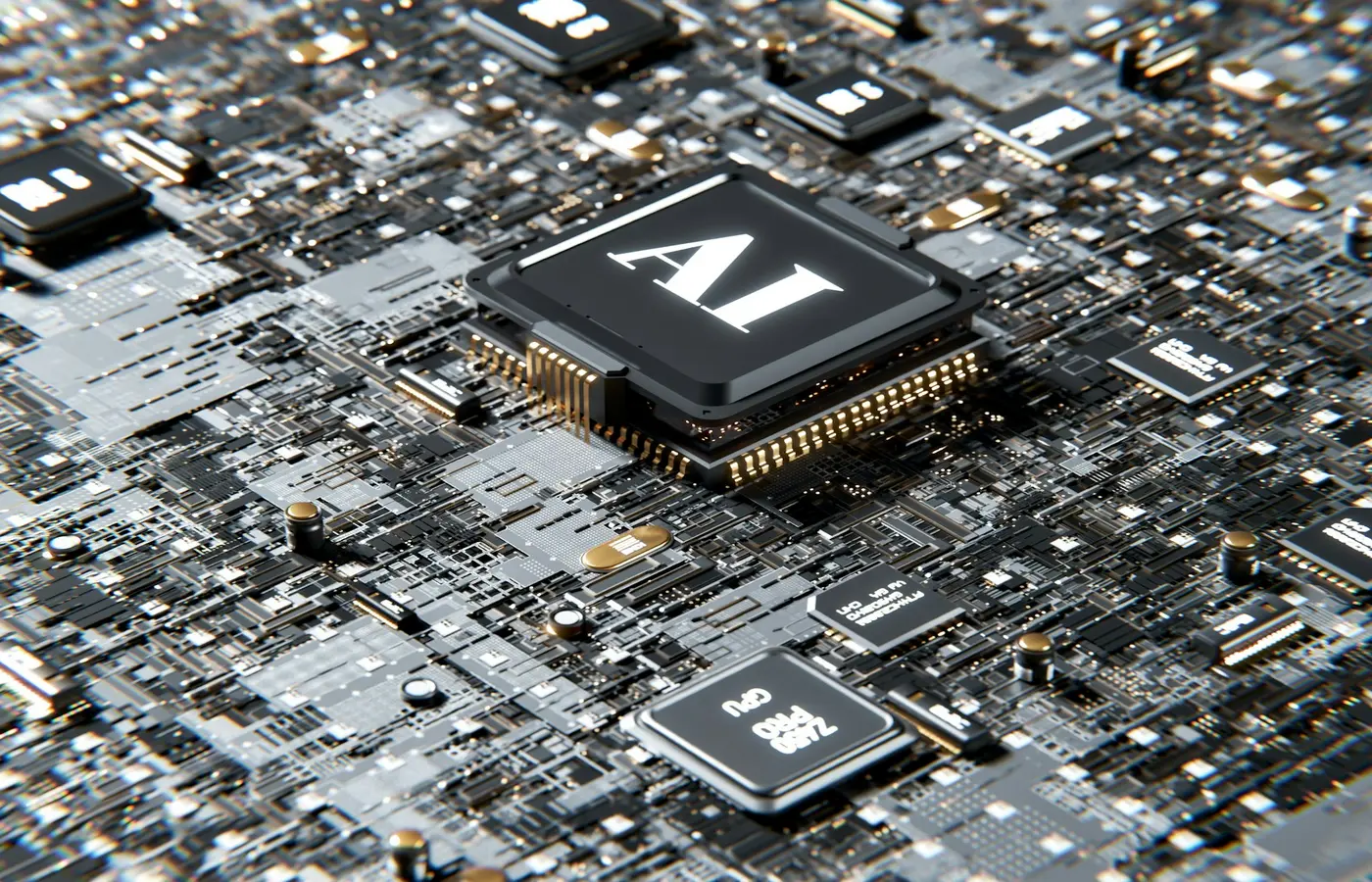
Most people should not make an NPU the deciding laptop specification unless they can name a feature or application they expect to use locally. An NPU can be useful, but an “AI PC” badge does not tell you whether your preferred chat tool, creative app, video-call feature, or local model will use it.
The safer default is to buy the better complete laptop: the right screen, memory, storage, ports, keyboard, warranty, and processor for your everyday work. Pay extra for a stronger NPU when you are buying a new Windows laptop anyway and specifically want supported Copilot+ PC features, or when your chosen application documents NPU support for the hardware you are considering.
Editorial disclosure: This is a research-based buying guide, not a hands-on review. Laptop Advices has not tested the laptops, NPU performance, battery life, or application behaviour discussed here. Feature availability and hardware support can change through operating-system and app updates, so verify the exact configuration before purchase.
The short answer: buy an NPU for a confirmed feature, not the AI PC label
An NPU, or neural processing unit, is a processor designed for supported machine-learning tasks. It is one possible compute path alongside the CPU, integrated graphics, a dedicated GPU, and remote cloud servers.
That distinction matters because many popular AI tools do not need an NPU at all. A browser-based chatbot usually runs its model on the provider’s servers. The laptop mainly needs a supported browser, a reliable connection, enough memory for normal multitasking, and the performance to handle the web app. The same is often true of cloud-assisted editing tools.
By contrast, some Windows features are designed for qualifying hardware with a sufficiently capable NPU. Microsoft’s Copilot+ PCs developer guide says that many new Windows AI features require an NPU capable of 40 or more TOPS. TOPS means trillions of operations per second, a capability measure used for certain AI operations.
Use this practical rule:
- Buy a Copilot+ PC if you want a Windows feature that Microsoft lists for qualifying devices and you have confirmed that it is available for your language, region, Windows version, account, and laptop configuration.
- Buy an NPU-equipped laptop without making it your priority if it is otherwise the best complete machine and the price difference is modest.
- Prioritise RAM, storage, and possibly a GPU instead if your goal is local models, image generation, video work, software development, or another application where the software documentation points to those resources.
- Do not pay a premium for an NPU just to use cloud AI in a browser or because a retailer calls a system “AI-ready.”
What an NPU does—and what it does not guarantee
An NPU can run compatible inference tasks efficiently without asking the CPU or GPU to handle every part of the workload. That can make it useful for features such as supported camera effects, audio processing, captioning, translation, or operating-system AI functions.
But the presence of an NPU is not a promise that any AI task will become faster, more private, or available offline. For that to happen, several conditions must line up:
- The feature must run locally rather than on a remote service.
- The app must support an NPU on your operating system and processor architecture.
- The app or runtime must support the specific hardware backend.
- The model must fit within the memory available to that software path.
- Your installed app version and operating-system release must include the feature.
TOPS is especially easy to overread. A 40+ TOPS NPU can matter for Copilot+ PC eligibility, but it does not predict how quickly a particular language model answers, how fast an image generator renders, or how well a video editor performs. Those outcomes depend on the application, model, runtime, memory capacity, thermal and power settings, and whether the workload actually uses the NPU.
Do not assume that an app advertised as “AI-powered” uses the NPU. It may use the CPU, integrated graphics, a dedicated GPU, a cloud service, or more than one of those paths. The application’s official requirements and release notes are more useful than the laptop’s marketing label.
Check whether the AI features you use actually require an NPU
Before comparing laptop listings, write down the feature you intend to use—not a broad category such as “AI.” Then check the official documentation for that feature and the exact version of the app.
| What you want to do | Is an NPU usually essential? | What to verify before buying |
|---|---|---|
| Use browser-based chat, search, or writing tools | Usually no | Browser support, internet access, subscription or account requirements, and normal multitasking memory needs |
| Use supported Windows on-device AI features | Often yes | Whether the feature requires a Copilot+ PC, current Windows version, update status, language, region, account, and rollout status |
| Use webcam, microphone, or background effects | Sometimes | The conferencing app’s supported hardware path, the laptop maker’s control software, camera hardware, and operating-system support |
| Run local language models | It depends | The specific app’s CPU, GPU, NPU, architecture, runtime, model-format, RAM, and storage requirements |
| Generate images or assist with creative work | It depends, often not | Whether the app uses a GPU, cloud processing, integrated graphics, CPU processing, or a documented NPU backend |
| Develop or test AI applications | It depends | Your framework, target runtime, operating system, processor architecture, containers or virtualisation needs, memory, and GPU support |
For Windows features, start with Microsoft’s NPU devices and Copilot+ PC guidance. It explains that the Copilot+ PC category is tied to high-performance NPUs and identifies 40+ TOPS as a requirement for many new Windows AI capabilities.
Then move from the platform requirement to the specific feature. A qualifying laptop does not automatically mean every advertised feature is enabled for every buyer on day one. Availability may depend on staged deployment, country or region, supported language, Windows update level, account conditions, or processor platform.
For third-party software, check four items:
1. The exact app and version
A feature in a product announcement may not exist in the version you can install today. Look for the vendor’s current system requirements, support pages, and release notes.
2. The acceleration backend
Look for terms such as CPU, DirectML, ONNX Runtime, GPU, CUDA, Vulkan, Metal, ROCm, integrated graphics, or NPU. The important question is not “Does this laptop have AI hardware?” It is “Does this application support this hardware path?”
3. The processor architecture
Windows laptops can use different processor architectures. Software compatibility, plug-ins, drivers, virtualisation tools, and local AI runtimes can vary by architecture. Confirm that your required app and workflow are supported before choosing a system primarily for its NPU.
4. The model and its memory needs
A local model can be limited by system memory, graphics memory, or shared-memory behaviour long before NPU capability becomes the main issue. Check the model publisher’s guidance where available, then leave room for your operating system and normal apps.
When a Copilot+ PC is the sensible choice
A Copilot+ PC is a sensible purchase for someone who is already shopping for a new Windows laptop and has a clear reason to use supported Windows on-device AI features.
That can include buyers who want specific accessibility, captioning, translation, camera, image, or operating-system features that Microsoft explicitly limits to qualifying devices. Microsoft identifies Copilot+ PCs as a class of Windows 11 hardware with high-performance NPUs, and its developer documentation says many of the new AI features need 40+ TOPS of NPU performance.
It is not a sensible reason to compromise on the fundamentals. Do not accept inadequate memory, an unsuitable display, poor port selection, or a short warranty simply to obtain a Copilot+ label. The feature should be part of a laptop that already suits your work.
When comparing listings, verify the exact checkout configuration rather than relying on a family name. A laptop line can contain several processor options, memory tiers, displays, storage capacities, and regional variants. Check:
- The complete CPU name and generation
- The stated NPU capability, where the manufacturer publishes it
- Installed RAM and whether it can be upgraded
- Storage capacity and expansion options
- The Windows version supplied
- The exact model or part number
- Your region’s feature availability and keyboard, charger, and warranty terms
The Microsoft Copilot+ PC guide is the appropriate starting point for platform eligibility. A manufacturer page can confirm a laptop’s stated configuration, but it should not be treated as independent evidence that every AI feature will be useful in your workflow.
For local models and AI creation, prioritise the software path first
Local AI is where buyers are most likely to overspend on an NPU without confirming compatibility.
If you want to run a local language model, generate images, process video, or use AI-assisted coding tools, begin with the application and model you actually plan to use. Some tools can run on a CPU. Some rely primarily on GPU acceleration. Others support specific NPU runtimes, while others do not. A capable NPU cannot substitute for a dedicated GPU if the application only accelerates on the GPU.
A useful purchase order is:
- Choose the application or framework. Identify the local model, creative suite, developer environment, or inference runtime you intend to use.
- Read its current hardware documentation. Confirm supported operating systems, processor architectures, GPU APIs, drivers, and NPU backends.
- Determine the memory requirement. Consider the model, app, operating system, browser tabs, files, and background tools together.
- Check storage needs. Local models, image assets, caches, project files, and development environments can consume substantial space.
- Choose the supported accelerator. This may be a dedicated GPU, integrated graphics, CPU, or NPU. Select hardware based on the software’s documented route.
- Only then compare NPU ratings. If your chosen stack supports the NPU, capability may matter. If it does not, the headline TOPS figure is not a useful performance forecast.
For many buyers in this category, additional RAM is the safer investment than a marginally higher NPU rating. That is not a universal rule: a supported NPU feature may be the deciding factor for one workflow, while a GPU-compatible application may make graphics hardware more important for another.
The key is to avoid treating “local AI” as a single workload. A small local text model, a larger model, image generation, video processing, and AI development can have very different resource and compatibility requirements.
A checkout checklist for comparing AI laptops
Use this list before ordering an NPU-equipped laptop:
- Name the feature or app. Avoid buying for “AI” in general. Write down the exact Windows feature, app, model, or development framework.
- Confirm whether it is local or cloud-based. Cloud tools generally do not require an NPU in your laptop.
- Read the official requirement page. Check operating system, app version, architecture, account, language, region, runtime, and hardware conditions.
- Check the exact CPU and NPU. Do not assume every model in a product family has the same processor or NPU capability.
- Verify Copilot+ status separately. If a Windows feature requires a Copilot+ PC, confirm the particular configuration is sold as one and meets Microsoft’s current conditions.
- Choose enough RAM and storage. Prioritise the resources your normal work and chosen apps need; do not let an NPU badge distract from them.
- Assess GPU needs from the app documentation. A dedicated GPU may be more relevant than an NPU for your chosen local workload.
- Compare ordinary laptop qualities. Screen, keyboard, webcam, ports, charging, wireless connectivity, repair options, warranty, size, and weight still affect the ownership experience every day.
- Check the manufacturer’s exact part number. Reconcile retailer descriptions against the official specification sheet before buying.
- Treat price and availability as temporary. Check the final configuration, seller, return terms, and warranty in your region on the day you order.
If you cannot identify a supported feature you will use, choose the laptop that offers the best overall configuration for your budget. An NPU is increasingly common, but it is not a replacement for sufficient memory, practical ports, a suitable display, and software compatibility.
Frequently asked questions
Can I use AI tools on a laptop without an NPU?
Yes. Browser-based and cloud AI tools can run on laptops without an NPU because the primary AI processing may happen on remote servers. Local tools may use the CPU, integrated graphics, a dedicated GPU, or an NPU depending on the application. Check the tool’s requirements rather than assuming an NPU is necessary.
Does a 40 TOPS NPU make a laptop a Copilot+ PC?
Not by itself. Microsoft says many Copilot+ PC features require an NPU capable of 40+ TOPS, but buyers should verify that the exact laptop configuration is sold as a qualifying Copilot+ PC and meets the current platform conditions. The Microsoft developer guide is a useful starting point, while feature availability still needs separate confirmation.
Do local AI models use an NPU or a GPU?
Either is possible, and some models use neither. The answer depends on the application, model format, runtime, operating system, processor architecture, and supported acceleration backend. Many local AI workflows are designed around CPU or GPU execution, so confirm the application’s documented hardware path before selecting a laptop.
Should I choose more RAM or a faster NPU?
Choose the resource your confirmed workload needs. More RAM is often the more broadly useful upgrade for multitasking and local workloads, while a stronger NPU matters when an app or Windows feature explicitly supports and benefits from it. If you are unsure, do not sacrifice memory, storage, display quality, or essential ports solely for a higher TOPS number.
The practical conclusion is simple: buy an NPU for a documented feature, not for the label. A qualifying Copilot+ PC can be a good fit for buyers who want supported Windows AI features. Everyone else should start with the software they use and choose the strongest complete laptop configuration that matches it.