Is a 1440p Gaming Laptop a Good Offer? Check the Exact GPU, Display, and Configuration
Use this practical checklist to judge a 1440p gaming laptop listing by its GPU power, display, memory, storage, price, and ownership terms.
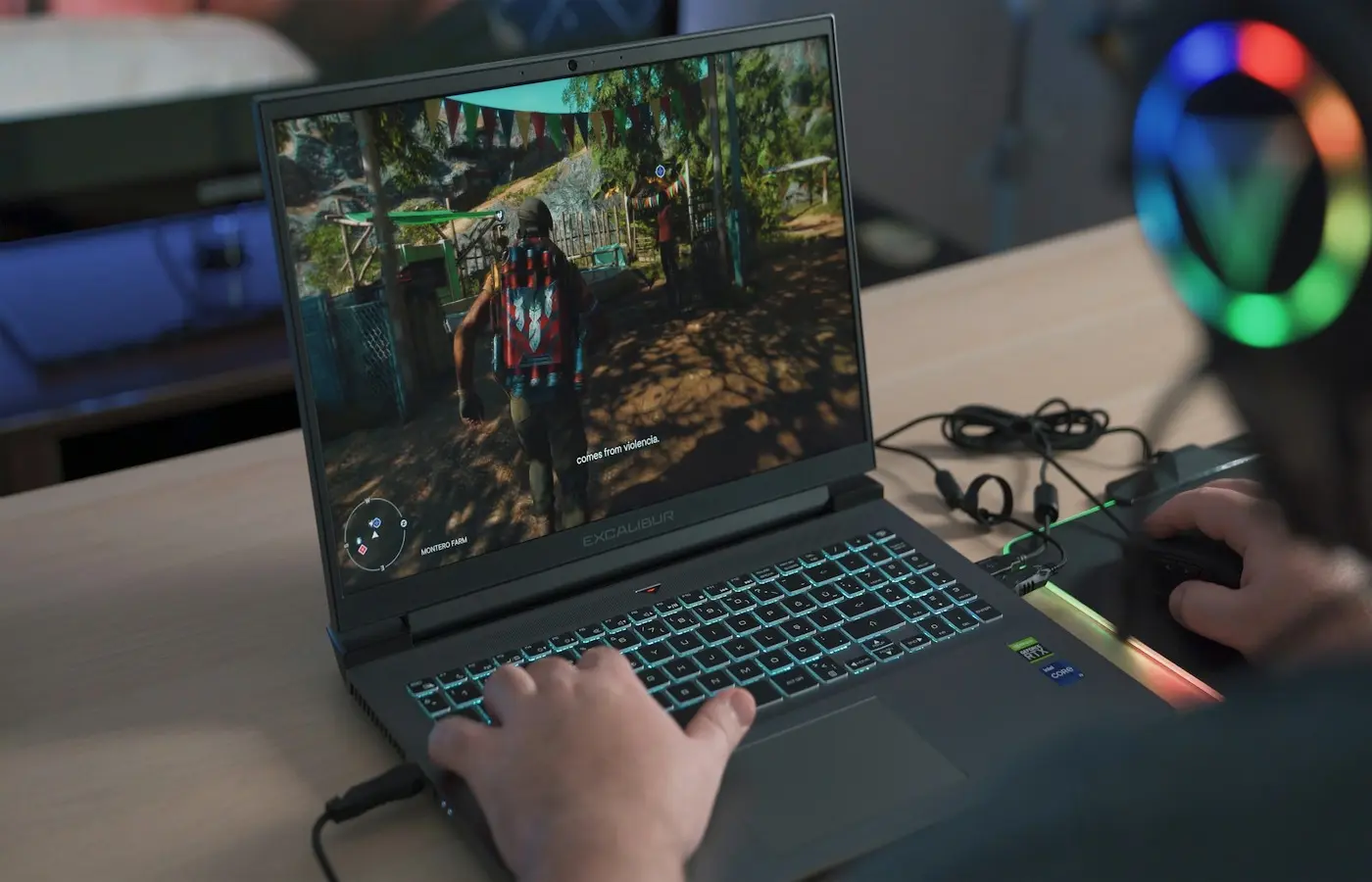
A 1440p gaming laptop can be a good offer, but the resolution badge is not the reason to buy it. The listing is only attractive if its exact configuration has a sensible GPU and power limit, a display that suits your games, enough memory and storage, acceptable ownership terms, and a price that still compares well on the day you check out.
This is a research-based buying guide, not a hands-on review of a particular laptop. It does not assume that laptops with the same family name, GPU label, or screen resolution perform or cost the same.
The safe default is simple: do not judge a gaming laptop until you can identify its full model number or part number and reconcile the retailer listing with the manufacturer’s documentation. If the seller cannot provide that information, treat the unknowns as part of the cost.
Start With the Exact Listing, Not the Laptop Family Name
A laptop family name is often too broad to support a buying decision. The same chassis may be sold with different processors, graphics chips, display panels, memory capacities, storage drives, chargers, operating systems, and regional warranties. A retailer may also use a shortened name that leaves out the details which most affect gaming value.
Before comparing prices, make a record of the listing. Save the product page or take a screenshot showing the date, price, seller, condition, and included accessories. Then collect the following details.
| Check | What to record | Why it matters |
|---|---|---|
| Identity | Full model number, SKU, or manufacturer part number | Separates the offered configuration from similar-looking variants |
| Region | Country or sales region | Specs, keyboard layout, charger, warranty, and panel options can vary |
| CPU and GPU | Complete processor and laptop GPU names | Determines the platform being compared |
| Graphics details | Published GPU power range, boost behavior, and graphics-switch support where documented | A GPU name alone does not establish performance |
| Display | Native resolution, size, aspect ratio, refresh rate, and panel type if stated | “1440p” does not describe panel quality |
| Memory and storage | Installed RAM capacity, RAM type, SSD capacity, and available slots | A low entry price may require expensive upgrades |
| Included items | Charger wattage, operating system, bundled accessories | Missing or lower-power accessories can change the real cost |
| Seller and condition | Manufacturer, major retailer, marketplace seller, open-box, or refurbished | Return rights and warranty handling may differ materially |
Use the manufacturer’s regional product page, specification sheet, support page, or service manual to verify the retailer’s description. If the official documentation only identifies a family rather than the offered SKU, ask the seller for the exact part number before ordering.
A vague listing is not automatically a bad offer. It is, however, a listing where you cannot confidently price the compromises.
Check Whether the GPU Is a Sensible Match for 1440p Gaming
A 2560 × 1440 display has more pixels than a 1920 × 1080 display, so it generally asks more of the graphics system when a game is rendered at native resolution. That does not make 1440p unsuitable for a laptop. It means the right GPU depends on the games you play, your image-quality settings, whether you enable ray tracing, whether you are comfortable using upscaling, and the frame-rate target that matters to you.
Start with the complete GPU identity. “RTX” or a similar graphics badge is not enough. Confirm:
- the exact GPU generation and model;
- the listed video-memory capacity;
- the manufacturer’s documented graphics power limit or range, if provided;
- whether additional dynamic power behavior is specified;
- the processor paired with the GPU;
- the available performance modes and their stated conditions; and
- whether the laptop supports a MUX switch, Advanced Optimus, or an equivalent display-routing feature.
Laptop GPUs with the same branding can appear in systems with different power limits, cooling capacity, firmware, and CPU pairings. These differences can affect sustained performance, but they do not produce one fixed performance gap across every game. Do not infer wattage from the chassis size, the product tier, or the GPU name.
Instead, define your target before reading benchmarks. For example:
- A competitive player may prioritize consistently high frame rates, low latency, and a display with suitable motion behavior.
- A single-player gamer may accept lower frame rates if image quality, ray tracing, or a sharper native image matters more.
- A buyer playing a mix of new and older games may prefer a balanced configuration rather than paying for capability that the usual games will not use.
When using outside testing, compare results only when the test conditions are visible: resolution, preset, ray-tracing setting, upscaling mode, game version, driver period, power mode, and laptop configuration. One game result is not a prediction for every game. Useful coverage should include the exact GPU generation and, ideally, a similarly powered configuration.
Independent gaming-laptop roundups can help identify what details reviewers normally disclose, but a recommendation in a roundup is not a substitute for matching the test unit to the offered SKU. For example, Tom’s Hardware’s gaming laptop coverage includes configuration and test-context discussion, but those findings should not be transferred automatically to a different panel, GPU power profile, or regional model.
Treat the 1440p Display as Its Own Buying Decision
“1440p” can refer to more than one screen format. A laptop may use a conventional 16:9 2560 × 1440 panel, a taller 16:10 2560 × 1600 panel, or a retailer may describe a similar resolution imprecisely. Confirm the native resolution and aspect ratio rather than relying on the marketing shorthand.
Then assess the display separately from gaming performance:
- Refresh rate: A high refresh-rate number describes the panel’s maximum update rate, not the frame rate a laptop will reach in every game.
- Variable refresh support: Check whether the manufacturer documents adaptive-sync support and whether it applies to the internal panel, external displays, or both.
- Panel technology: IPS-type, OLED, and other panel categories involve different trade-offs. The label alone does not prove response behavior, brightness, color accuracy, or uniformity.
- Brightness and color claims: Treat manufacturer figures as claims for that configuration. Look for independent measurements of the same laptop or identified panel if those characteristics matter for your work.
- Response-time evidence: A fast refresh rate does not guarantee clear motion. If competitive gaming is important, seek measured response-time testing for the exact panel.
- HDR: Confirm the stated HDR capability and the relevant software or game requirements. Do not assume that an HDR label delivers the same experience across all panels.
A 1440p-class screen can be excellent for games and general work because it provides more desktop space and a sharper image than lower-resolution alternatives of similar size. It can also be the wrong fit if the panel is dim for the intended environment, has poorly documented motion behavior, or pushes the buyer toward settings compromises they do not want.
External-display support deserves a separate check. Read the specifications and manual to learn which ports carry video output, whether USB-C display output is available, and whether the output is wired through the integrated or discrete graphics path where the manufacturer documents this. Do not assume that every USB-C port supports video, charging, or the same display capability.
Price the Whole Configuration, Including Memory, Storage, and Upgrade Path
A lower-priced laptop may not remain cheaper once it has the memory and storage needed for its intended life. Compare complete configurations, not the headline price of one entry-level SKU against a better-equipped alternative.
Create a dated comparison table using listings available in your region on the same day. Include the seller, condition, price, RAM, SSD capacity, screen, GPU, and warranty terms. If you are estimating an upgrade cost, separate it from the purchase price and only count an upgrade path that the official service documentation supports.
Questions to answer before assigning upgrade value:
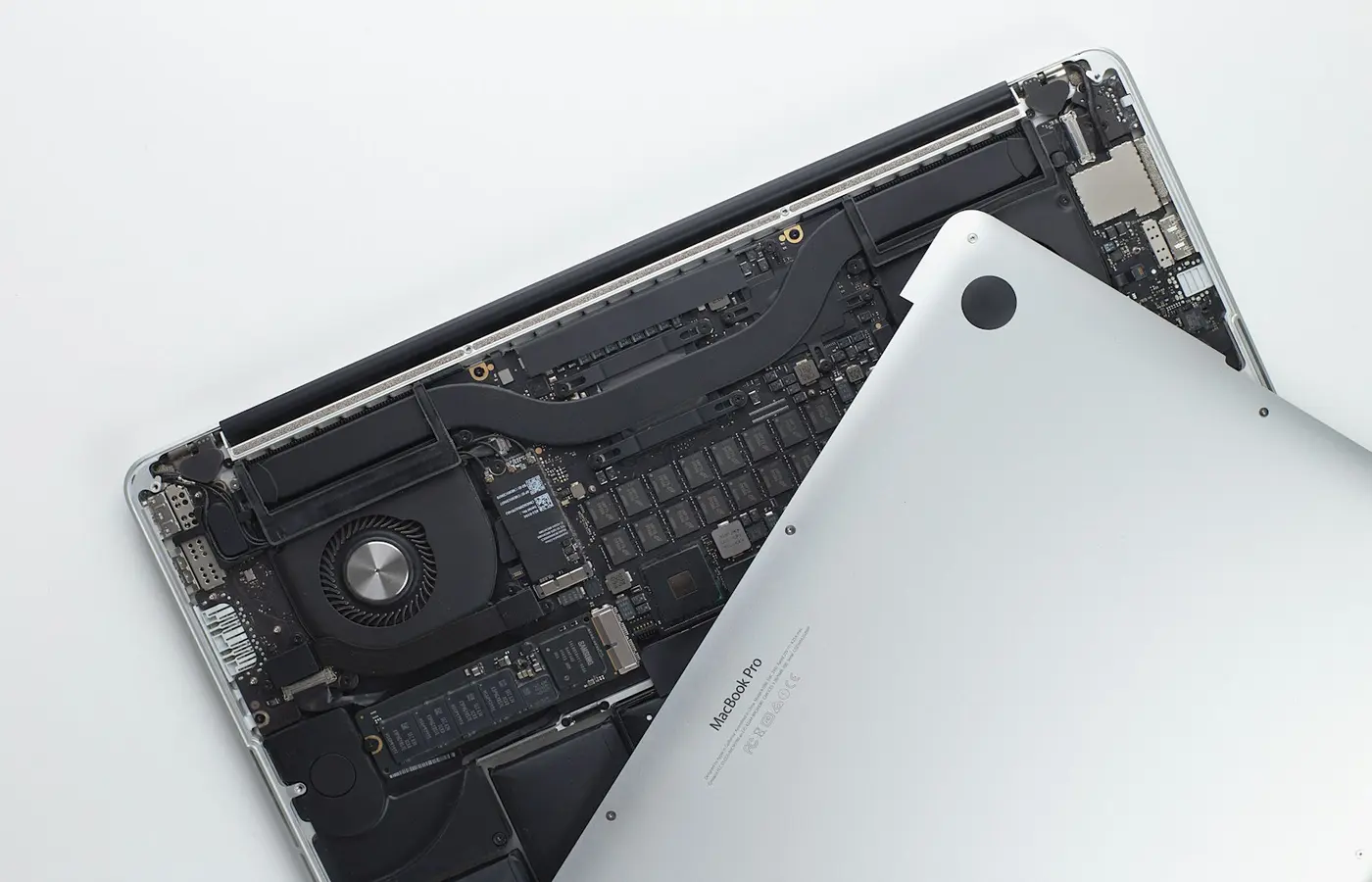
- Is the memory soldered, slotted, or partly soldered and partly upgradeable?
- What memory type and speed does the exact configuration use?
- Is there an empty SSD slot, or would an upgrade require replacing the installed drive?
- Does the service manual show practical access to those components?
- Does opening the device affect warranty service in your country or under the seller’s terms?
- Will a storage upgrade require reinstalling the operating system or cloning the existing drive?
More RAM or a larger SSD has value, but it is not automatically worth the full retail cost of an aftermarket upgrade. Factory-installed capacity may be convenient and covered by the system warranty, while an aftermarket upgrade may offer more choice. Conversely, a configuration with soldered low-capacity memory can limit useful life even if its initial price looks attractive.
Also distinguish among new, open-box, refurbished, and marketplace listings. Those labels can come with different return windows, cosmetic standards, included accessories, and responsibility for defects. Read the written policy for the actual seller, not just the marketplace platform.
Look Beyond Frame Rates: Ports, Charger, Service, and Warranty
Gaming performance is only one part of ownership. Before checkout, inspect the official technical specifications and manual for the details that affect how the laptop fits into your desk, bag, and repair plan.
Check these items:
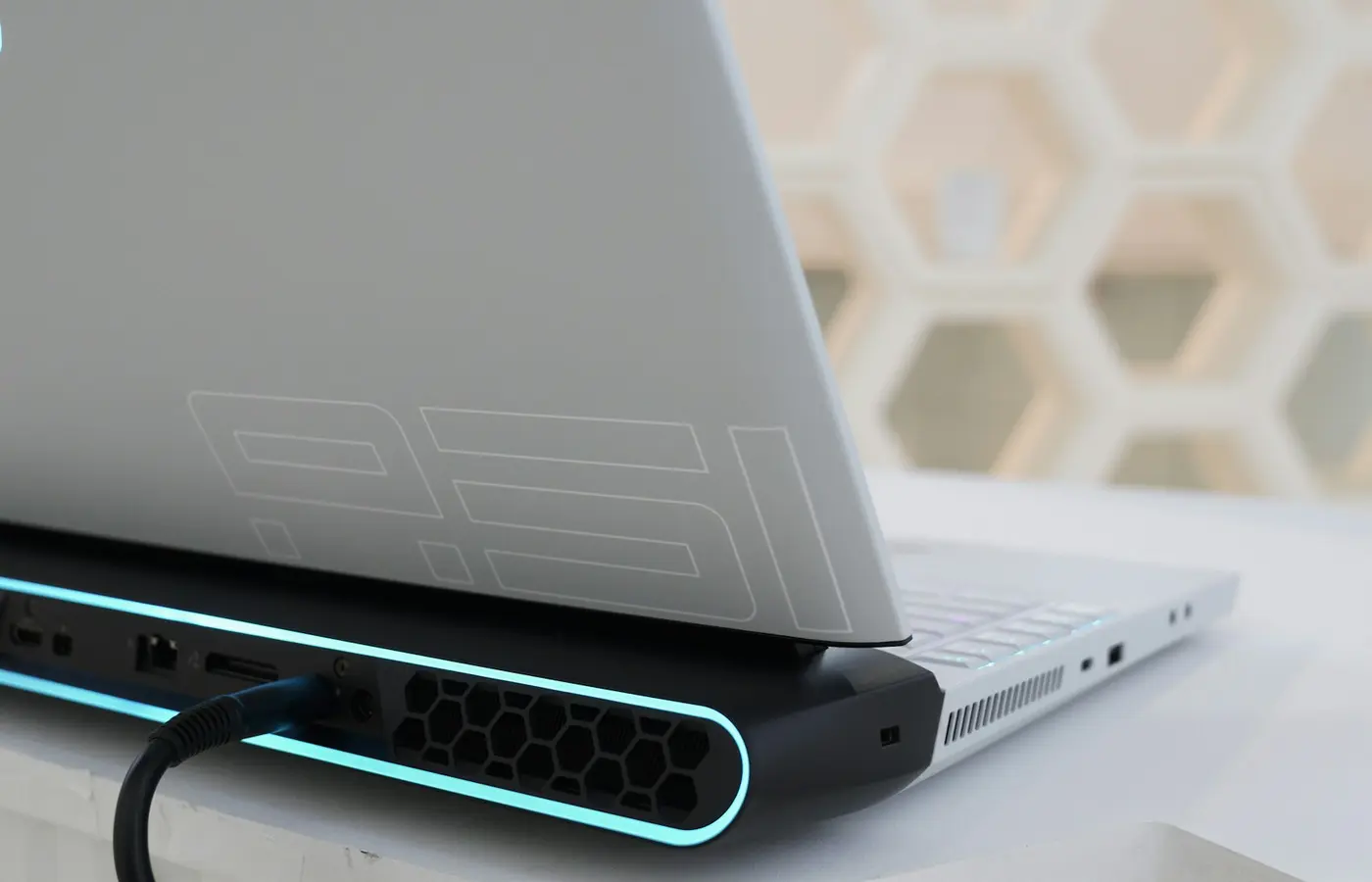
- USB-A, USB-C, HDMI, DisplayPort, Ethernet, audio, and card-reader ports where relevant;
- which USB-C ports support charging, video output, or high-speed data;
- wireless specification and whether the wireless module is replaceable, if that matters to you;
- charger wattage, connector type, physical size, and whether it is included with the listing;
- battery replacement documentation and parts availability where officially listed;
- memory and storage access in the service manual;
- warranty length, regional coverage, exclusions, and the process for claiming service; and
- return policy, restocking fees, dead-on-arrival procedure, and marketplace seller responsibility.
Do not assume that USB-C charging can replace the included gaming charger during demanding play. The documentation may allow USB-C charging for some use cases while still requiring the supplied adapter for full performance. Likewise, a laptop can have a capable GPU but an inconvenient port layout or a charger that makes frequent travel less practical.
Warranty language is especially regional. Confirm coverage with the manufacturer and seller in the country where the purchase will be used. If the listing is imported, ask whether the warranty is valid locally and who handles service.
Use Independent Reviews to Test the Listing’s Weak Points
Independent reviews are most useful when they answer questions the specification sheet cannot: sustained behavior under load, display measurements, keyboard layout details, fan behavior, battery behavior, and design limitations. But a review is only as transferable as its configuration match.
Prioritize reviews that identify:
- the exact model number or a clearly defined regional variant;
- CPU, GPU, RAM, storage, and display option;
- BIOS, firmware, and driver context when relevant;
- power mode and graphics mode used for tests;
- game settings and resolution for performance results; and
- the method used for display, noise, thermal, or battery measurements.
A review of the same chassis with a different GPU may still reveal useful information about keyboard layout, port placement, or service access. It cannot establish the performance, power draw, display quality, or battery behavior of the listing you are considering. Treat those as separate evidence questions.
If multiple reviewers identify the same issue in similarly configured units, investigate it further rather than treating one result as conclusive. If no independent review exists for the exact SKU, that does not automatically mean skip it. It means the listing should carry a larger uncertainty discount: verify the official specifications carefully, buy only under a return policy you understand, and avoid paying a premium based on unverified assumptions.
A practical decision checklist
Buy when:
- the exact SKU is documented and matches the listing;
- the GPU, documented power information, and display fit your own games and frame-rate target;
- RAM and storage are adequate or have a documented, affordable upgrade path;
- the dated price compares well with genuinely equivalent alternatives; and
- the seller, return policy, charger, and warranty are acceptable for your region.
Negotiate, wait, or keep comparing when:
- the price advantage disappears after accounting for RAM, storage, or missing accessories;
- the display panel is unidentified and display quality matters to you;
- the GPU power limit or operating mode is unclear; or
- a comparable configuration offers clearer warranty or return protection.
Skip when:
- the seller cannot establish the exact configuration;
- important specifications conflict between the retailer and manufacturer;
- the listing relies on broad family-level claims rather than the offered SKU; or
- the return and warranty terms leave you carrying risks you cannot verify before purchase.
Conclusion
A good 1440p gaming laptop offer is not defined by resolution, a graphics badge, or a temporary-looking price alone. The worthwhile listing is the one whose exact configuration is documented, whose compromises suit your games and ownership needs, and whose dated price remains competitive after memory, storage, warranty, and seller terms are included.
If a critical detail cannot be confirmed, do not fill the gap with an assumption. Either obtain the part number and written documentation, or compare a better-documented alternative.
FAQ
Is a laptop RTX GPU with the same name always equally fast in every gaming laptop?
No. Laptop implementations can differ in documented power limits, cooling design, firmware, CPU pairing, memory configuration, and performance modes. Game settings, drivers, ray tracing, upscaling, and the target resolution also affect results. Compare independently tested configurations only when the differences are clearly disclosed.
Is 1440p too demanding for a gaming laptop?
Not inherently. It is a sensible resolution for many gaming-laptop buyers, but the right settings and frame-rate expectations depend on the exact GPU, the game, and whether features such as upscaling are acceptable to you. Decide which games and settings matter before selecting a configuration.
How much RAM and SSD storage should a 1440p gaming laptop have?
The answer depends on the games and other applications you use. Rather than treating one capacity as universal, check current requirements for your usual software and leave room for updates, game libraries, and background tasks. Also verify whether the exact laptop can be upgraded later and what that upgrade would involve.
Should I buy a 1440p gaming laptop if there is no independent review of the exact SKU?
Possibly, but only with more caution. Confirm the official SKU documentation, avoid assuming display or performance behavior from another variant, and review the written return and warranty terms before ordering. A well-documented alternative may be safer if the unreviewed model carries a premium price or has unclear specifications.