U-Series vs. H-Series Laptop Processors: Which Fits Your Workload?
Understand U-series and H-series laptop processors, the cooling and configuration factors that matter, and which design suits your workload.
The short answer: choose the laptop for the work you need it to sustain, not for the letter at the end of its processor name.
A well-configured U-series laptop is usually the safer choice for office work, study, browsing, video calls, travel, and moderate multitasking. An H-series laptop can be the better tool when you regularly run long code builds, video exports, rendering jobs, engineering software, or other CPU-heavy work that benefits from sustained performance.
The important qualification is that U and H are broad processor-positioning labels, not guarantees of speed, heat, fan noise, or battery life. A laptop’s cooling system, firmware power limits, memory, graphics, charger, and selected performance mode can change the result substantially. Two laptops with the same processor can behave differently under a long workload.
What U-series and H-series labels actually tell you
Processor suffixes are useful starting points, but they are not complete buying advice.
In broad terms, U-series processors are commonly used in laptops designed around portability and efficiency. H-series processors are commonly used in systems intended to provide more sustained CPU performance. That positioning is useful when comparing laptops within the same processor generation, but it becomes much less reliable when you compare different generations, brands, or laptop designs.
Intel and AMD also use their own naming systems, and those systems change over time. Intel’s current mobile naming includes U- and H-series parts in several product families; for example, reporting on Intel’s Core Ultra 200 laptop range describes U-series chips as targeting thin-and-light systems, while H-series parts occupy a different performance position in the lineup (Ars Technica). AMD’s mobile lineup similarly uses suffixes that must be read alongside the full processor name and generation.
Do not compare laptops as simply “U versus H.” Record the complete CPU name instead. That means the processor brand, family, model number, suffix, and generation context.
For example, these questions are more useful than asking whether a laptop has a U or H chip:
- Is this processor from the same generation as the alternative?
- How many CPU cores and graphics resources does this exact model have?
- What memory type and capacity does the laptop pair with it?
- Is the laptop designed for brief bursts of speed, sustained workloads, or both?
- Does the manufacturer document selectable quiet, balanced, or performance modes?
A suffix is a clue about the intended platform. It is not a substitute for the complete specification sheet.
Why the same processor can perform differently in two laptops
A processor does not operate in isolation. The laptop determines how much power it can provide, how long it can remove heat, and when it reduces performance to meet thermal, acoustic, or battery targets.
This is why a thinner laptop with the same CPU as a larger model may feel quick when opening applications but deliver a different result during a long export, compile, or render. Independent analysis of thin-and-light systems has also highlighted that cooling capacity and short high-power behavior can affect fan activity and sustained operation (Notebookcheck). That observation should not be transferred to every laptop, but it is a reason to check the complete machine rather than assume the chip tells the whole story.
The configuration factors that matter
When two laptops use the same processor, compare these items before treating them as equivalent:
| What to check | Why it matters |
|---|---|
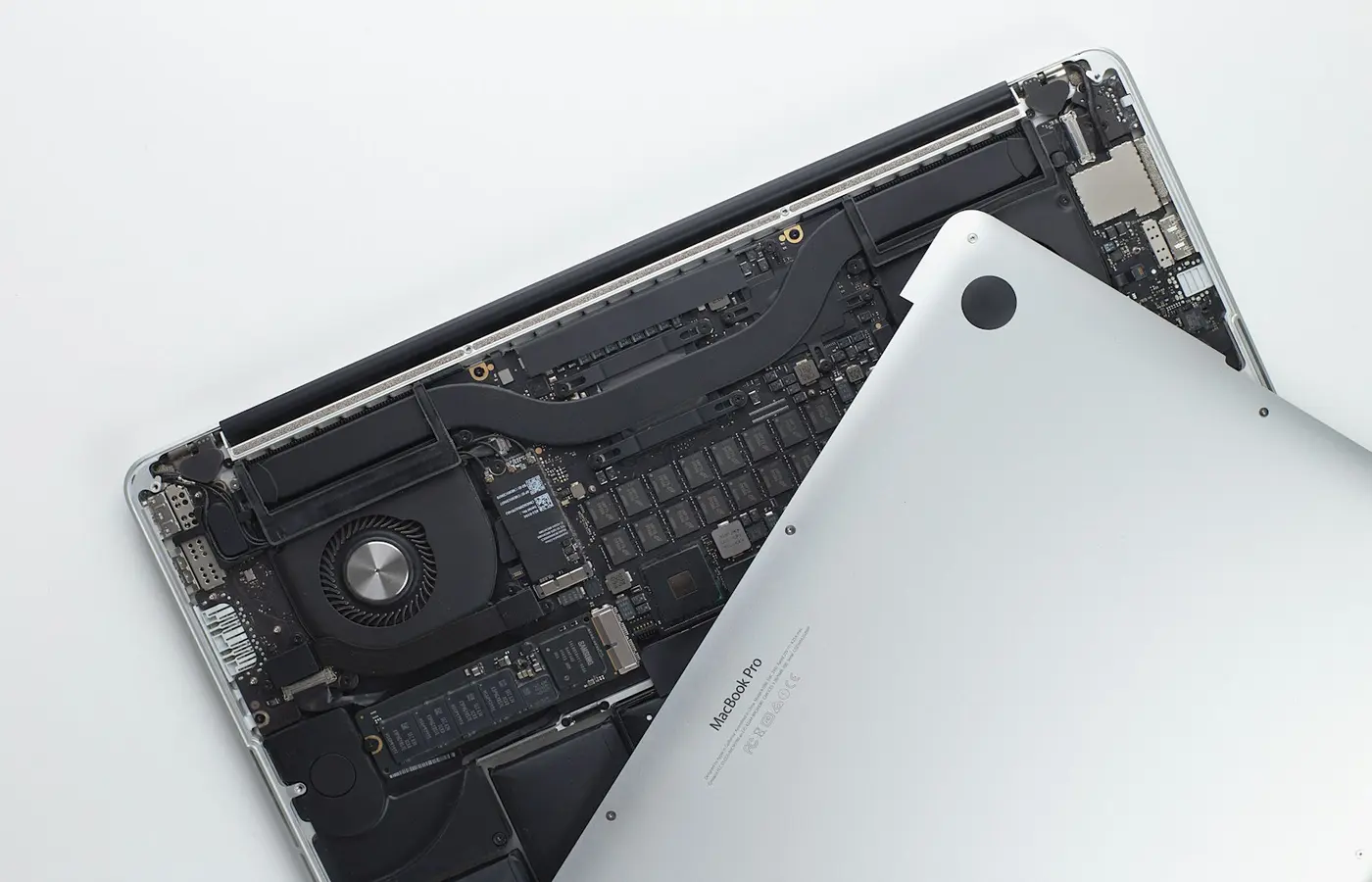
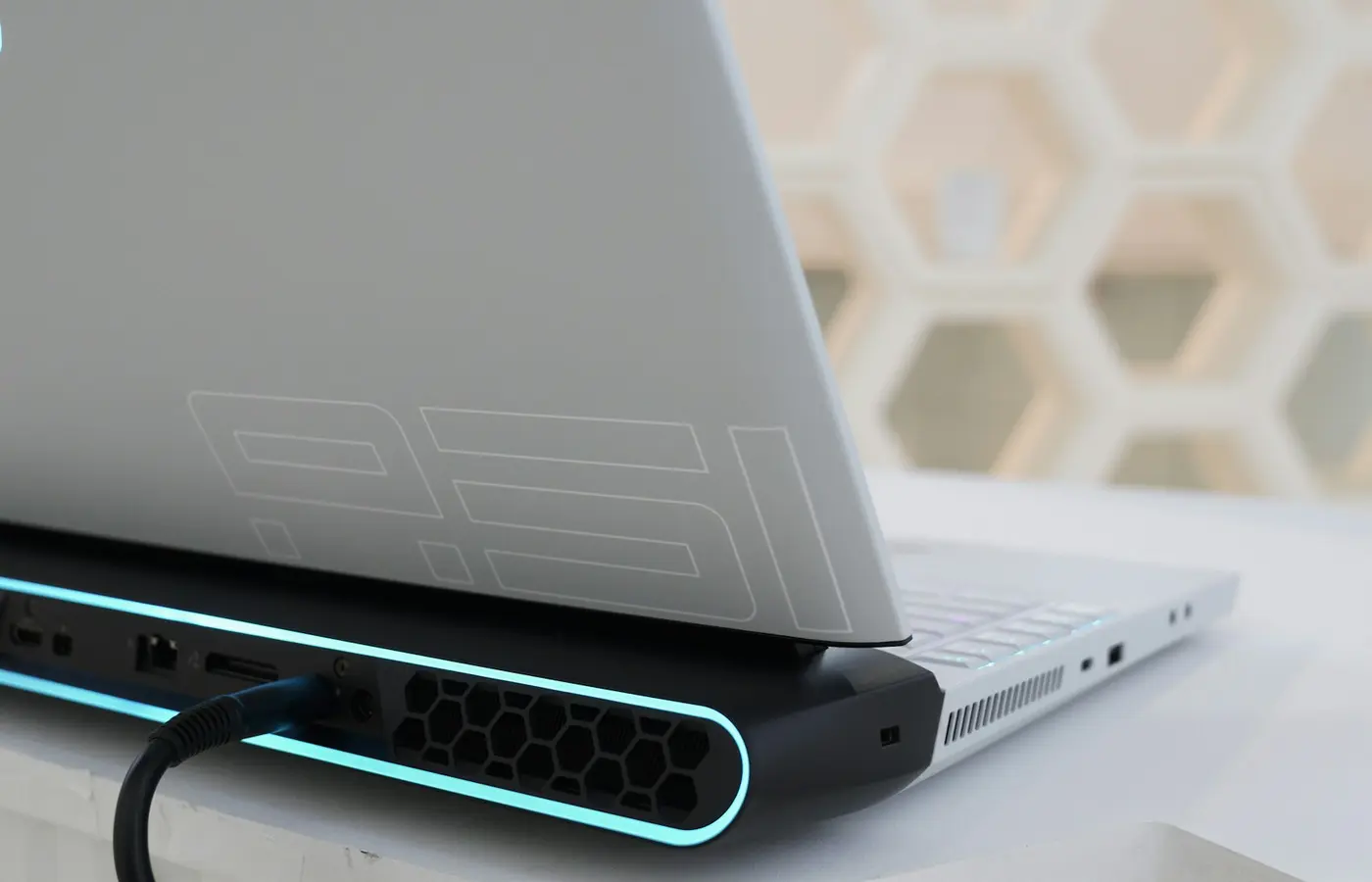
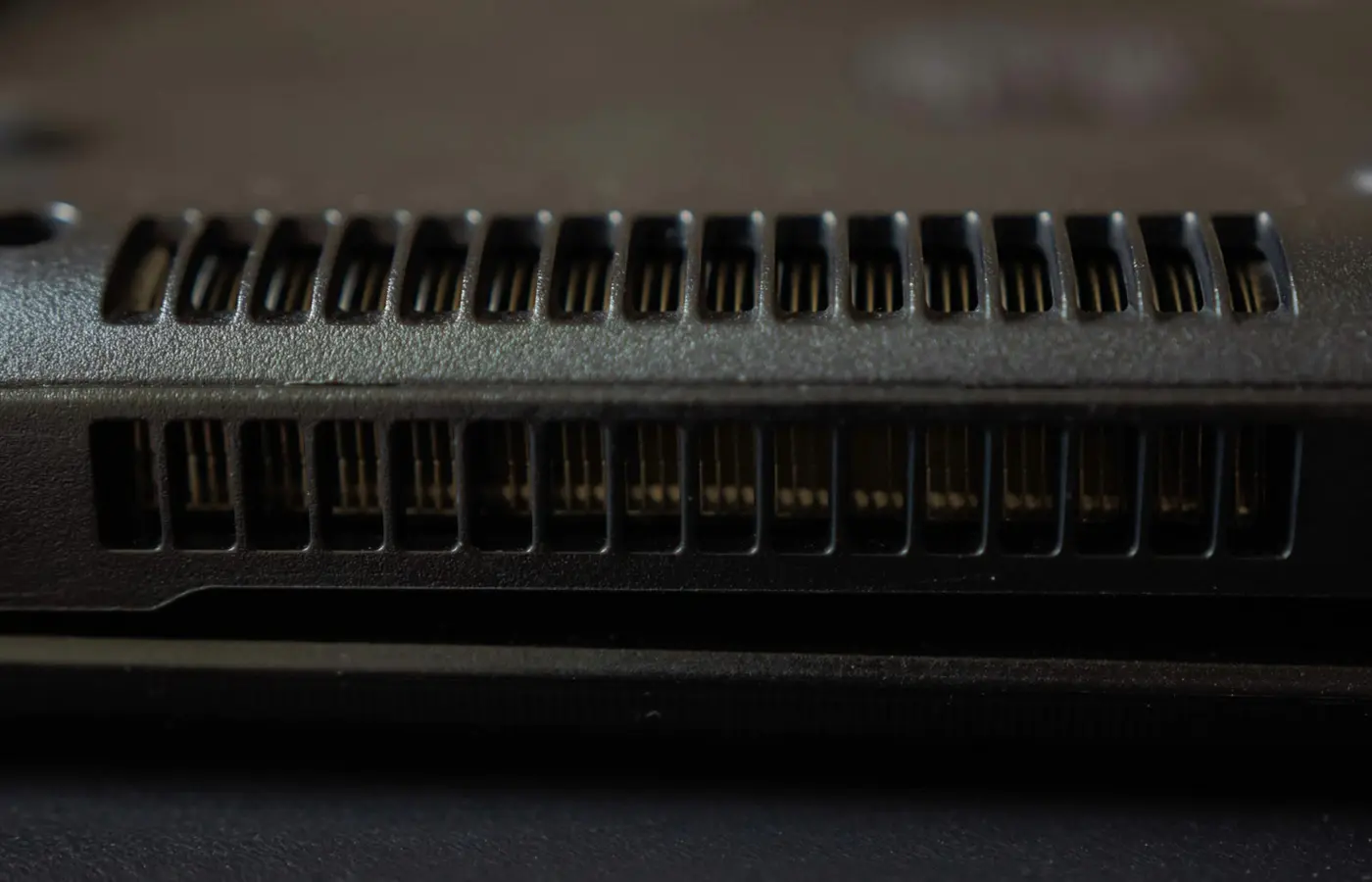
| Cooling design | Heat pipes, fans, vents, and chassis space can affect sustained behavior under longer workloads. |
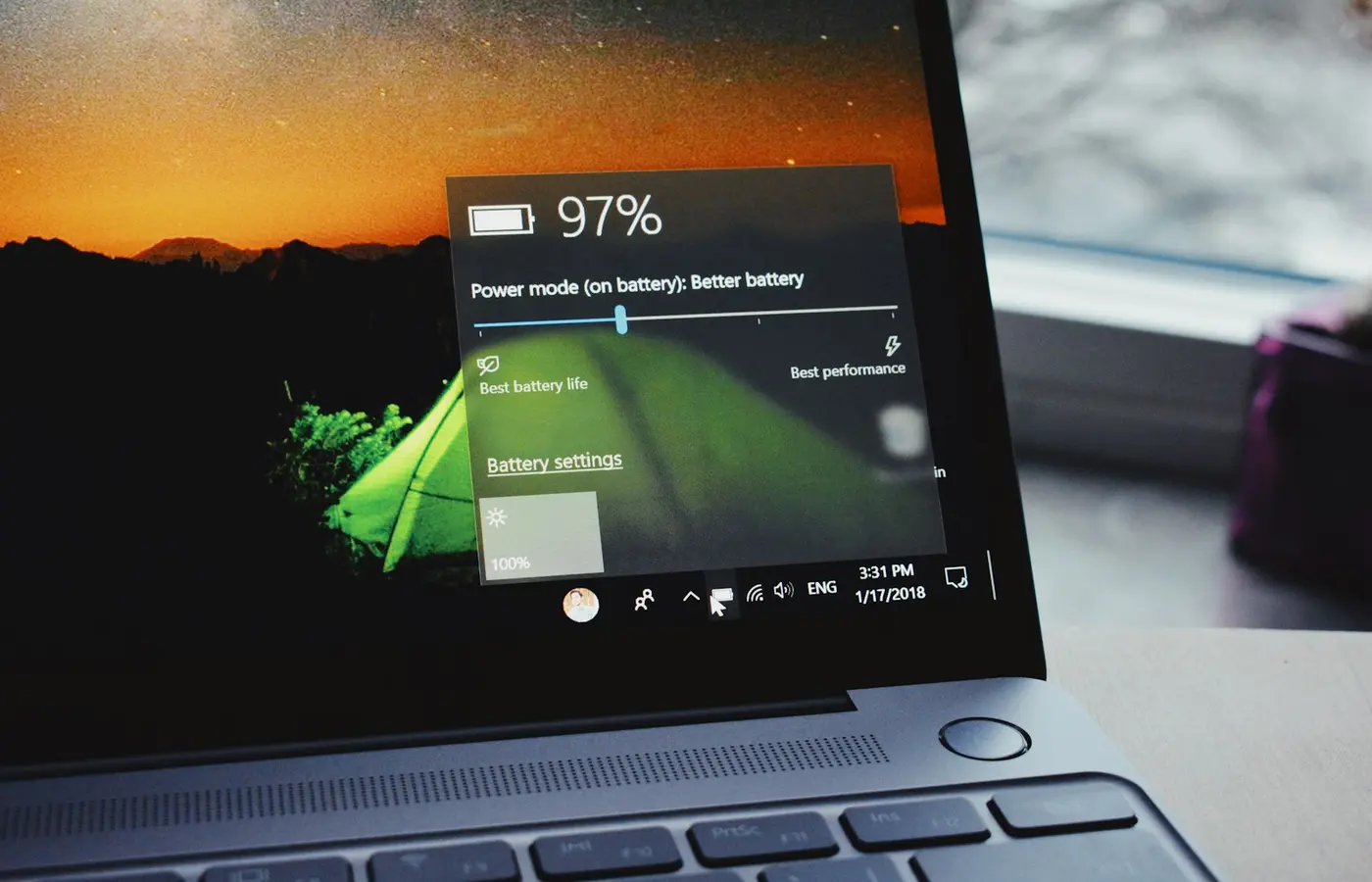
| Power and performance modes | Firmware and manufacturer utilities may prioritize quiet operation, battery preservation, or higher performance. |
| Memory capacity and layout | Insufficient RAM can limit multitasking; soldered memory may also affect the laptop’s useful life. |
| Integrated or discrete graphics | GPU model and its available power can matter more than CPU suffix for many creative and gaming workloads. |
| Charger capacity | The supplied adapter and the laptop’s power policy can influence behavior when plugged in. |
| Display and storage configuration | A better CPU does not compensate for a poor panel, too little storage, or an unsuitable port selection. |
| Exact model number | Different regional or retailer SKUs may use different panels, memory, wireless cards, batteries, or GPUs. |
Do not assume a larger chassis automatically performs better, either. The useful evidence is the manufacturer’s documentation for the exact SKU and a review that clearly identifies the tested configuration, software mode, and test conditions.
When a U-series laptop is the better fit
For most people, a U-series laptop is not a compromise by default. It is often the more sensible starting point when mobility and everyday responsiveness matter more than repeated, long-running CPU work.
A well-chosen U-series configuration is usually a strong fit for:
- Writing, spreadsheets, presentations, and browser-based work
- University coursework and research
- Email, cloud applications, and video calls
- Remote work and general business use
- Streaming and everyday home use
- Light programming and smaller development projects
- Moderate multitasking with several browser tabs and productivity apps
- Travel-focused use where charger size and laptop portability matter
For these buyers, spending more on an H-series processor may produce little practical benefit if the rest of the laptop is poorly matched to the job. More RAM, a better display, a comfortable keyboard, useful ports, repair options, or a stronger warranty may improve ownership more than moving up a processor class.
What to prioritize in a U-series laptop
Start with memory. For a machine expected to last several years, confirm the installed RAM capacity and whether it is upgradeable or soldered. A processor that is sufficient for your work can still feel limiting if the laptop runs out of memory during normal multitasking.
Then check the display. Confirm panel size, resolution, finish, brightness information where the manufacturer publishes it, refresh rate if relevant, and whether the specific retailer listing identifies the panel. A laptop used for long days of reading and writing should not be chosen on CPU branding alone.
Also inspect ports and wireless features. If you rely on an external display, wired network adapter, SD card, USB-A accessories, or a particular dock, verify the ports in the official technical specifications or user manual. Do not infer them from product photographs.
Finally, seek battery and noise coverage from a review of the exact configuration. The U suffix alone does not establish battery life. Screen choice, battery capacity, operating mode, software, background activity, and wireless use all affect runtime.
When an H-series laptop is worth the trade-offs
An H-series laptop makes most sense when demanding work is frequent enough that time saved on sustained tasks matters to you. The key word is frequent. Buying a heavier or more power-oriented system for an occasional export may not be worthwhile if portability is your daily priority.
Consider an H-series design when you regularly do work such as:
- Long software builds or larger local development environments
- Repeated video encoding and export jobs
- CPU rendering, simulation, or engineering workloads
- Complex local creative projects with demanding timelines
- Data-processing tasks that keep the processor busy for extended periods
- Workloads that also require a capable discrete GPU
The H-series label does not make a laptop automatically better for gaming, video editing, or 3D work. For those tasks, the GPU model, GPU power settings, memory capacity, storage, display quality, software acceleration, and cooling design may be more important than the CPU suffix.
For example, a laptop with an H-series CPU and weak graphics may be a poor choice for GPU-accelerated creative software. Conversely, a laptop with a capable discrete GPU may be limited by inadequate memory or a low-quality display. Compare the complete configuration against the requirements of the applications you actually use.
Expect possible ownership trade-offs, then verify them
Performance-oriented laptops can involve trade-offs in size, weight, charger bulk, fan behavior, and price. Those are common design pressures, not universal truths. Some H-series laptops are relatively portable, and some U-series systems are not especially light once their charger and accessories are included.
Before buying, verify:
- The laptop’s dimensions and weight from the manufacturer, not a generic family page.
- The included charger wattage and connector type.
- Whether performance modes are available and whether they work on battery power.
- The memory capacity, number of storage slots, and upgrade procedure.
- The warranty terms and whether local service is available.
- Whether a matching review documents sustained performance, fan behavior, and battery testing under stated conditions.
If the seller does not identify the exact SKU, memory, display, GPU, and storage configuration, treat the listing as incomplete rather than assuming it matches another review.
Can a U-series laptop handle programming and photo editing?
Often, yes. The better question is what kind of programming or photo editing you do.
For web development, scripting, introductory programming courses, office-oriented automation, and smaller local projects, a U-series laptop with enough memory and fast storage can be entirely appropriate. For photo editing, the display, RAM, storage capacity, and software requirements may matter as much as processor class.
Move toward an H-series laptop when your actual workflow repeatedly involves larger builds, virtual machines, containers, high-resolution media, extensive batch processing, or long exports. If your software vendor publishes system requirements, use those as a baseline, then leave headroom for your normal multitasking and the useful life you expect from the laptop.
Do not buy more CPU merely because a task is technically possible. Buy the level of sustained performance that matches how often the task occurs and how much waiting time affects your work.
How to compare U-series and H-series laptops at checkout
Use this checklist before placing an order:
- Write down the complete CPU model. Do not stop at “Intel Core Ultra,” “Intel Core,” or “AMD Ryzen.”
- Confirm the exact laptop part number. Manufacturer pages, manuals, and support documents are generally more reliable than abbreviated retailer titles.
- Check memory capacity and upgradeability. Identify whether RAM is soldered, socketed, or mixed, and whether the installed capacity meets your realistic workload.
- Identify the graphics configuration. Confirm whether the laptop uses integrated graphics or a discrete GPU. Where relevant, look for manufacturer documentation on the GPU configuration rather than assuming all versions are alike.
- Read the display specification. Verify the exact panel when possible, especially if color-sensitive work, outdoor use, high refresh rates, or touch input matter.
- Check ports, charging, and docking needs. Confirm display outputs, USB standards, charging method, and any adapter requirements.
- Read service and warranty documents. Look for storage and memory access instructions, battery replacement information, warranty limits, and return-policy terms.
- Find a configuration-matched review. The most useful review names the model number, CPU, RAM, display, GPU, firmware or performance mode, and test conditions.
- Treat price as temporary. Compare current regional listings only after confirming they refer to the same configuration. A lower price can reflect less RAM, a weaker display, reduced storage, or a different GPU.
This approach takes longer than sorting a retailer page by processor family, but it prevents a common mistake: paying for an H-series badge while overlooking the configuration details that determine whether the laptop actually fits your work.
The practical recommendation: buy for sustained work, not the badge
Choose a well-configured U-series laptop when your priority is everyday productivity, study, remote work, light development, and mobility. Put your budget toward adequate memory, a suitable display, storage, ports, and a configuration with clear support documentation.
Choose an H-series laptop when demanding CPU-heavy work is regular, not occasional, and when the complete laptop is designed to sustain that work. Confirm its cooling, memory, graphics, charger, software modes, serviceability, and the evidence available for the exact model.
If a product page only gives a processor family and a vague “high performance” label, pause. Ask for the complete part number and configuration, then compare documentation and matching reviews. The right laptop is not the one with the most impressive suffix; it is the one whose complete design supports the work you will actually do.
Frequently asked questions
Is an H-series laptop processor always faster than a U-series processor?
No. An H-series processor is generally positioned for more performance-oriented laptops, but speed depends on the exact CPU generation and model, cooling system, power limits, memory, graphics, and workload. A U-series laptop can feel just as responsive in everyday work, while a well-designed H-series laptop may have an advantage in long, CPU-heavy tasks.
Does a U-series processor automatically give better battery life?
No. U-series processors are commonly used in efficiency-focused laptops, but battery life depends on the full system: battery capacity, display, software, wireless use, brightness, background tasks, power mode, and the workload itself. Look for battery testing that matches the exact configuration and explains its method.
Can a U-series laptop handle programming and photo editing?
Yes, for many programming and photo-editing workflows. Confirm the software requirements, prioritize enough RAM and storage, and consider the display requirements of your photo work. An H-series system becomes more compelling for frequent large builds, virtualized environments, demanding batch work, or repeated long exports.
What specifications should I compare besides the CPU suffix?
Compare the complete CPU model, RAM capacity and upgradeability, integrated or discrete graphics, storage, display panel, ports, charger, dimensions, weight, warranty, service documentation, and a review that matches the exact configuration. These details often matter more in daily ownership than the U or H letter alone.