What Does 16GB RAM Mean in a Laptop? A Practical Guide to Capacity and Everyday Use
Understand what 16GB of laptop RAM represents, how it affects active apps and multitasking, and what it does not reveal about performance.
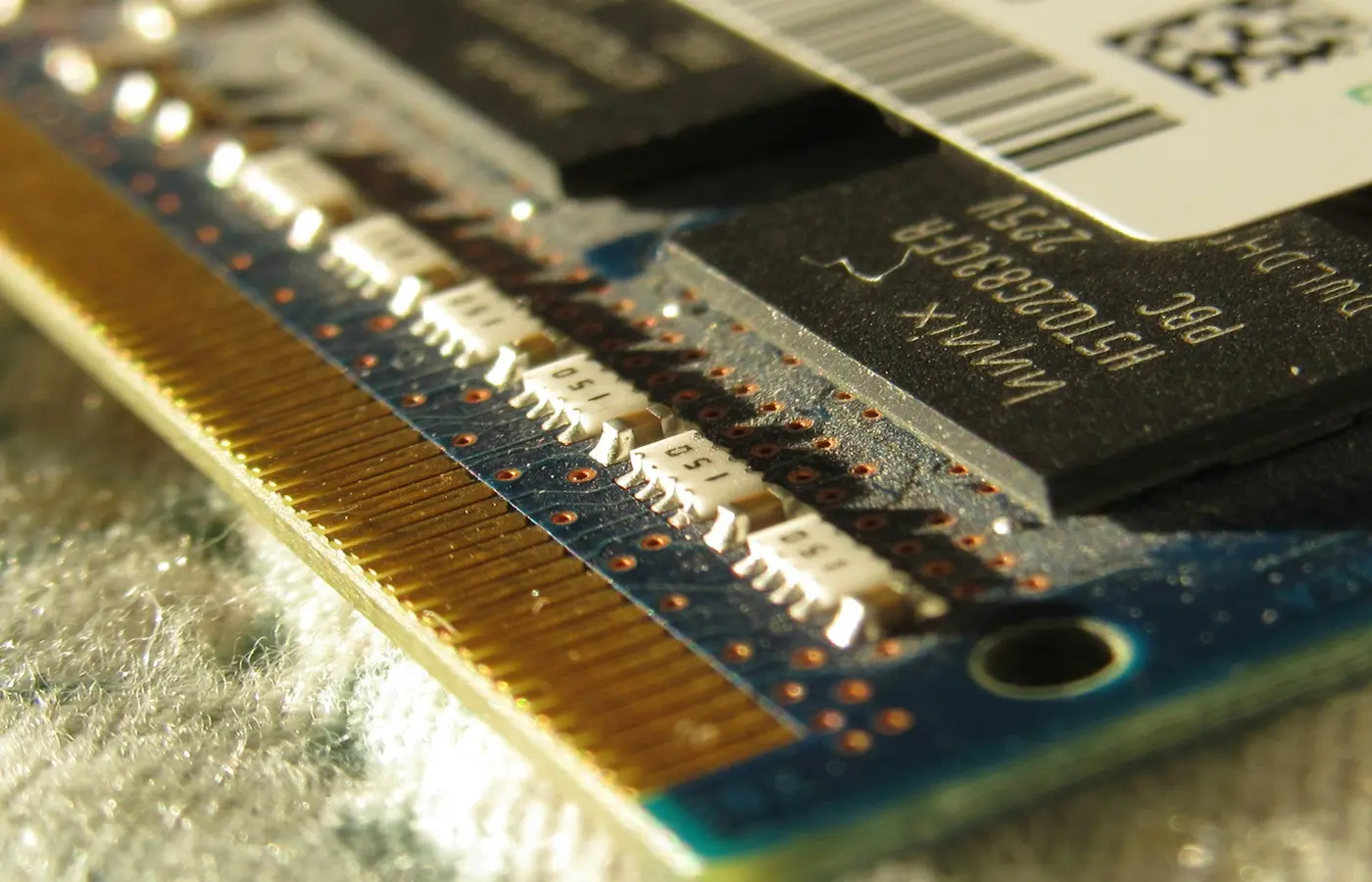
A laptop listed with 16GB RAM has 16 gigabytes of temporary working memory available for the operating system, active applications, browser tabs, and files currently in use. It is a capacity figure, not a complete performance score.
In practical terms, more available RAM can help a laptop keep more active work readily available rather than repeatedly moving between memory and slower storage. That can make switching among a browser, documents, a video call, cloud-sync software, and other open programs feel more consistent. But 16GB alone does not tell you how fast the processor is, how capable the graphics hardware is, how much file storage the laptop has, or whether its memory can be upgraded later.
The useful way to read the label is: 16GB describes the size of the laptop’s active workspace. Before buying, check the full configuration and the requirements of the software you actually plan to use.
16GB RAM means temporary workspace, not file storage
RAM stands for random access memory. It is the fast, temporary memory a computer uses while it is running. When you open a browser, edit a document, join a call, or work with a file, the laptop loads data into RAM so the processor can access it quickly.
Microsoft describes RAM as a device’s short-term memory: apps and files are loaded into it from slower disks, and its contents are lost when the computer is restarted or shut down. By contrast, disks retain their contents after power is removed. Microsoft’s overview of computer memory is a useful plain-language explanation of that distinction.
A simple comparison is helpful:
- RAM is your desk. It is where the work currently in front of you is spread out.
- Storage is your filing cabinet. It keeps your operating system, applications, photos, downloads, and documents when the laptop is turned off.
That means 16GB RAM is not the same as 16GB of SSD storage. A laptop may have 16GB of RAM and a 256GB, 512GB, 1TB, or larger SSD. Those numbers answer different questions.
| Specification | What it describes | What it affects most directly |
|---|---|---|
| 16GB RAM | Temporary capacity for active work | Multitasking, app switching, keeping active data available |
| 512GB SSD | Permanent space for saved data | How many files, applications, and games you can keep locally |
| Processor | General-purpose computing hardware | How quickly the laptop can process many tasks |
| Integrated or discrete GPU | Graphics hardware | Display, graphics, creative, and some compute workloads |
HP’s explanation of RAM versus storage makes the same core point: RAM is short-term working memory, while storage keeps files and software permanently.
When comparing listings, do not rely on a retailer title such as “16GB memory, 512GB laptop.” Open the detailed specifications and confirm that the listing separately identifies installed memory and SSD capacity.
What 16GB changes during everyday multitasking
RAM capacity matters most when several things need to remain active at once. A laptop does not use memory only for the app window currently on screen. Background services, operating-system processes, browser tabs, sync utilities, security software, and apps waiting in the background can all use some memory.
A typical everyday session might include:
- A browser with research, shopping, email, and streaming tabs open
- A document, spreadsheet, or presentation
- A video meeting application
- A messaging app and password manager
- Cloud-storage synchronization
- Music or video playback
In this kind of workflow, 16GB represents room for the system to keep more active data available than a lower-capacity configuration might. Microsoft notes that more memory allows a device to do more at the same time with fewer slowdowns. That does not mean every task becomes faster simply because the laptop has more RAM; it means the system has more workspace when several tasks compete for it.
The effect is often most noticeable when returning to an app or browser tab after working elsewhere. If enough memory is available, more of that previous state may remain readily accessible. If memory is under pressure, the system may have to retrieve data again or reduce the resources assigned to inactive applications.
There is no reliable fixed answer to questions such as “How many browser tabs can 16GB handle?” One tab may display a mostly static page, while another may run video, large web applications, advertisements, extensions, or background scripts. Similarly, a small spreadsheet and a complex workbook with extensive formulas can have very different memory demands.
Lenovo notes that active applications and browser tabs rely on RAM, and that the practical issue is often consistency when keeping several active tasks in memory rather than a simple speed rating. Its RAM guidance is a useful reminder that workload matters more than a capacity badge alone.
What 16GB RAM does not tell you about laptop performance
A 16GB listing can be useful, but it is incomplete. Two laptops with the same amount of RAM can behave very differently because their other components, software, cooling design, and memory configuration differ.
Before treating 16GB as a meaningful comparison point, check these details:
The full processor name
Look for the exact CPU model, not just a broad family name. Processor generation, power limits, core design, and cooling can all affect sustained performance. “Intel Core” or “AMD Ryzen” alone is not enough to identify how a particular laptop will behave.
Graphics hardware
A laptop may use integrated graphics built into the processor or a separate discrete GPU. This distinction can matter for games, 3D work, video effects, engineering applications, and other graphics-heavy tasks. RAM capacity does not tell you which graphics solution is installed.
Integrated graphics can also use a portion of system memory when needed. That does not make a 16GB laptop unsuitable by definition, but it is another reason to assess the entire configuration rather than reading the RAM figure in isolation.
Storage capacity and type
A 16GB RAM laptop with a small SSD can still be inconvenient if your files, applications, or offline media exceed its available storage. Conversely, a large SSD does not replace RAM; it provides permanent file space rather than fast working memory.
Memory type and configuration
Where published, look for the memory generation and arrangement: for example, whether the laptop uses soldered memory, removable memory modules, or a combination of both. Capacity is only one part of the memory design.
Display, ports, operating system, and battery-related design choices
A laptop is a complete system. Screen quality, port selection, charger type, wireless hardware, operating system, keyboard layout, webcam, warranty terms, and repair access can all matter after purchase. None of these can be inferred from “16GB RAM.”
Intel similarly describes RAM as temporary data storage and notes that applications require access to multiple system resources, not memory alone. Its gaming RAM guide is focused on gaming, but the underlying point applies more broadly: RAM capacity is one component of a system, not a standalone performance guarantee.
When a 16GB limit can become visible
Memory limits tend to appear when a workload has many large or simultaneous active components. The relevant question is not whether an application category sounds demanding, but whether your actual projects and habits create sustained memory pressure.
Examples that can increase memory use include:
- Large, extension-heavy browser sessions
- Multiple communication, cloud, and productivity apps running together
- Complex spreadsheets, databases, or data-analysis work
- Large image, audio, or video projects
- Development tools with local services, containers, or emulators
- Virtual machines
- Games or creative applications running alongside other active software
- Multiple external displays and high-resolution content
These examples are not a claim that every workload in those categories needs more than 16GB. Project size, application version, operating system, background software, browser extensions, file complexity, and connected displays can all change the result.
When available RAM is insufficient for current activity, an operating system may use storage as temporary space. Lenovo explains that this can allow a computer to continue operating, but may slow switching back to previous work. This is one possible sign of memory pressure, not an automatic explanation for every slow laptop.
A machine can also feel slow for reasons unrelated to RAM, including a weak or heavily throttled processor, limited storage space, slow storage, excessive startup software, network problems, a browser extension, malware, thermal limits, or a software fault. Do not diagnose a laptop solely from the amount of installed memory.
If you rely on a specific application, check the official requirements for the exact version you use. Treat those requirements as a starting compatibility check, not a prediction of how every project will perform. A minimum requirement may only indicate that software can run under limited conditions.
How to interpret 16GB in a laptop listing
The safest pre-purchase approach is to verify the exact configuration rather than assuming every version of a laptop family is the same.
1. Find the exact model or part number
A product family can include different processors, displays, SSD sizes, memory arrangements, and regional variants. Use the manufacturer’s model identifier or part number whenever possible.
Retailer descriptions can be useful, but they should be treated as provisional until they match the manufacturer’s specifications for the same regional configuration.
2. Confirm RAM and storage separately
Look for distinct specification lines such as:
- Memory: 16GB
- Storage: 512GB PCIe SSD
If a listing combines several figures in a headline, open the technical details. Do not assume that one number refers to the other.
3. Check whether the memory is upgradeable
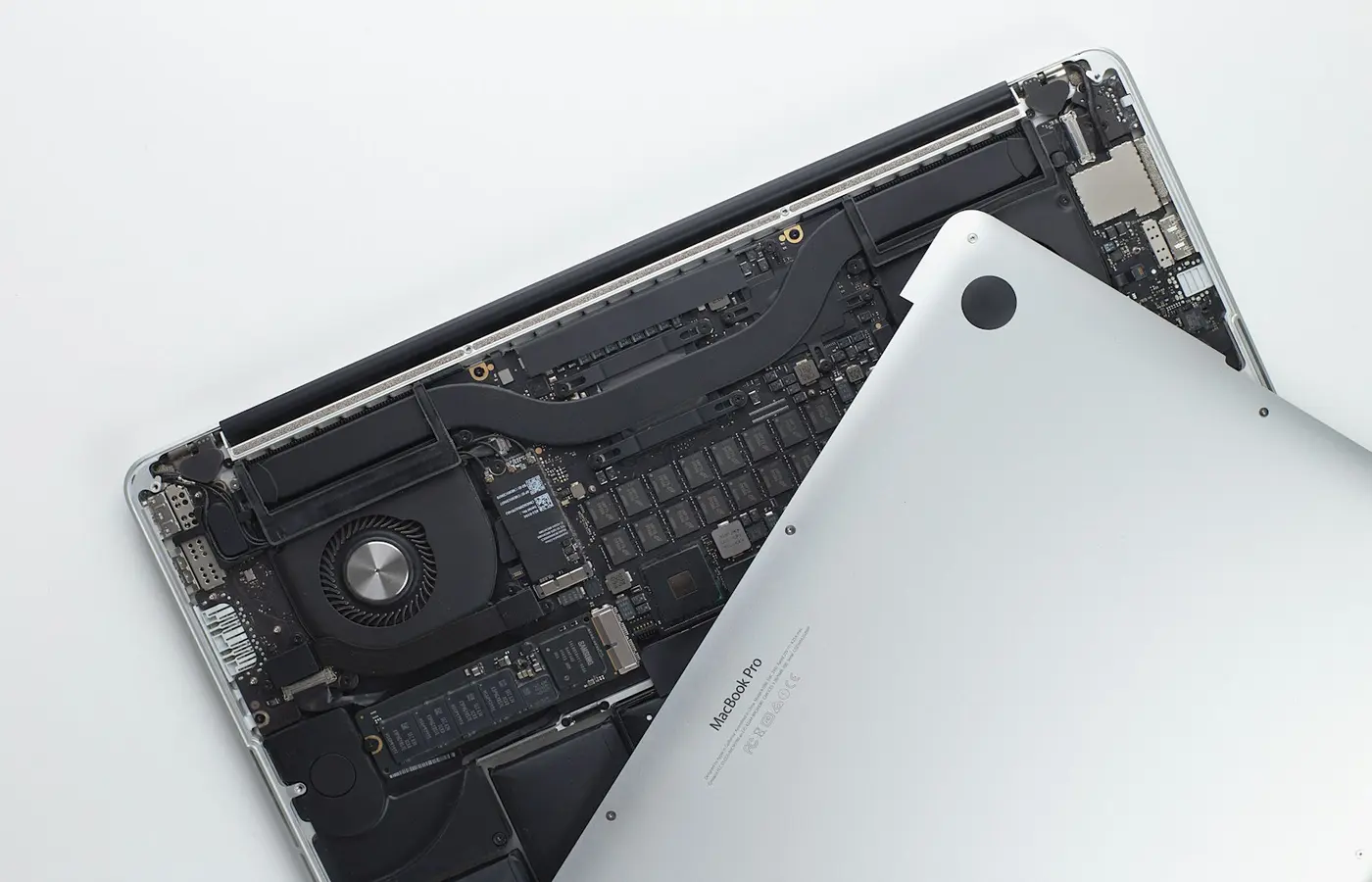
Do not infer upgradeability from the fact that a laptop has 16GB installed. Memory can be soldered to the motherboard, installed in removable slots, partly soldered with an additional slot, or inaccessible without substantial disassembly.
Check the maker’s service manual, maintenance guide, or support documentation for the exact part number. If those documents are unclear, contact the manufacturer before purchase and ask whether memory is user-upgradeable, what configuration is supported, and whether opening the device affects warranty coverage in your region.
4. Verify the installed memory after purchase
Once you have the laptop, use the operating system’s system-information tools to confirm that it reports 16GB of installed memory. This is a verification step, not a substitute for checking the specification before ordering.
If the reported capacity does not match the configuration you purchased, save screenshots of the listing and order confirmation, then contact the seller promptly within the return or exchange window.
5. Check your software and ownership needs
Before the return period closes, install the applications you depend on and test your normal workflow. Also check ports, display output, charging behavior, keyboard layout, wireless connectivity, and any accessories you plan to use. A technically correct 16GB specification does not guarantee the laptop is the right overall fit.
The practical takeaway: read 16GB as capacity, then check the full configuration
A 16GB RAM laptop has 16 gigabytes of temporary workspace for active software and data. That can be meaningful for multitasking because it gives the operating system more room to keep current work available, but it is not storage space and it is not a complete promise of speed.
Treat the number as one part of a configuration checklist. Confirm the exact CPU and GPU, storage capacity, memory arrangement, display, ports, operating system, warranty terms, and upgrade path. Then compare those details with the software and workflow you expect to use.
That approach is more reliable than treating 16GB as a universal verdict. It helps you identify what the specification actually means—and what you still need to verify before buying.
Frequently asked questions
Is 16GB RAM the same as 16GB of storage?
No. RAM is temporary working memory used while the laptop is running. Storage, usually an SSD, permanently holds the operating system, applications, and files. RAM clears when the laptop shuts down; storage retains its contents.
Will 16GB RAM make a laptop faster?
It can help when memory capacity is the limiting factor, particularly during multitasking or when returning to active applications. It does not automatically make every task faster. Processor performance, graphics hardware, storage, cooling, software, and background activity also affect responsiveness.
Why can a laptop with 16GB RAM still feel slow?
Possible causes include processor limitations, storage problems, low free disk space, excessive startup software, thermal limits, browser extensions, network issues, or a software fault. Memory pressure is one possibility, but the 16GB label alone cannot identify the cause.
Can I upgrade a laptop from 16GB RAM later?
Possibly, but not always. Some laptops use removable memory modules, while others have soldered or partly soldered memory. Check the manufacturer’s documentation for the exact model or part number before buying, and follow official service guidance if an upgrade is supported.