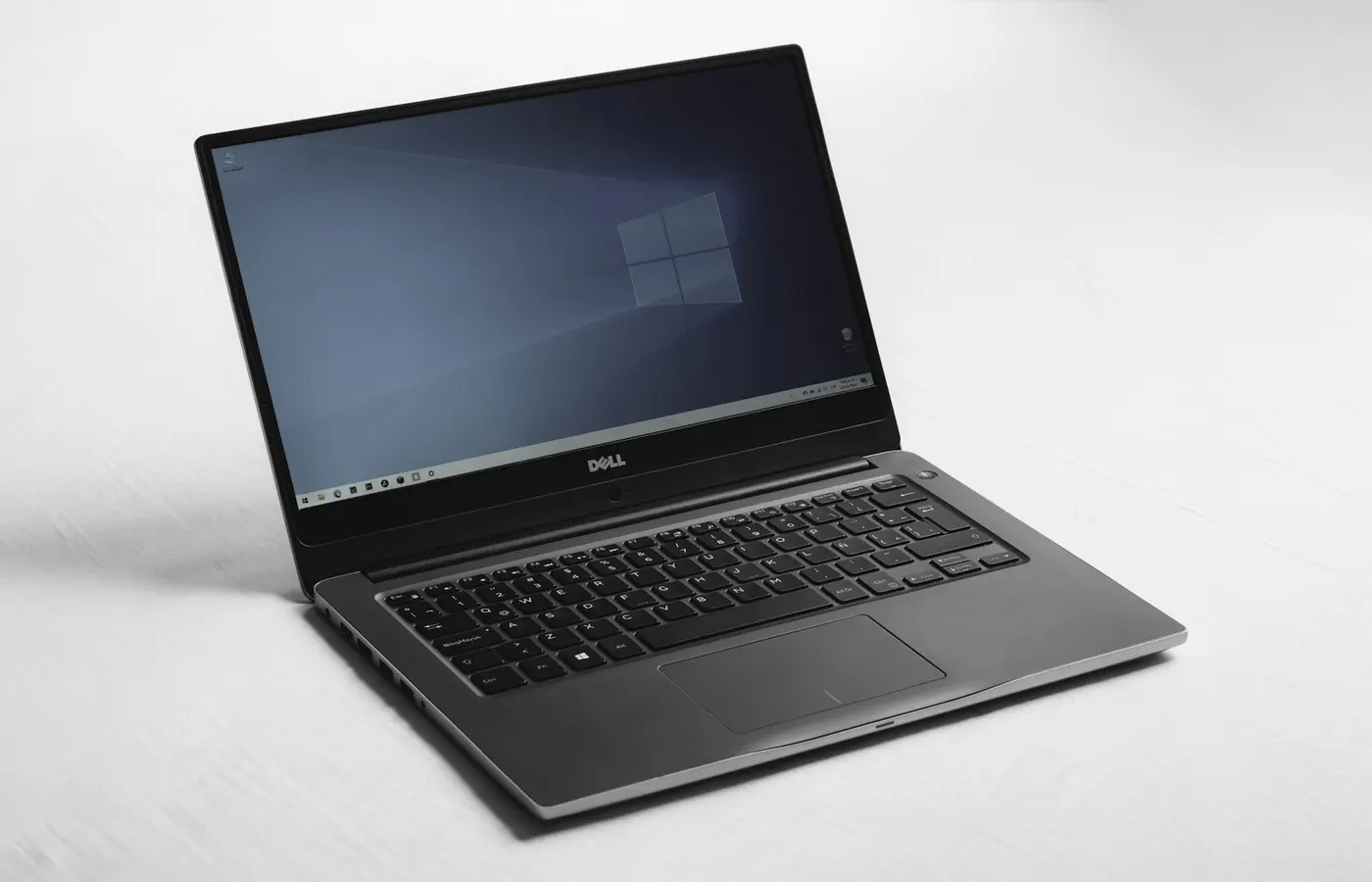
Dell XPS 14 9440 Research-Based Review and 2026 Buying Advice
A source-verified Dell XPS 14 9440 buyer analysis covering its Core Ultra platform, optional RTX graphics, displays, integrated memory, ports, and current limitations.
Pros
- Core Ultra H-series and optional discrete graphics
- Three Thunderbolt 4 ports plus microSD
- Up to 64GB onboard memory in documented discrete-GPU configurations
Cons
- No built-in USB-A or HDMI
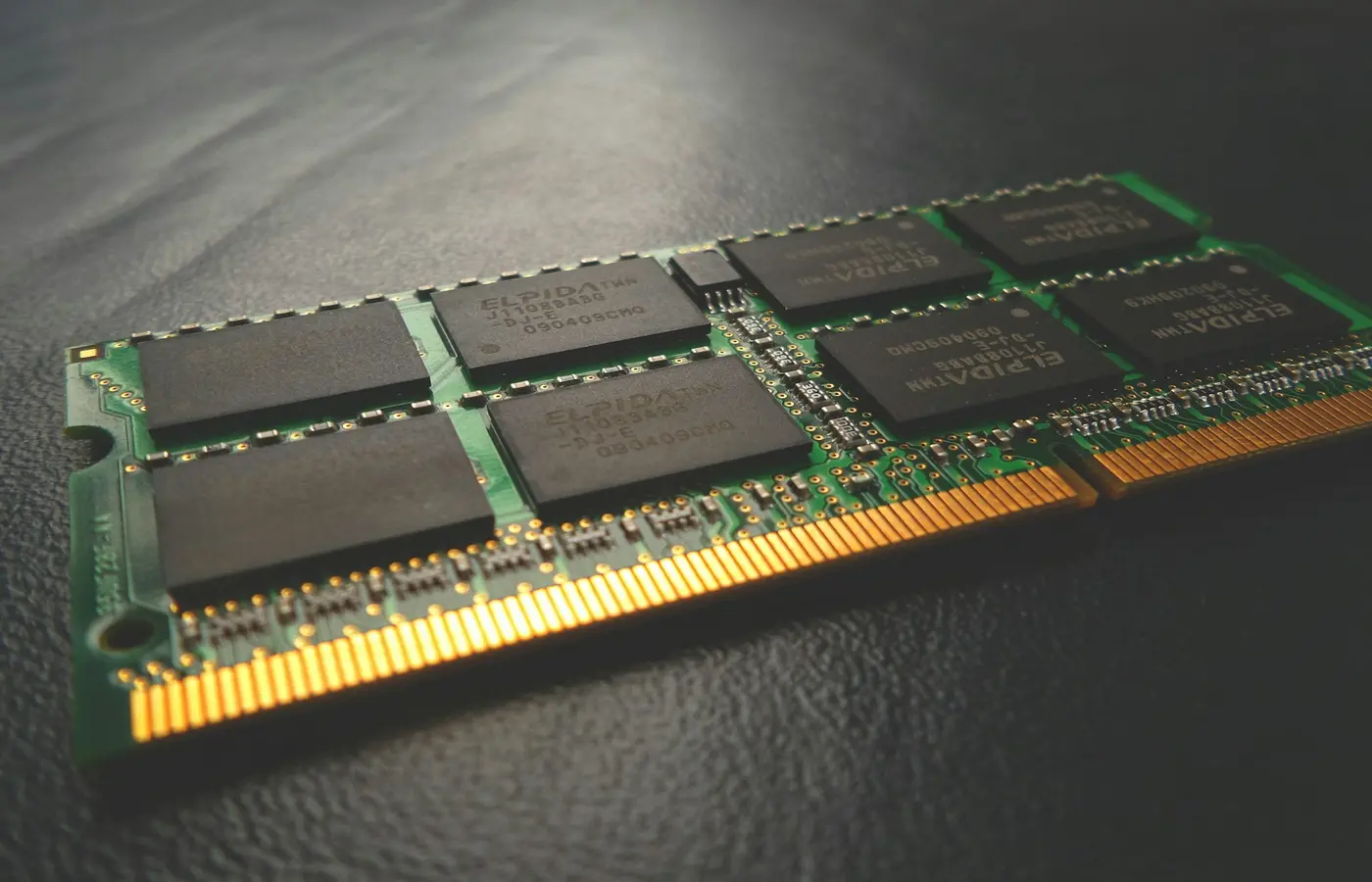
- Memory is onboard
- 2024-generation platform now requires a strong 2026 price case
Editorial disclosure: Laptop Advices has not tested the XPS 14 9440. This analysis uses Dell’s XPS 14 9440 Owner’s Manual and support documentation. It does not claim original measurements or award an unsupported rating.
Verdict
The XPS 14 9440 is a reasonable 2026 purchase only when a specific configuration and discount justify buying a 2024-generation compact creator laptop. Its strengths on paper are Core Ultra H-series processors, optional NVIDIA graphics, up to 64GB integrated memory in relevant configurations, three Thunderbolt 4 ports, and microSD. Skip it when you need built-in USB-A/HDMI, upgradeable RAM, maximum gaming value, or a current platform at similar cost.
Configuration boundary
| Item | Dell-documented XPS 14 9440 range |
|---|---|
| Processor | Intel Core Ultra 7 155H or 165H |
| Memory | 16GB/32GB integrated; up to 64GB with documented discrete-graphics configurations |
| Graphics | Integrated Intel or optional NVIDIA configuration |
| Ports | Three Thunderbolt 4 USB-C with charging/display, headset, microSD |
| Storage | One M.2 2230/2280 SSD slot |
| Weight | Configuration-dependent, approximately 1.68–1.8kg in Dell support data |
Do not borrow a result from an XPS 13, XPS 16, or a newer Dell design. Record the service tag/part number, display, GPU, RAM, SSD, and power adapter before comparing reviews.
Who it fits
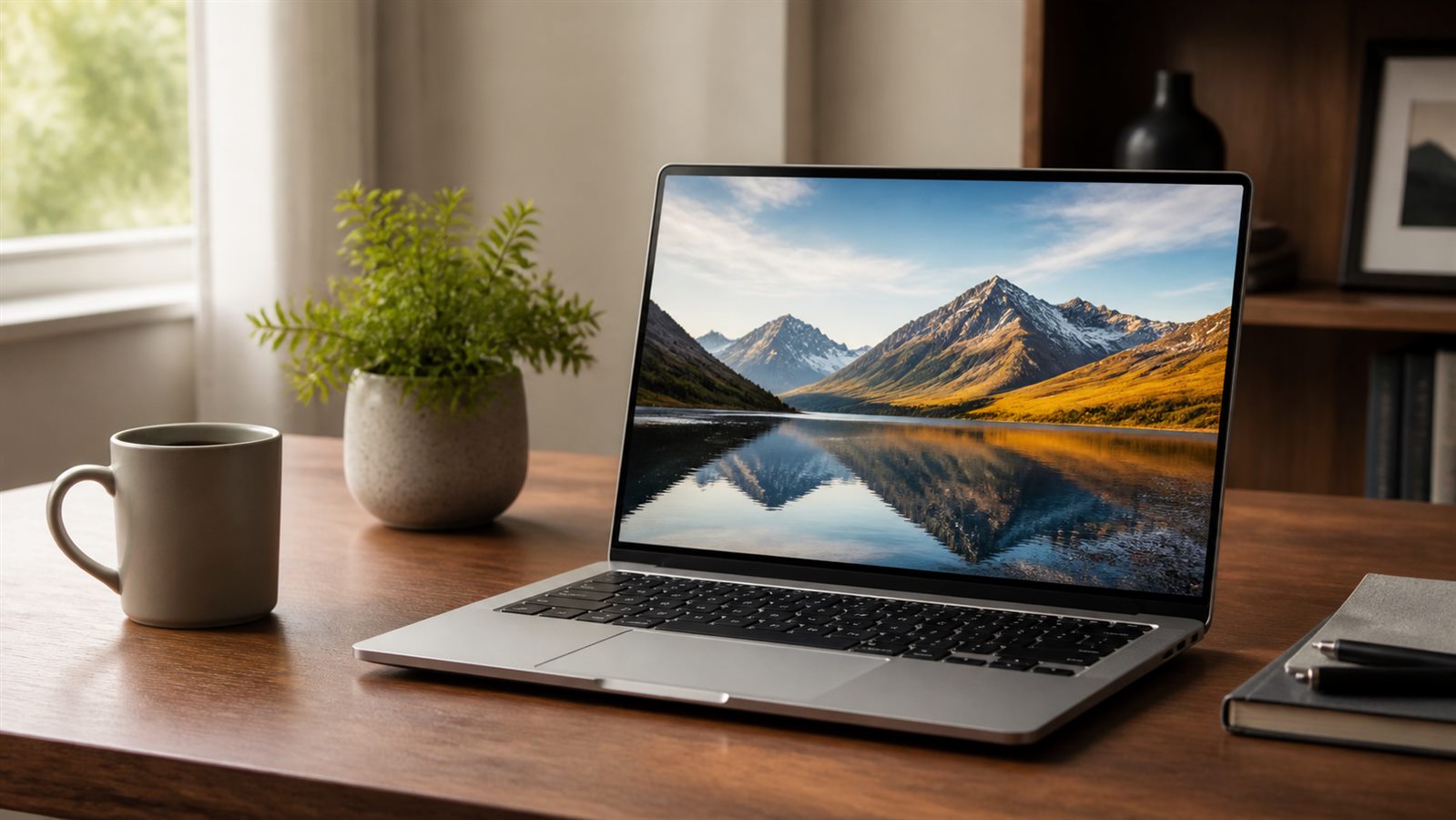
It fits a buyer who wants a compact premium Windows creator machine, uses Thunderbolt docking, and needs more sustained capability than a fanless ultraportable. An optional discrete GPU can help supported media, 3D, and GPU applications, but the exact GPU and power behavior must be verified.
It is less convincing for travelers who must carry adapters for USB-A/HDMI, or value buyers who can accept a less minimalist chassis. For desk setups, use the remote-work laptop checklist to validate displays and docks.
Ownership and upgrade limits
Integrated memory means the 16GB versus 32GB decision happens at purchase. Dell documents one M.2 storage slot, so storage growth means replacing the existing drive rather than adding a guaranteed second one. Follow the exact Owner’s Manual and preserve encryption recovery keys before service.
What remains unverified
We have no original figures for display brightness/color, battery life, sustained performance, surface temperatures, fan noise, speakers, camera, or touch-control usability. Independent results are only transferable when they use the same configuration and disclose conditions. Our thermal and battery protocols define the missing evidence.
Conclusion
Buy XPS 14 9440 as a specifically configured, appropriately discounted compact creator laptop—not as a timeless “XPS 14” recommendation. Skip it if newer hardware, native ports, upgradeable memory, or gaming value matters more than its premium design.
Frequently asked questions
Is XPS 14 9440 the current XPS generation?
It is the model introduced for the 2024 generation. In 2026, compare its exact configuration and support status with current alternatives.
Can its RAM be upgraded?
Dell documents onboard LPDDR5x memory, so choose capacity at purchase.
Is this review based on testing?
No. It is a research-based buyer analysis with explicit evidence limits.