
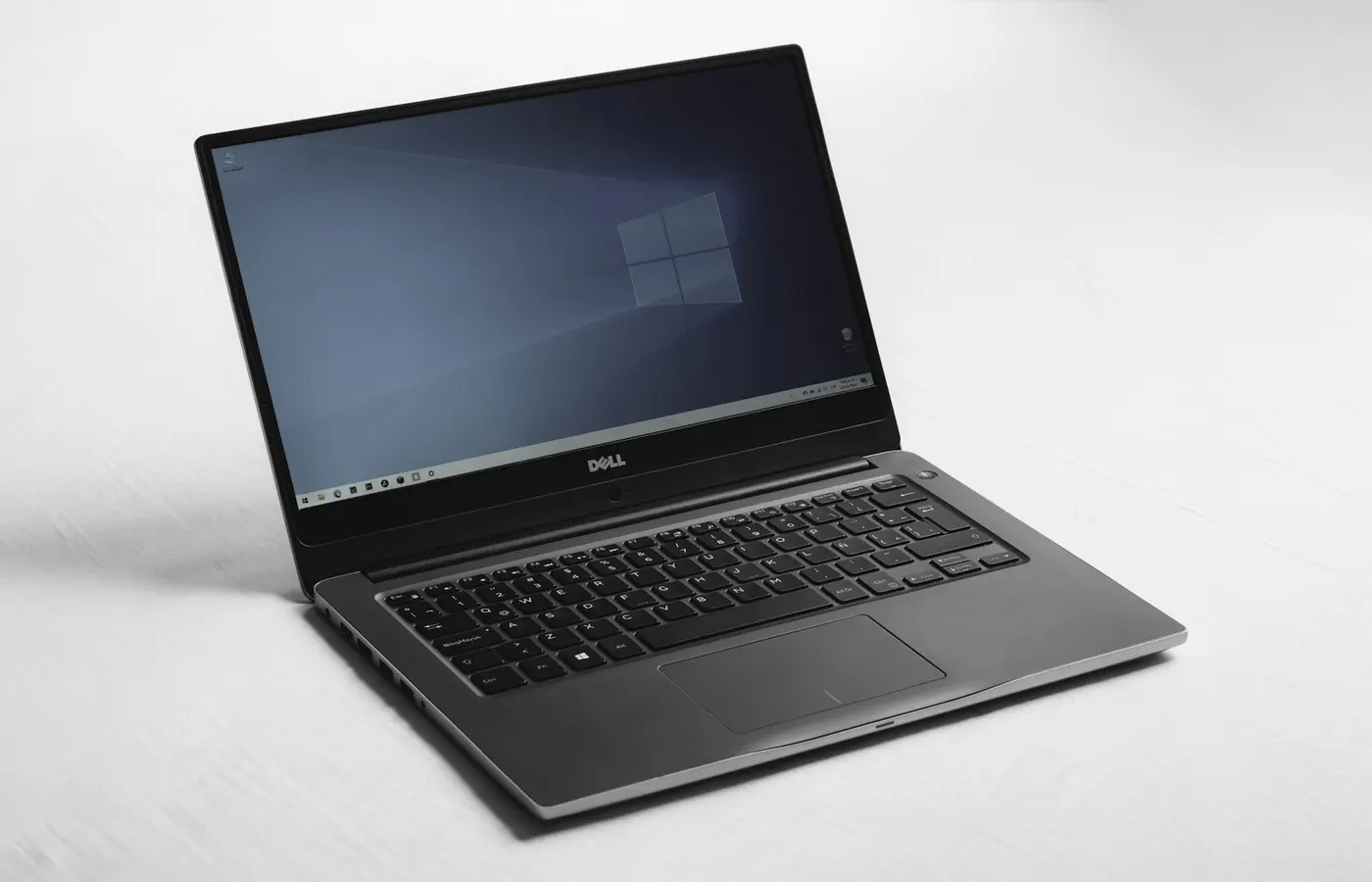
Featured
Will Your Apps Work on a Windows-on-Arm Laptop? Check Software, Drivers, and Peripherals Before Buying
Windows-on-Arm laptops can run many familiar apps, but drivers, peripherals, games, and work tools need verification before you buy.
Windows-on-Arm laptops can run many familiar apps, but drivers, peripherals, games, and work tools need verification before you buy.
 Buying Guides
IPS is a panel type, not a display quality guarantee. Learn how to check brightness, color gamut, resolution, and refresh rate for the exact laptop.
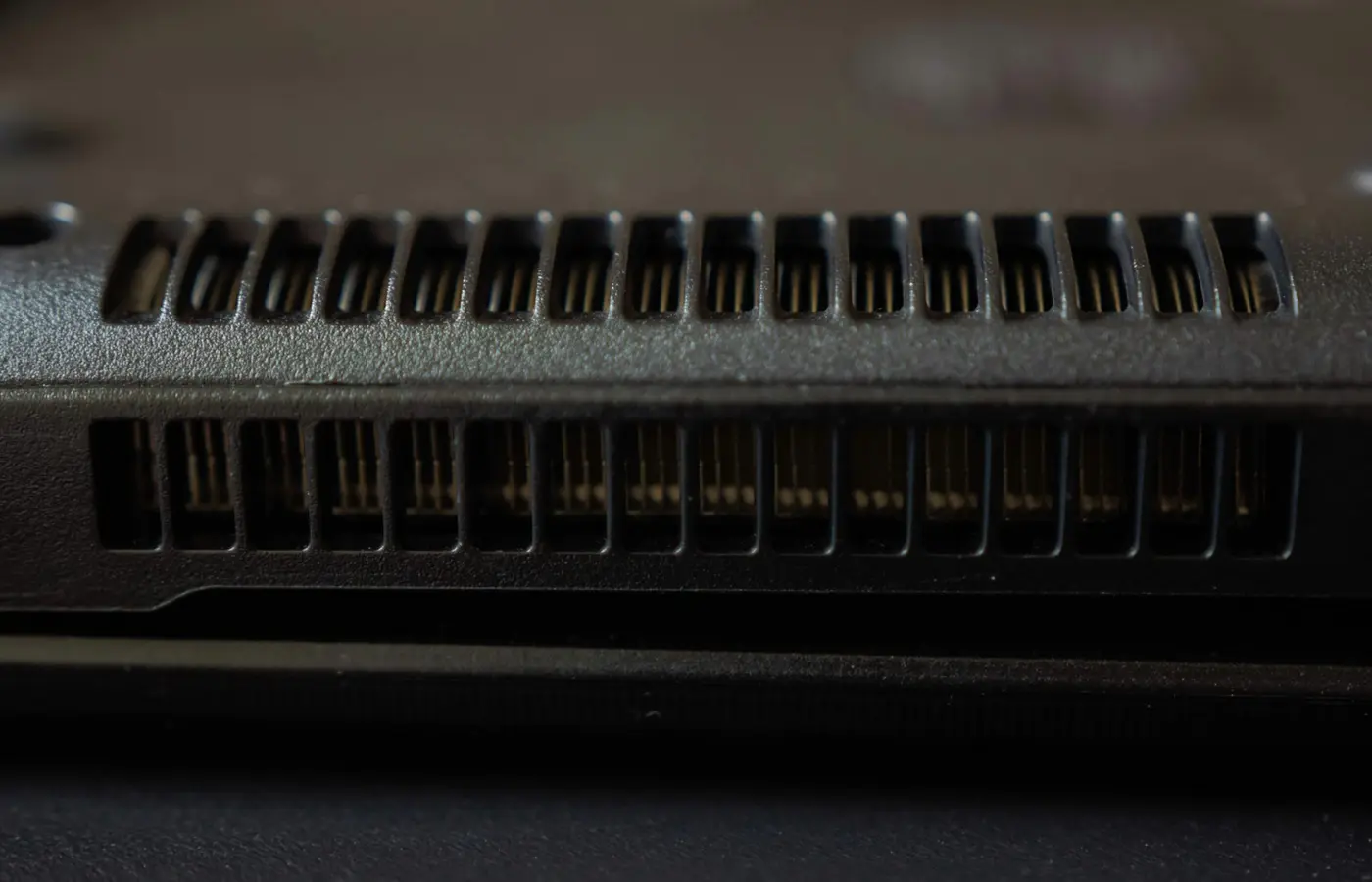 Buying Guides
Learn how to verify whether a laptop’s RAM is soldered, socketed, or hybrid—and choose enough memory for its useful life.
 Buying Guides
Choose a gaming laptop by the games and settings you play, with practical checks for GPU power, display, memory, cooling, and upgrades.
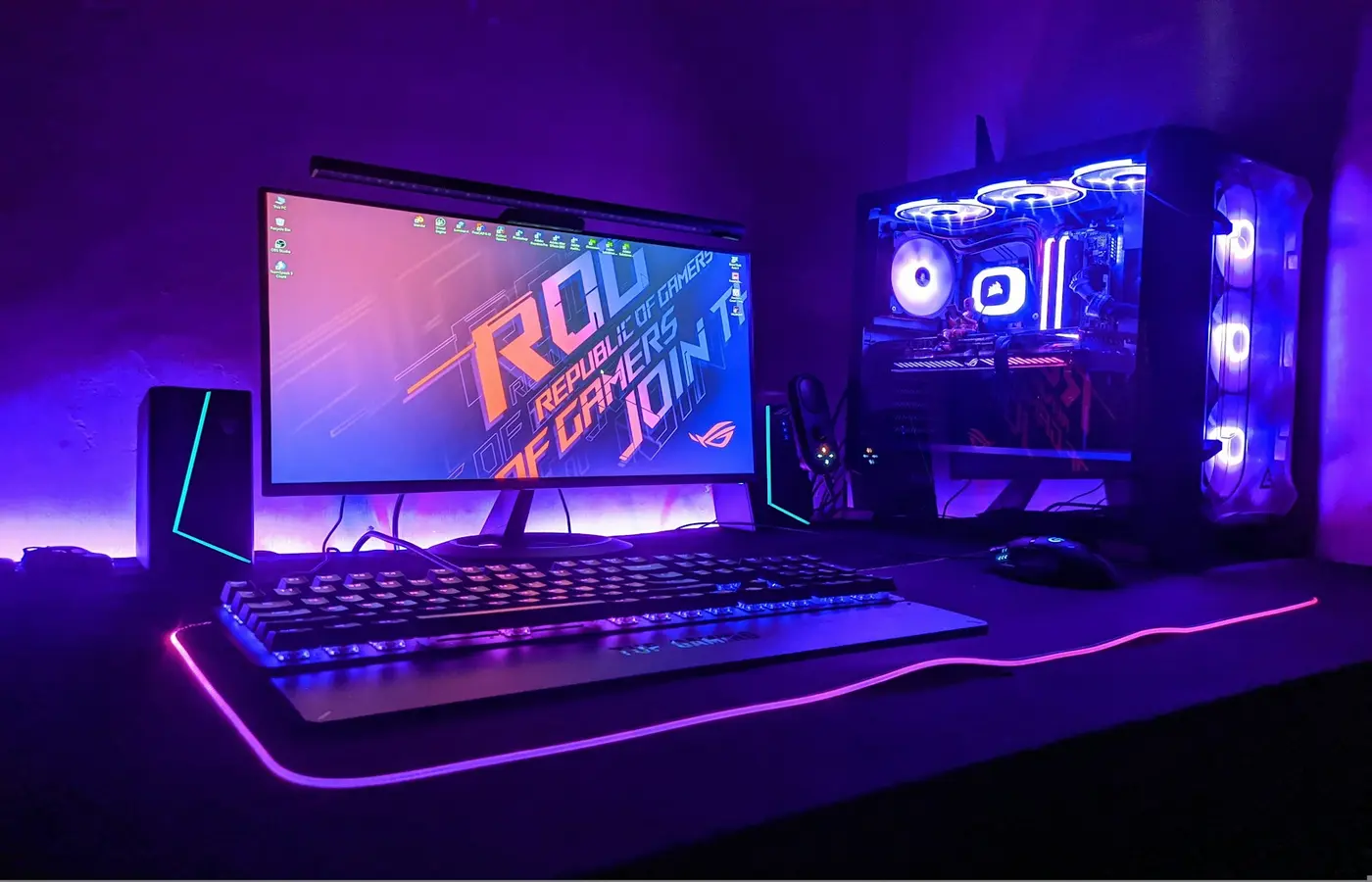 Best Laptops
How to choose a 1080p gaming laptop by checking the exact GPU power profile, display, cooling, memory, ports, and current deal details.
 Buying Guides
A practical guide to deciding between a refurbished Dell Latitude and a new budget laptop under $700, with checks for condition, warranty, battery, and Windows support.
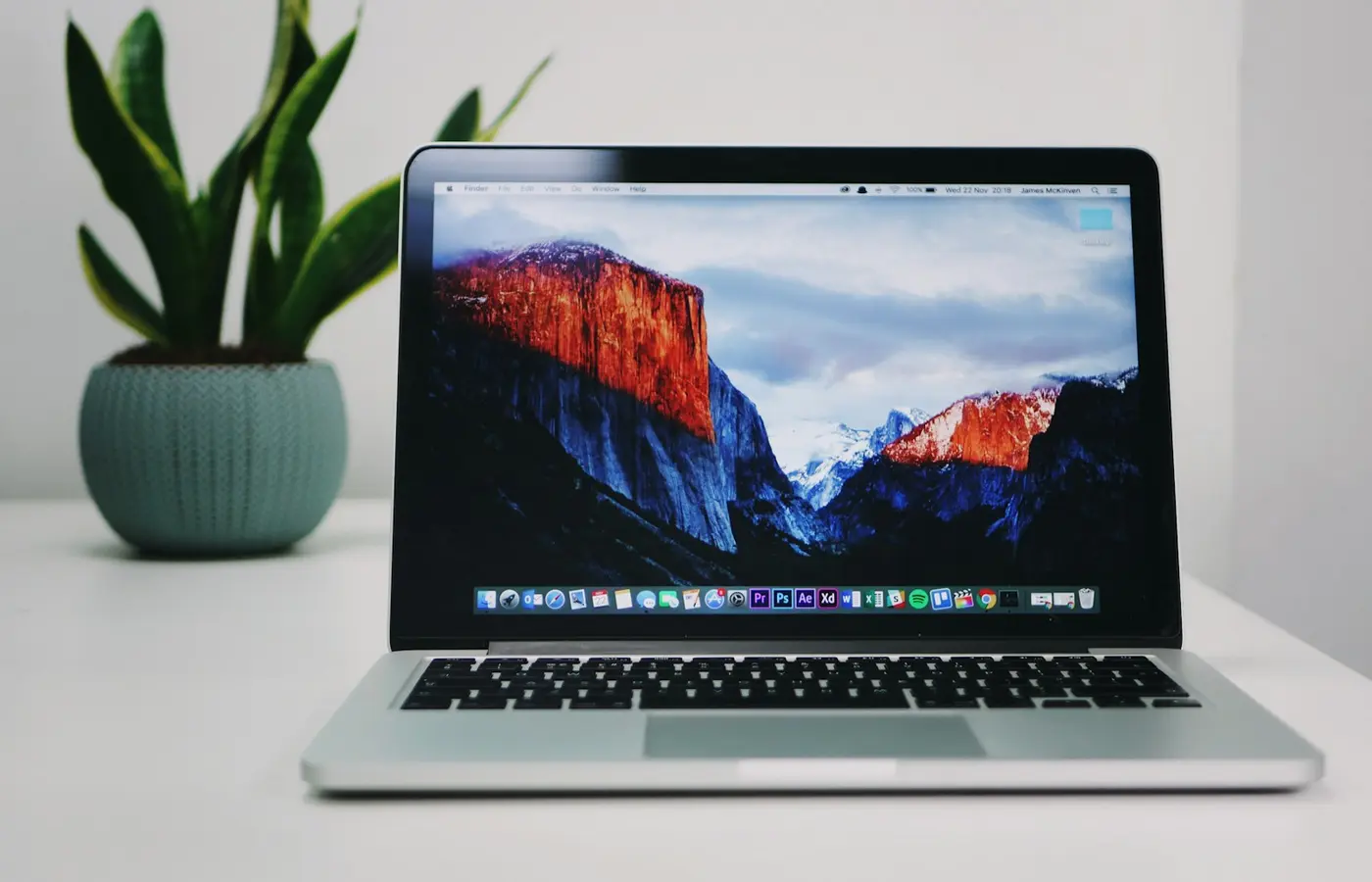 Buying Guides
Choose a laptop configuration by workload, software, portability, repair needs, and verified SKU details—not badges, brands, or sale headlines.
 Buying Guides
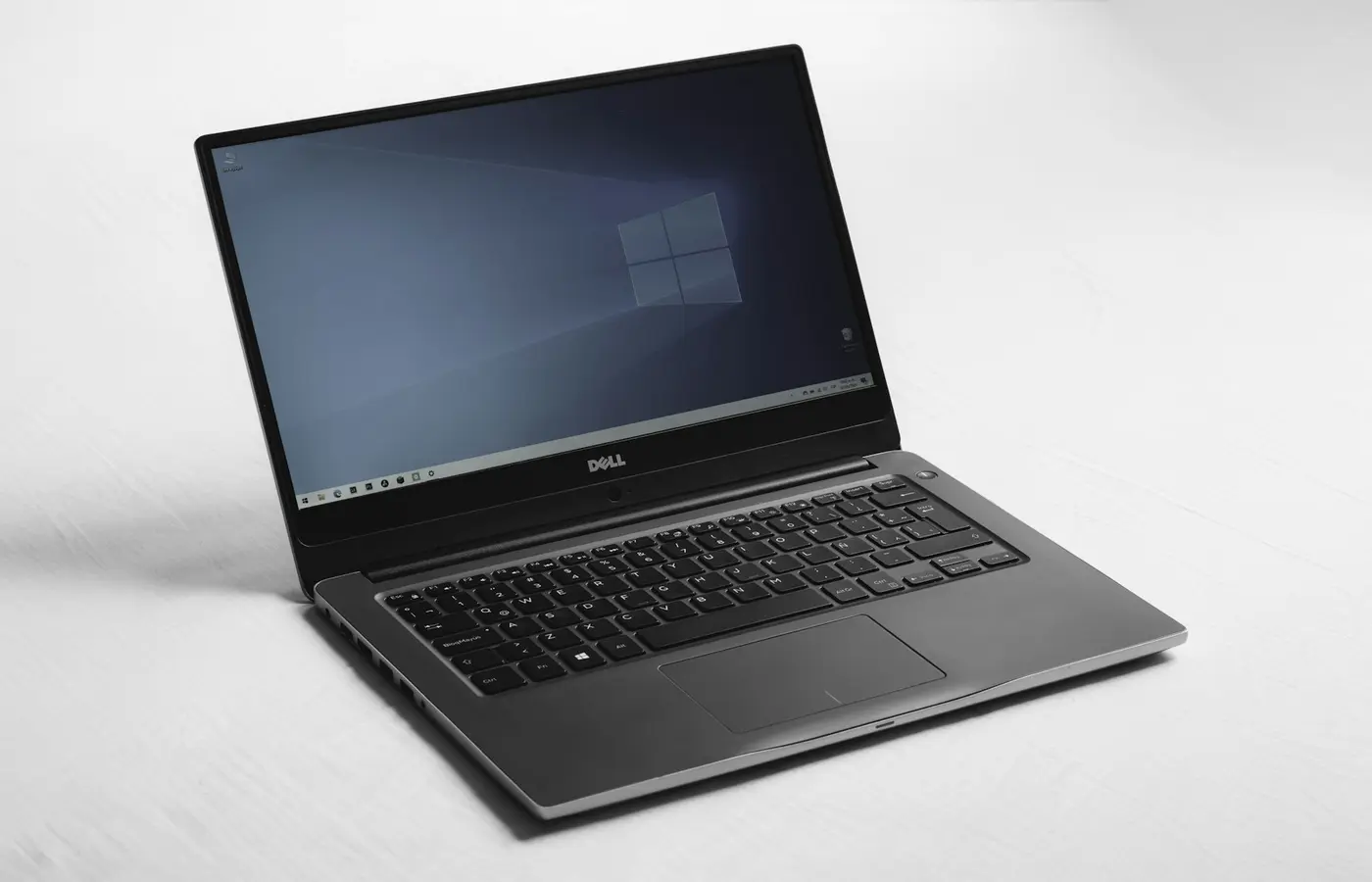
Verify Linux support before buying: match the exact laptop SKU, wireless card, graphics, firmware path, and return policy.
 Buying Guides
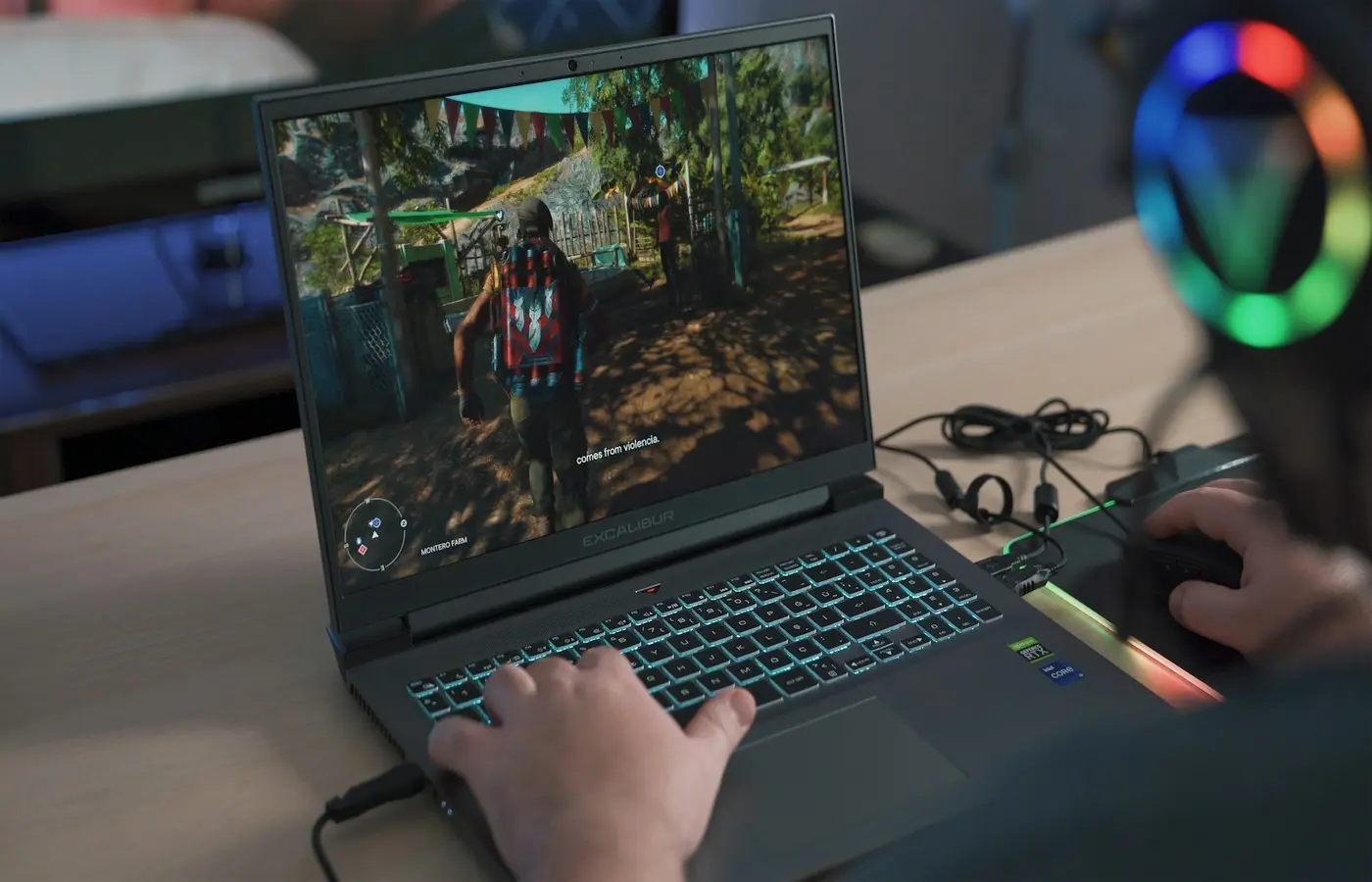
Find out when a 1440p gaming laptop makes sense by matching its display, GPU configuration, games, refresh-rate target, and scaling options.