
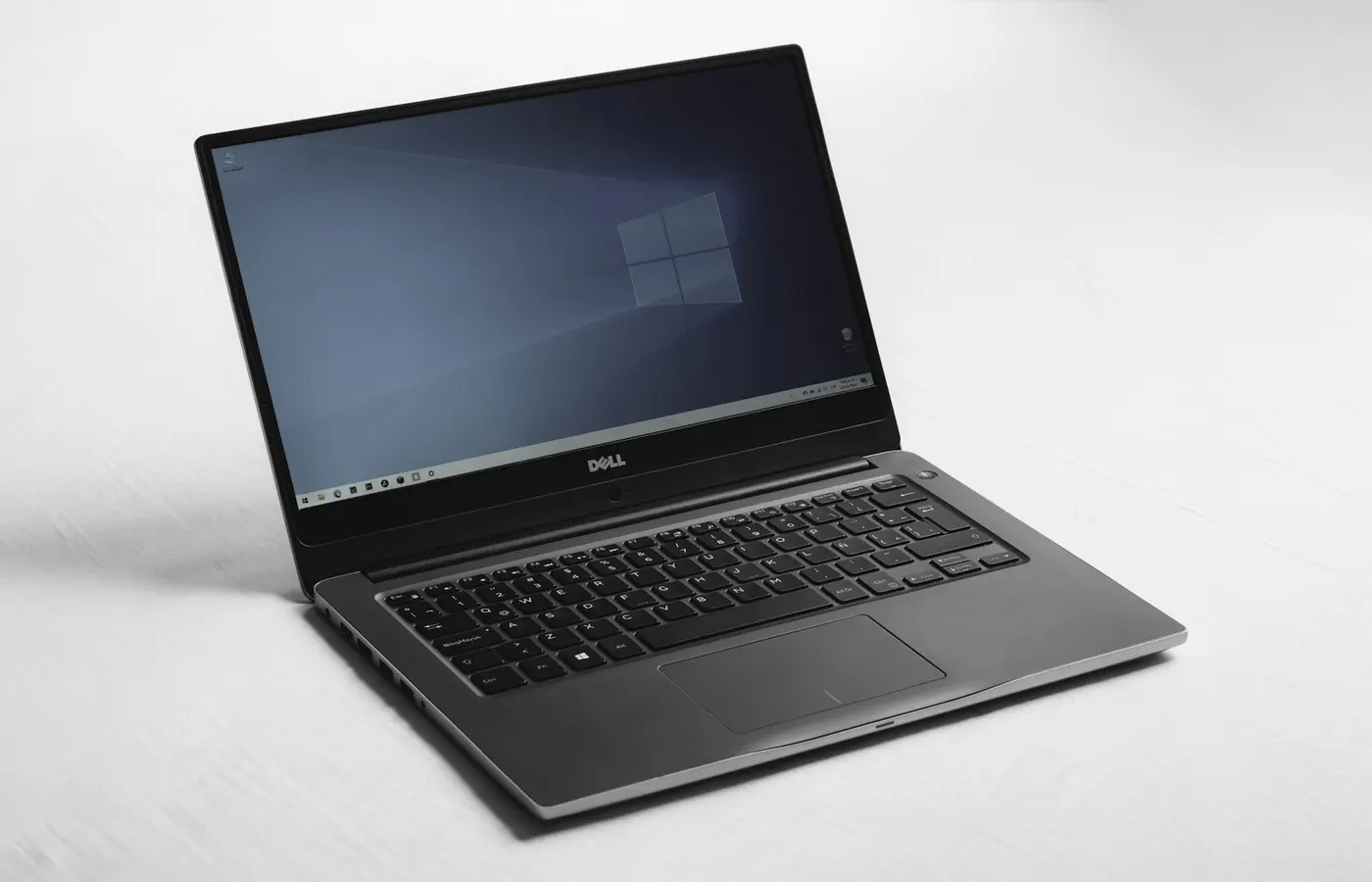
Featured
Will Your Apps Work on a Windows-on-Arm Laptop? Check Software, Drivers, and Peripherals Before Buying
Windows-on-Arm laptops can run many familiar apps, but drivers, peripherals, games, and work tools need verification before you buy.
Windows-on-Arm laptops can run many familiar apps, but drivers, peripherals, games, and work tools need verification before you buy.
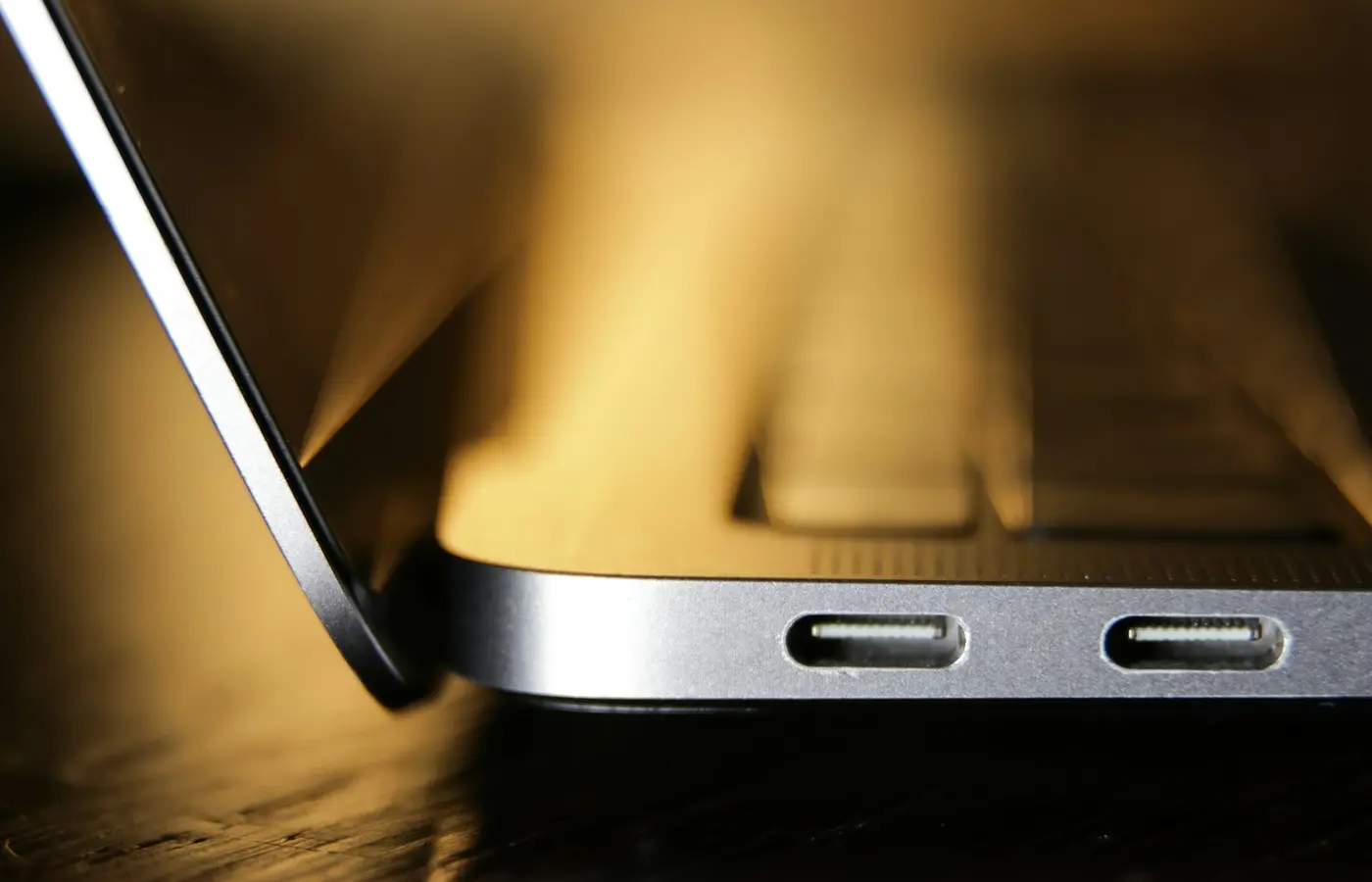 How-To
Learn how to confirm whether your laptop accepts USB-C charging, match a compatible USB Power Delivery charger and cable, and avoid common mistakes.
 How-To
Learn how to verify a laptop’s exact model, release period, and individual manufacture details before buying, repairing, or upgrading it.
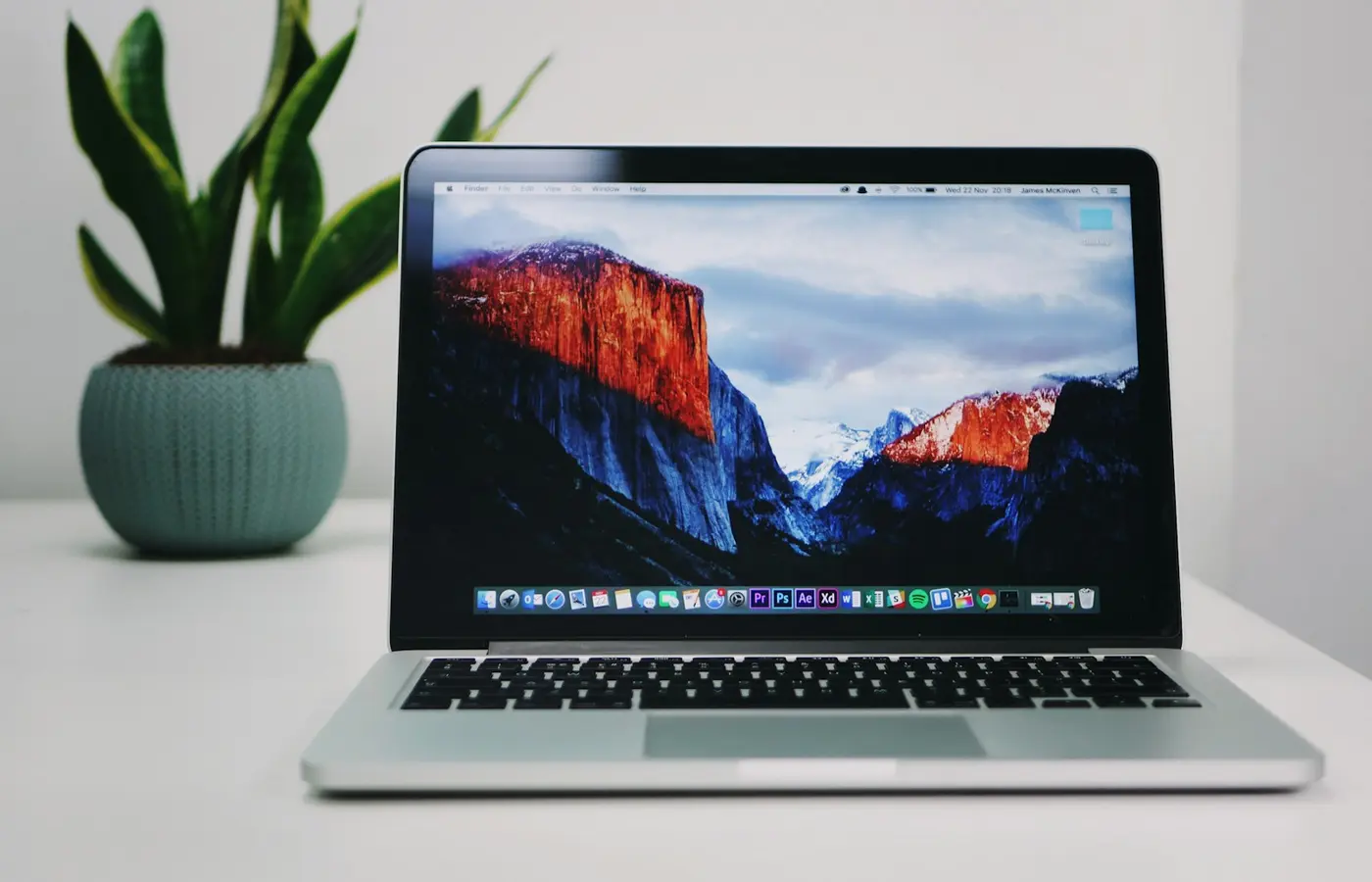 Buying Guides
Choose a laptop configuration by workload, software, portability, repair needs, and verified SKU details—not badges, brands, or sale headlines.
 Buying Guides
Use this checklist to verify Windows on ARM compatibility for essential apps, drivers, peripherals, games, security tools, and virtual machines.
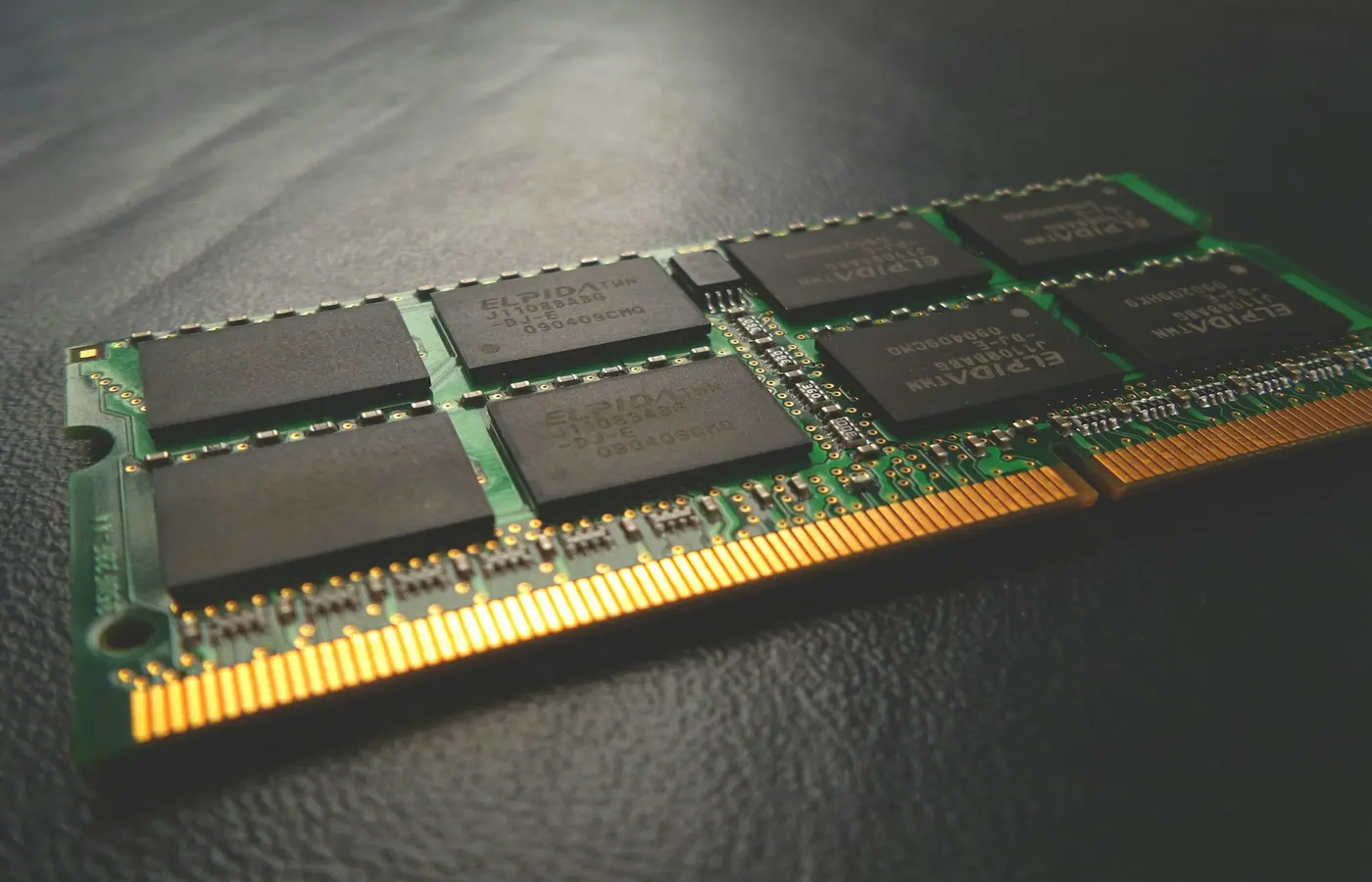 How-To
Learn how to verify laptop RAM slots, soldered memory, supported module types, capacity limits, and safe installation steps before buying.