

Featured
What Year Is This Laptop? How to Identify Its Exact Model Before You Buy or Upgrade
Learn how to verify a laptop’s exact model, release period, and individual manufacture details before buying, repairing, or upgrading it.
Learn how to verify a laptop’s exact model, release period, and individual manufacture details before buying, repairing, or upgrading it.
 Buying Guides
Use this laptop buying guide to match an exact SKU to your workload and verify hardware, display, ports, software, warranty, region, and price.
 Buying Guides
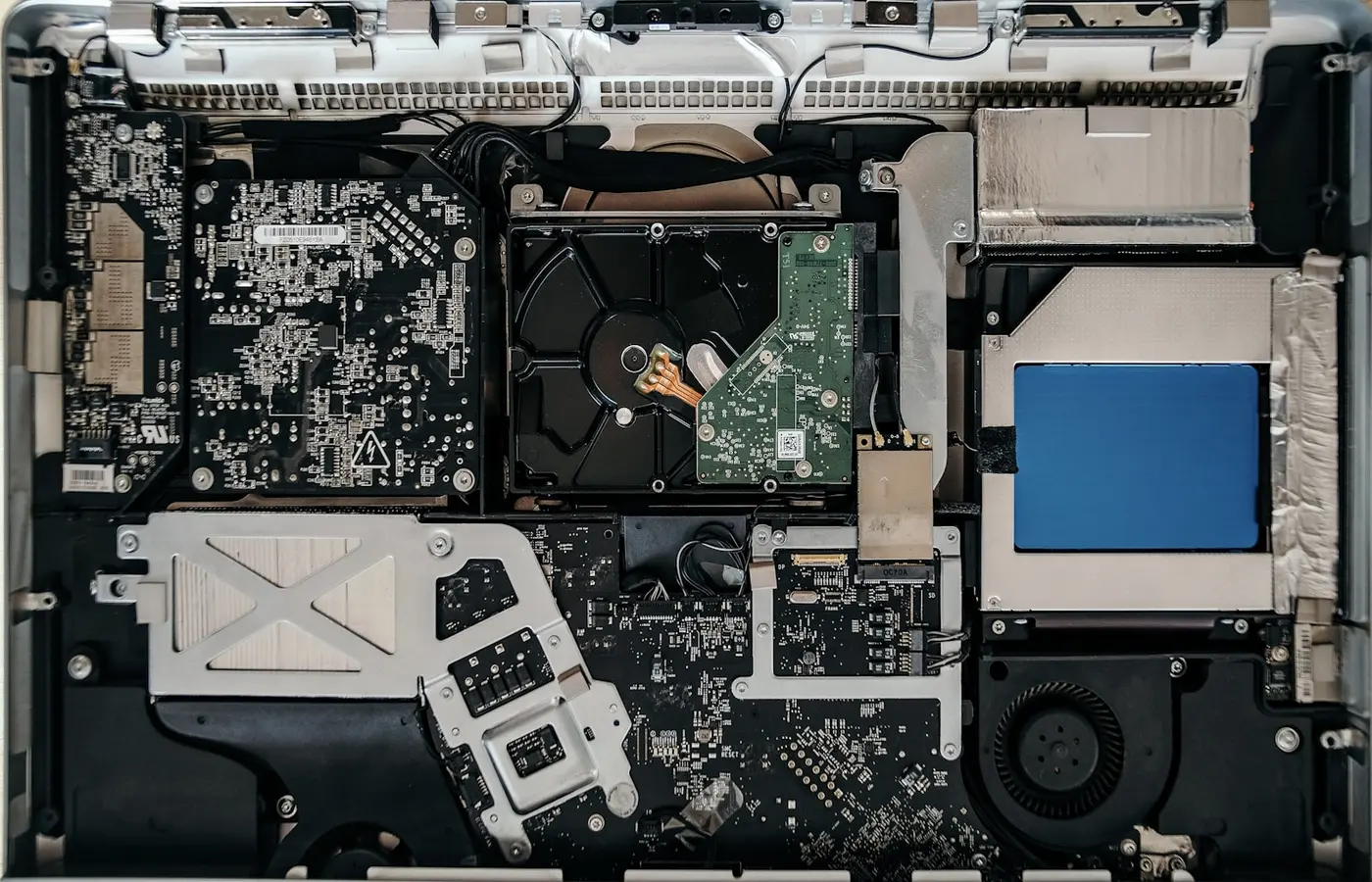
Use this pre-purchase checklist to verify a laptop’s RAM, SSD, battery, service manuals, spare parts, warranty, and regional repair options.
 Buying Guides
Decide between 16GB and 32GB laptop RAM by measuring current memory pressure, checking software requirements, and accounting for soldered or upgradeable memory.
How-ToCheck soldered memory, SO-DIMM type, capacity, slot layout, service steps, and post-install tests before upgrading laptop RAM.
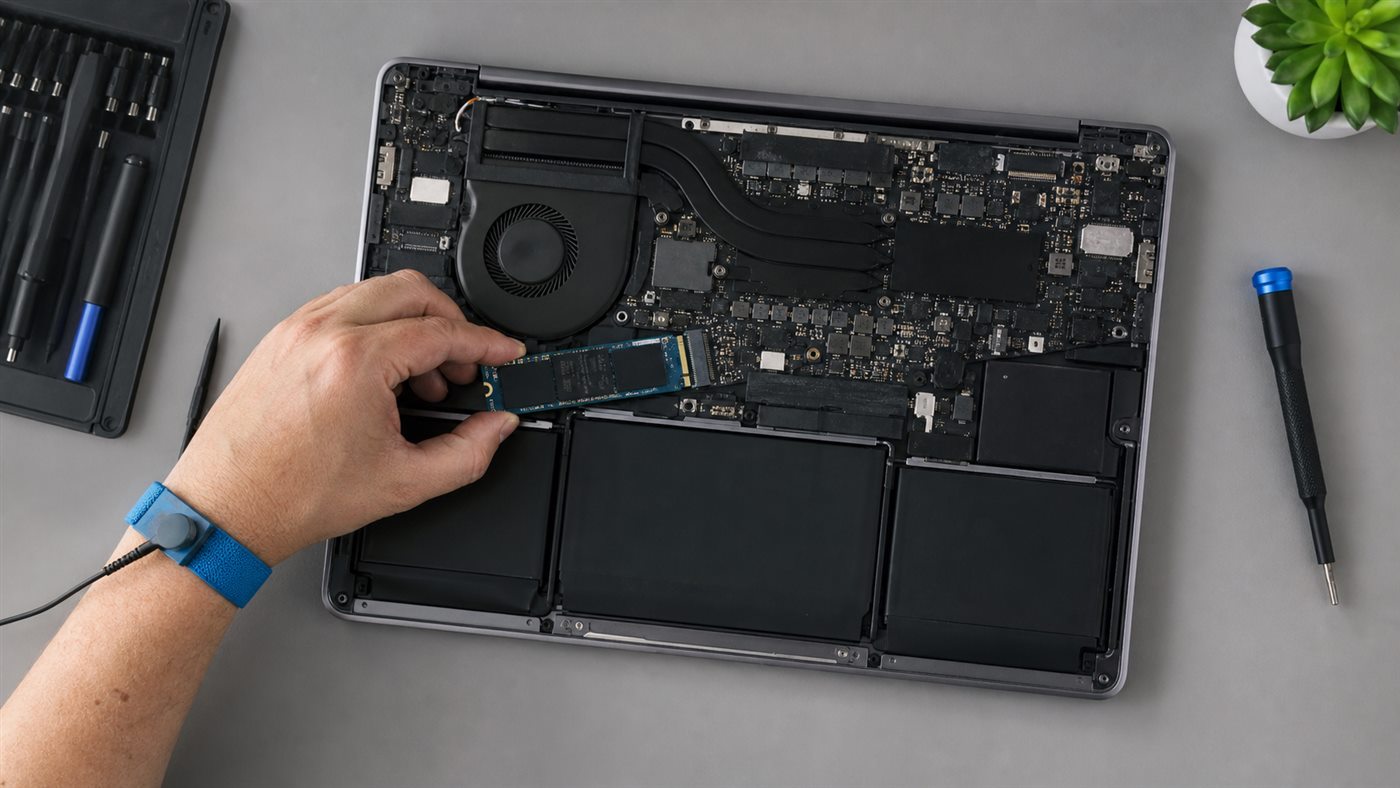
How-ToConfirm a second M.2 slot, drive size, interface, cooling parts, and warranty before installing and initializing an NVMe SSD in Windows.