
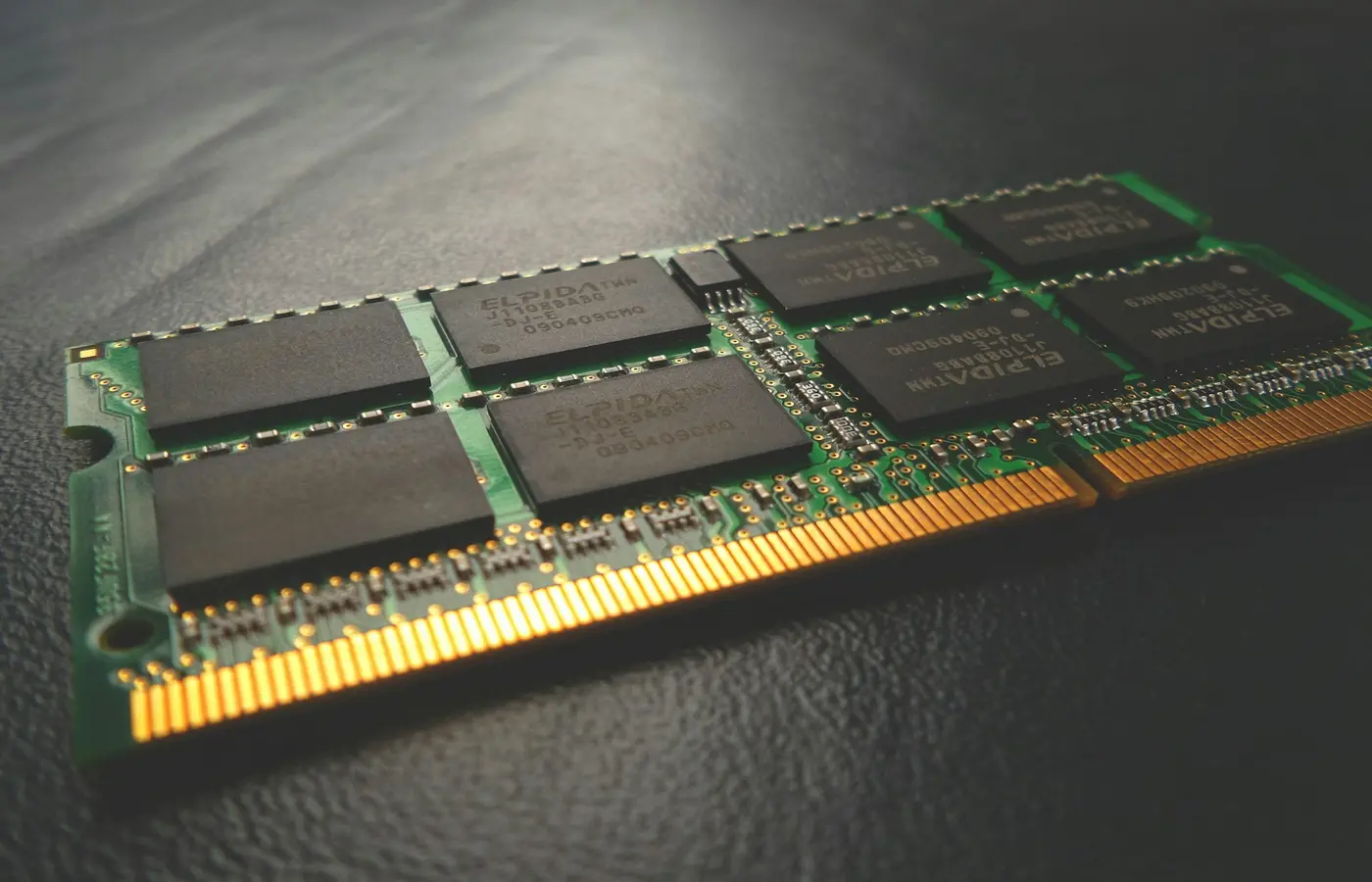
Featured
ノートPCのメモリは16GBと32GBどちら?用途別に選ぶ基準
ノートPCのメモリを16GBと32GBのどちらにするか迷う人向けに、仕事、大学、Web会議、ゲーム、動画・写真編集、CAD、プログラミング、仮想マシンなど用途別の判断基準を解説します。ソフトの推奨要件、現在のメモリ使用量、購入予定モデルの増設可否を確認する方法も整理します。
ノートPCのメモリを16GBと32GBのどちらにするか迷う人向けに、仕事、大学、Web会議、ゲーム、動画・写真編集、CAD、プログラミング、仮想マシンなど用途別の判断基準を解説します。ソフトの推奨要件、現在のメモリ使用量、購入予定モデルの増設可否を確認する方法も整理します。
 Buying Guides
Choose a laptop by workload, not badges. This guide explains how to balance CPU, RAM, storage, display, graphics, ports, portability, and ownership.
 Buying Guides
Choose a programming laptop by checking tool compatibility, RAM, Linux support, virtual machines, upgrade options, and external displays.
 Buying Guides
Match your editing software, footage, color workflow, memory, GPU, display, storage, ports, and portability to the right laptop configuration.
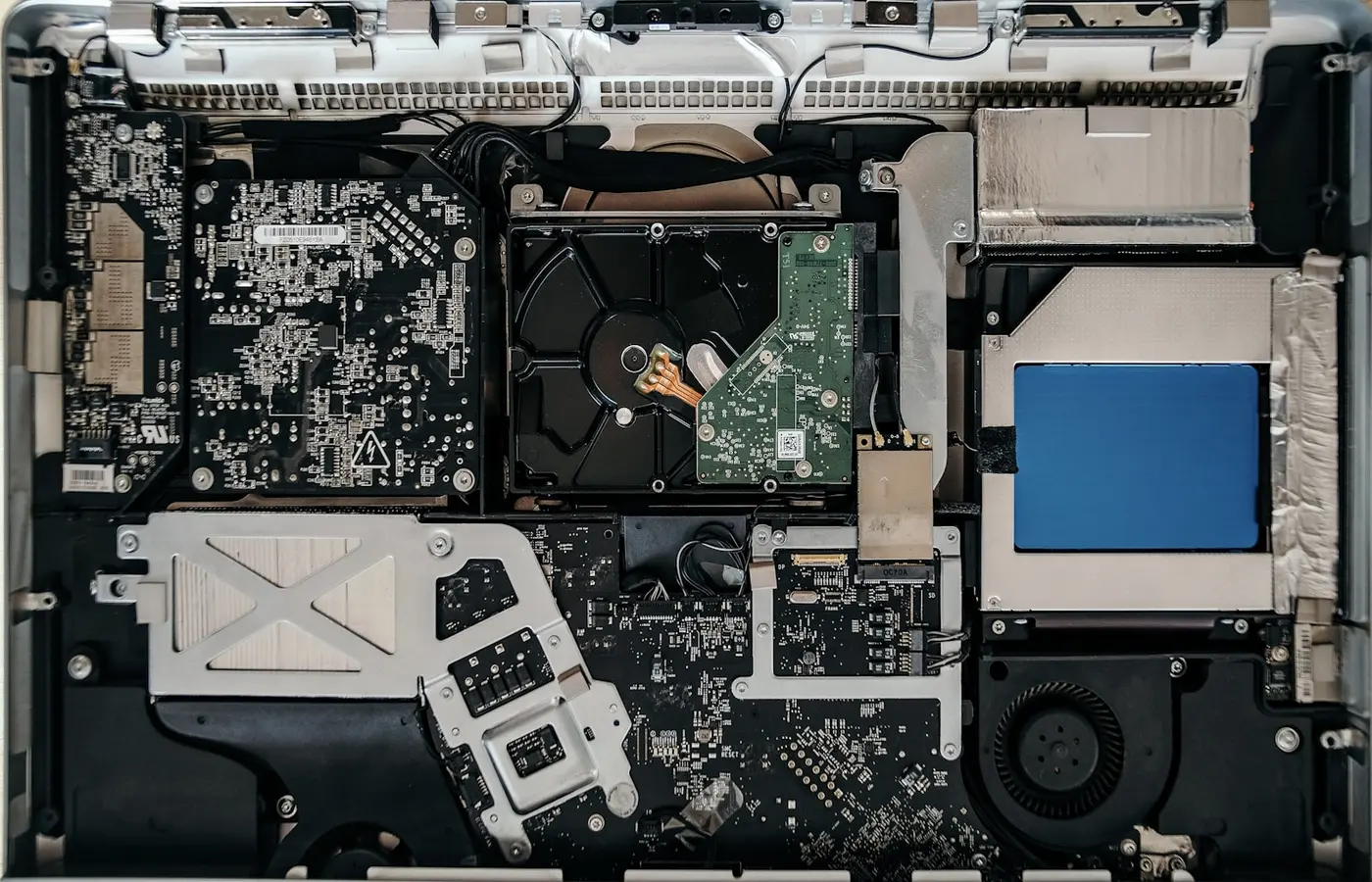 Buying Guides
Use this pre-purchase checklist to verify a laptop’s RAM, SSD, battery, service manuals, spare parts, warranty, and regional repair options.
 Buying Guides
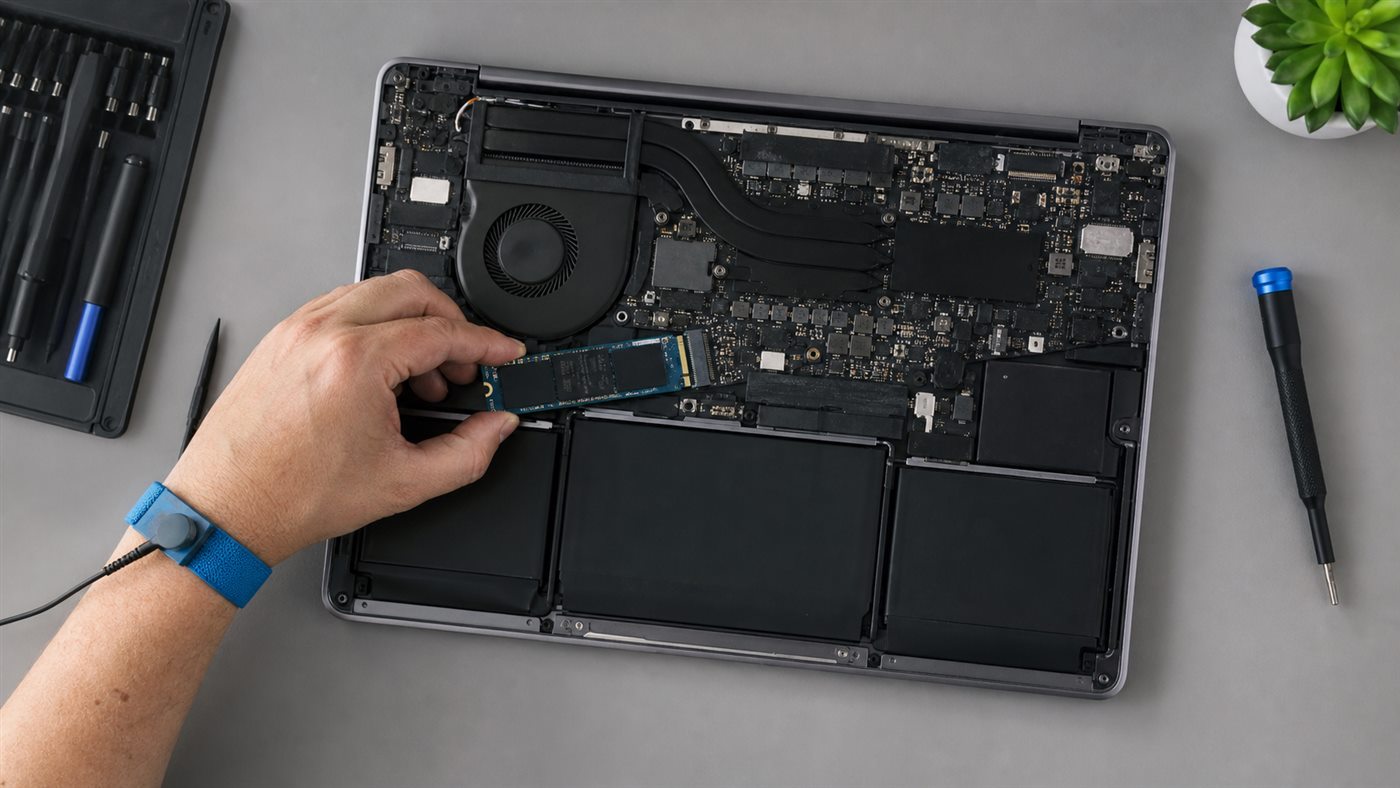
Decide between 16GB and 32GB laptop RAM by measuring current memory pressure, checking software requirements, and accounting for soldered or upgradeable memory.