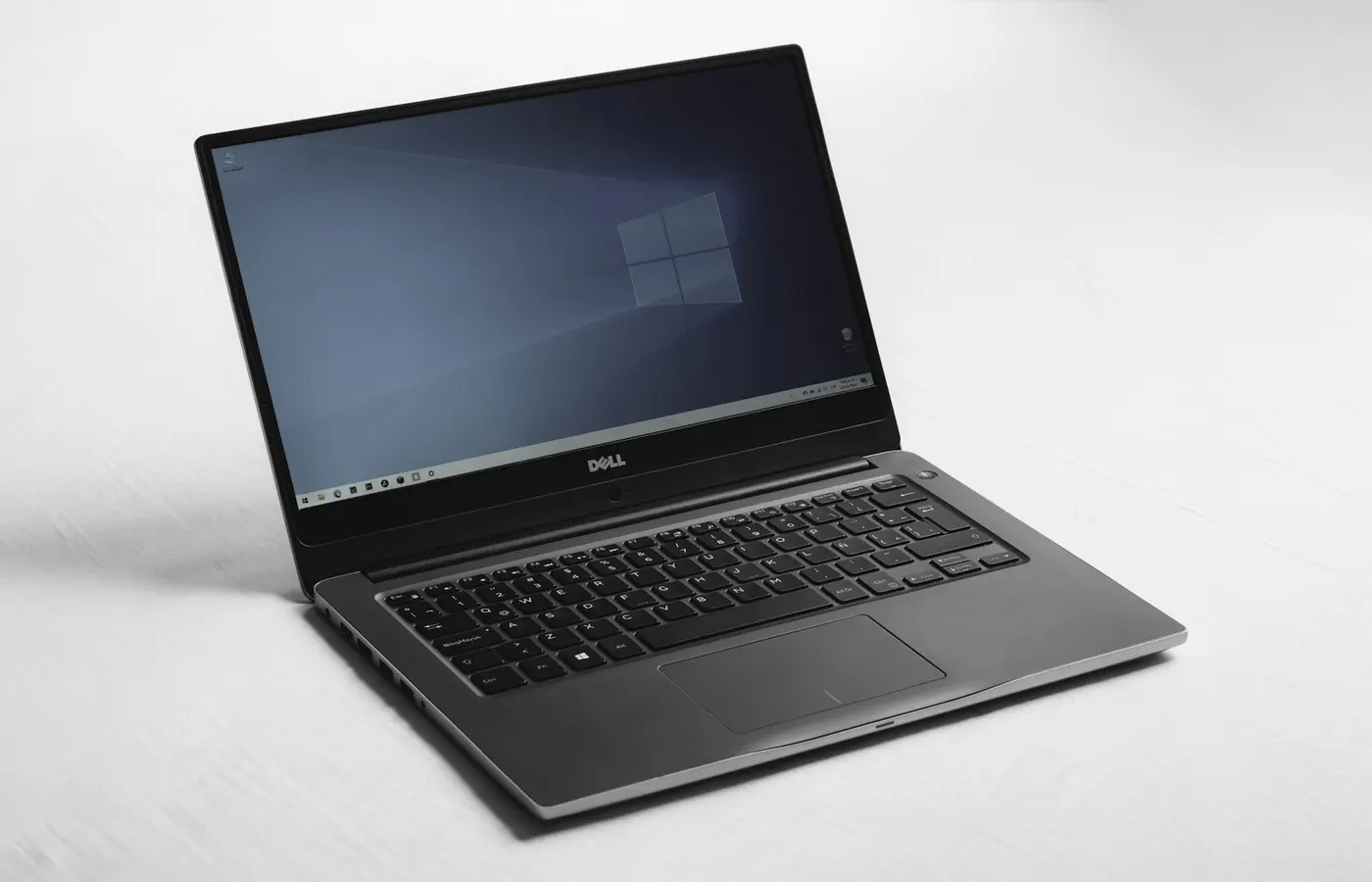
ASUS Zenbook 14 OLED UX3405 Research-Based Review
A specification-verified buyer analysis of ASUS Zenbook 14 OLED UX3405MA and UX3405CA configurations, with clear limits because we have not tested the laptop.

Pros
- Multiple 14-inch OLED configurations
- Two Thunderbolt 4 ports plus USB-A and HDMI
- Up to 32GB onboard memory in listed configurations
Cons
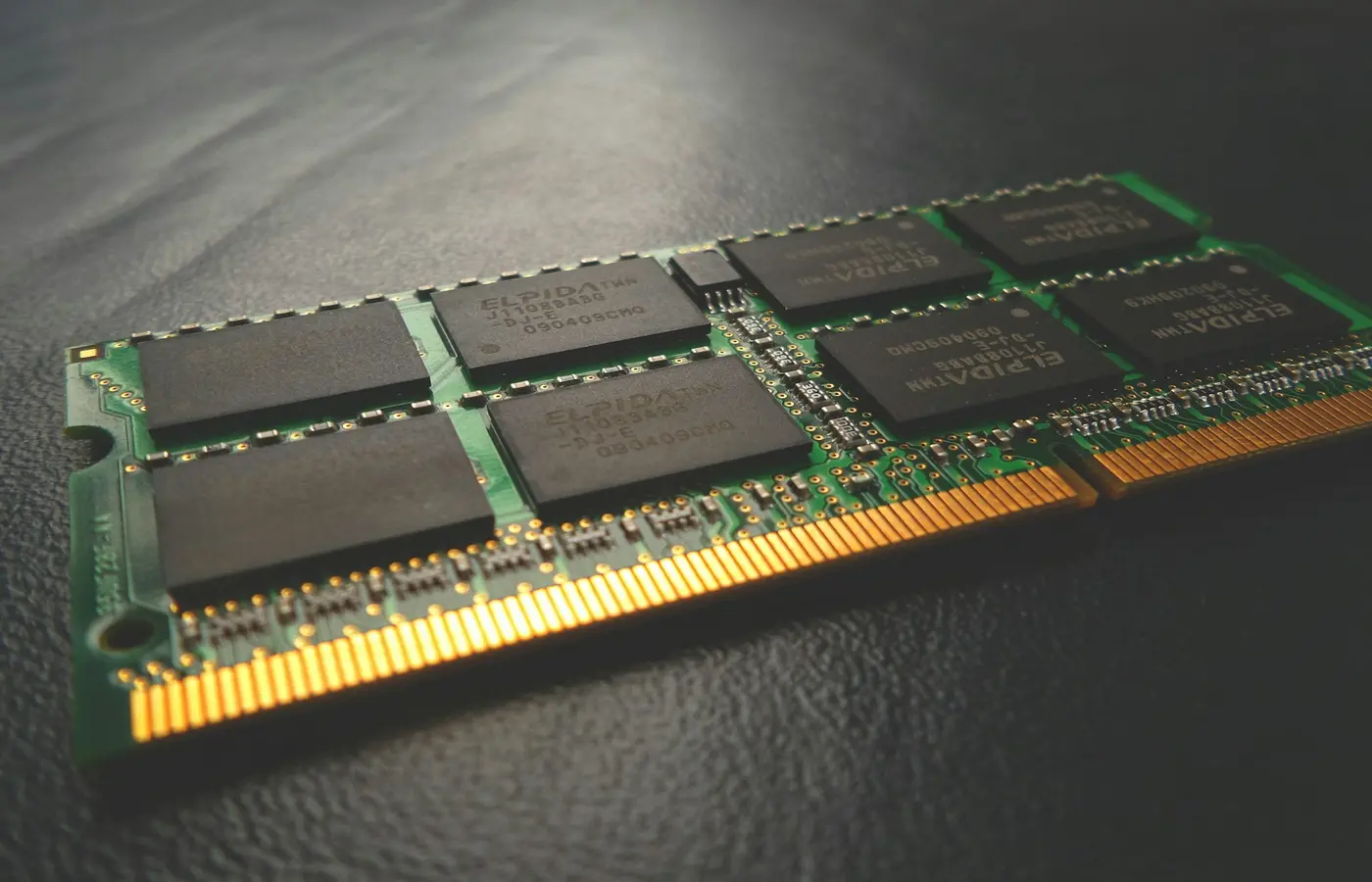
- Memory is onboard and not upgradeable
- Display and processor vary under the UX3405 family
- One internal M.2 storage slot
Editorial disclosure: this is a research-based buyer analysis, not a hands-on review. Laptop Advices has no UX3405 test unit or raw measurements. Specifications below come from ASUS’s official Zenbook 14 UX3405 technical specifications; performance, battery, noise, temperature, and measured color claims require an identified independent test of the exact configuration.
Verdict
The Zenbook 14 UX3405 is attractive for buyers who want a 14-inch OLED Windows ultraportable with both modern USB-C and useful legacy connectivity. Buy it only after confirming whether the listing is UX3405MA or UX3405CA, the exact Core Ultra processor, 16GB or 32GB onboard memory, and the 3K/120Hz or lower-resolution panel. Skip it if upgradeable memory or multiple internal SSD slots are priorities.
Verified configuration range
| Component | Officially listed possibilities |
|---|---|
| Model variants | UX3405MA, UX3405CA |
| Processor | Core Ultra 100H-series or 200H-series, region/configuration dependent |
| Display | 14-inch OLED; 3K 120Hz and lower-resolution options listed |
| Memory | Onboard LPDDR5/LPDDR5X, up to 32GB depending on configuration |
| Storage | 512GB or 1TB NVMe options; one M.2 2280 PCIe 4.0 slot listed |
| Ports | 2× Thunderbolt 4, USB-A, HDMI, 3.5mm audio |
The official page spans regions and SKUs. A retailer title saying “Zenbook 14 OLED” is therefore insufficient evidence for the 3K 120Hz panel or 32GB memory.
Who it fits
The best fit is a commuter, student, or remote worker who values OLED contrast and wants USB-A/HDMI without relying entirely on a dock. Integrated graphics suit productivity, media, and lighter accelerated work; they do not turn the system into a substitute for a discrete-GPU gaming or 3D laptop.
The OLED choice brings excellent black-level potential, but finish, brightness behavior, flicker sensitivity, and battery impact must be checked on the exact panel. Read OLED versus IPS laptop displays before assuming OLED is automatically better for long static work.
Configuration traps
- UX3405MA and UX3405CA use different processor generations.
- Memory is onboard; 16GB versus 32GB must be decided before purchase.
- Display resolution, refresh, touch, and HDR specification differ.
- The listed single M.2 slot means an SSD replacement, not a guaranteed second drive. Follow the service manual—not the generic second-SSD tutorial—for this model.
- Port availability does not prove every charger, dock, or monitor combination works.
What still needs independent testing
Battery runtime at a measured brightness, sustained CPU/GPU output, fan acoustics, keyboard surface temperature, real panel calibration, webcam processing, speaker response, and sleep reliability remain unverified here. Our proposed thermal protocol and battery protocol show the evidence required before we publish original measurements.
Conclusion
Buy the UX3405 when the exact SKU delivers the OLED panel, memory, and processor you want at a competitive current price. Skip it for memory expansion, multiple SSDs, or discrete-GPU work. Treat the family name as a shortlist entry, not proof of a specific configuration.
Frequently asked questions
Can Zenbook 14 UX3405 RAM be upgraded?
ASUS lists onboard memory for these configurations, so capacity should be treated as purchase-time fixed.
Does every UX3405 have a 3K 120Hz display?
No. ASUS lists multiple OLED resolutions and refresh rates. Verify the manufacturer part number.
Is this a hands-on review?
No. It is a sourced buyer analysis and intentionally publishes no Laptop Advices measurements or rating.