
Featured
U-Series vs. H-Series Laptop Processors: Which Fits Your Workload?
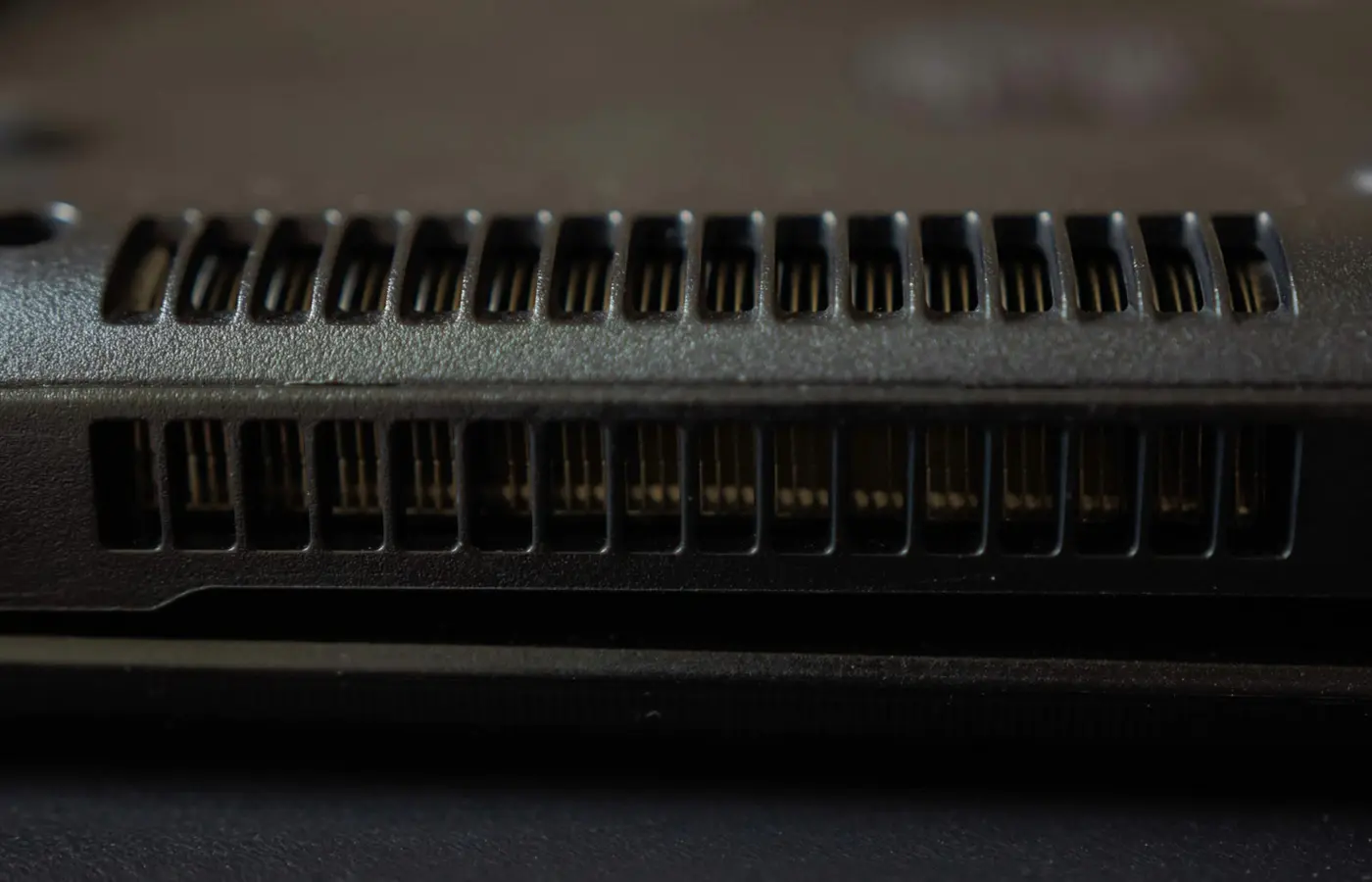
Understand U-series and H-series laptop processors, the cooling and configuration factors that matter, and which design suits your workload.
Understand U-series and H-series laptop processors, the cooling and configuration factors that matter, and which design suits your workload.
 Comparisons
OLED or IPS for office work? Compare text comfort, reflections, battery trade-offs, static interfaces, and warranty checks before buying.
 Buying Guides
Choose laptop GPU VRAM by your games, display resolution, creative software, and ownership plans—not by memory capacity alone.
 Buying Guides
Choose between 512GB and 1TB laptop storage by assessing local files, apps, games, offline work, usable capacity, and upgrade options.
 Buying Guides
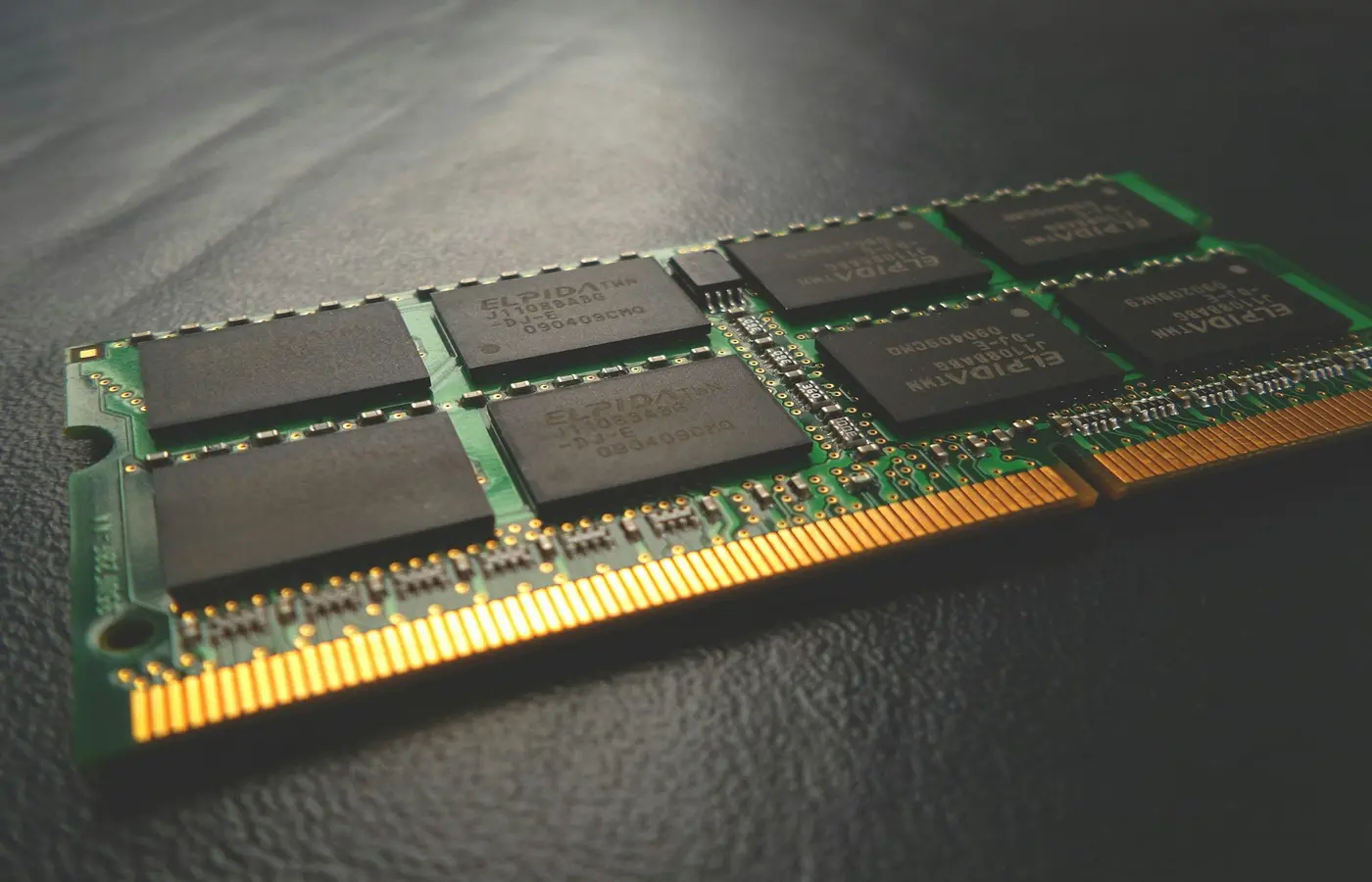
Choosing between 16GB and 32GB of laptop memory? Decide by use case — work, university, video calls, gaming, editing, CAD, programming, and virtual machines — and check official software requirements, your current memory usage, and whether the model you want can be upgraded.
 Buying Guides
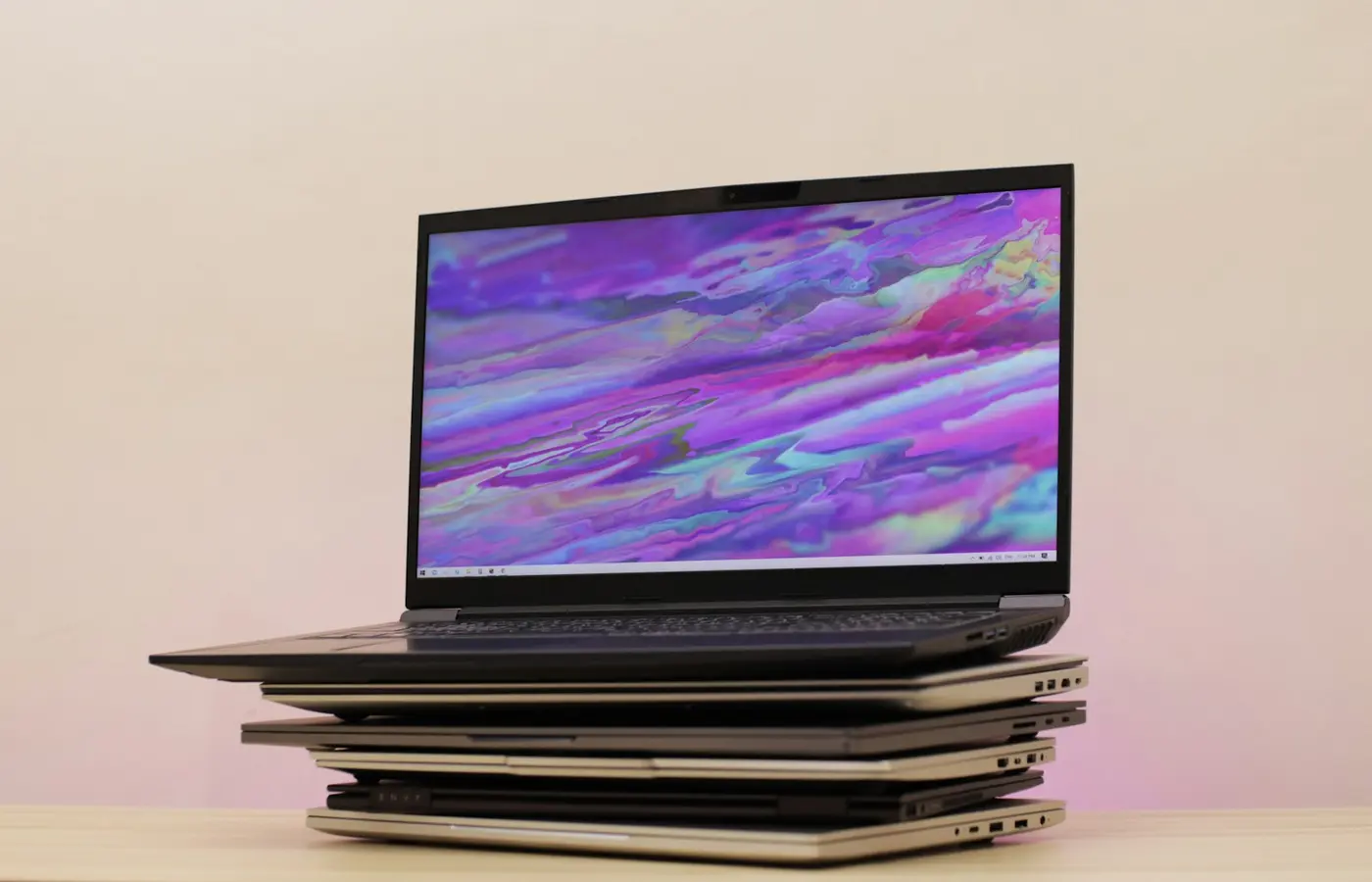
Choose a laptop display for your workload, lighting, and mobility needs, then verify the panel, resolution, brightness, color, and refresh rate.
 Buying Guides
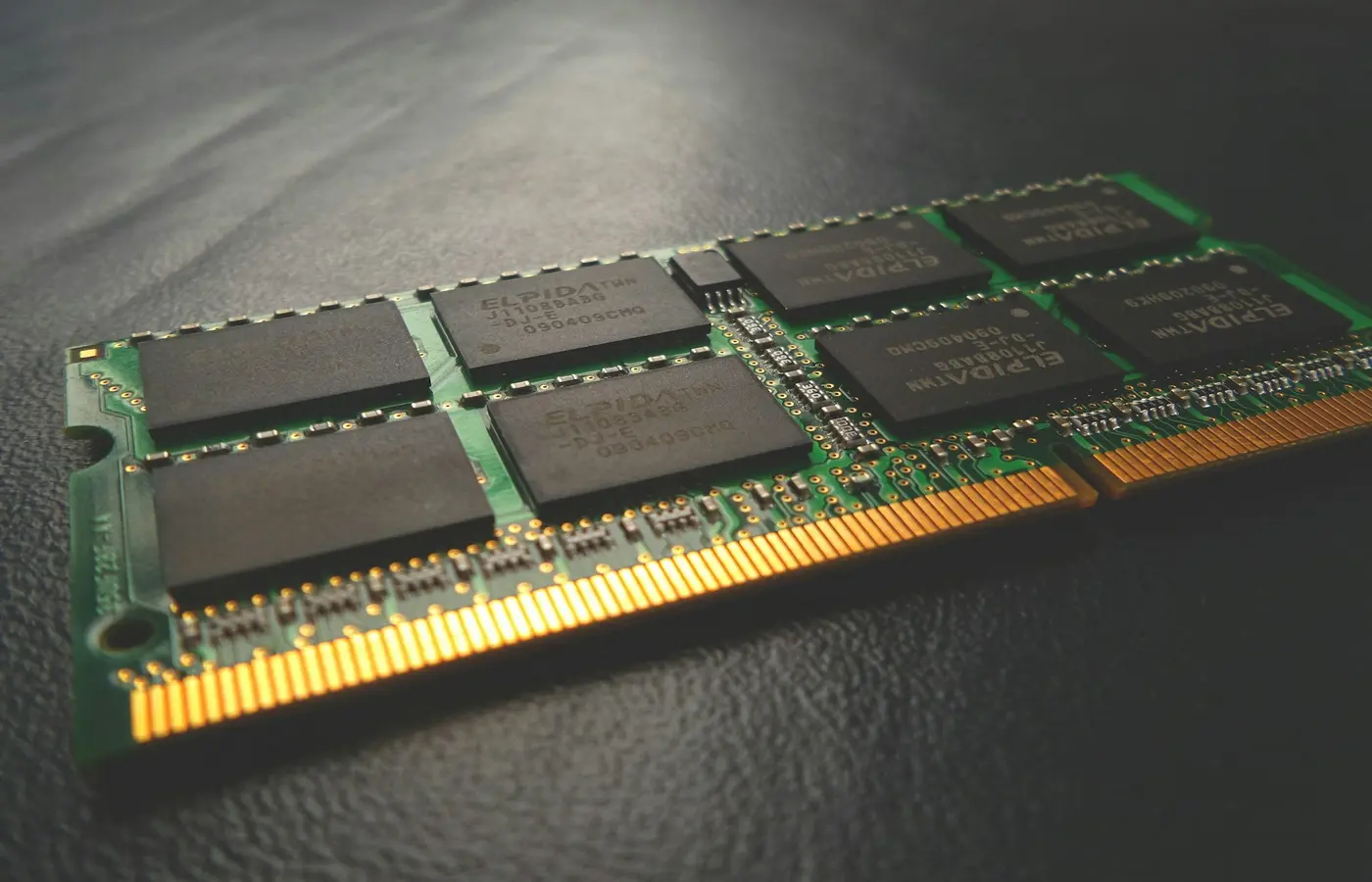
Choose the right laptop RAM for your workload, then check whether the exact configuration uses soldered, socketed, or unified memory.