

Featured
How to Choose a Laptop for Two External Monitors: Ports, Docks, and Display Limits
Verify whether a laptop can drive two monitors at your required resolution and refresh rate, with or without a dock.
Clear explanations of specifications and trade-offs before you spend.
Verify whether a laptop can drive two monitors at your required resolution and refresh rate, with or without a dock.
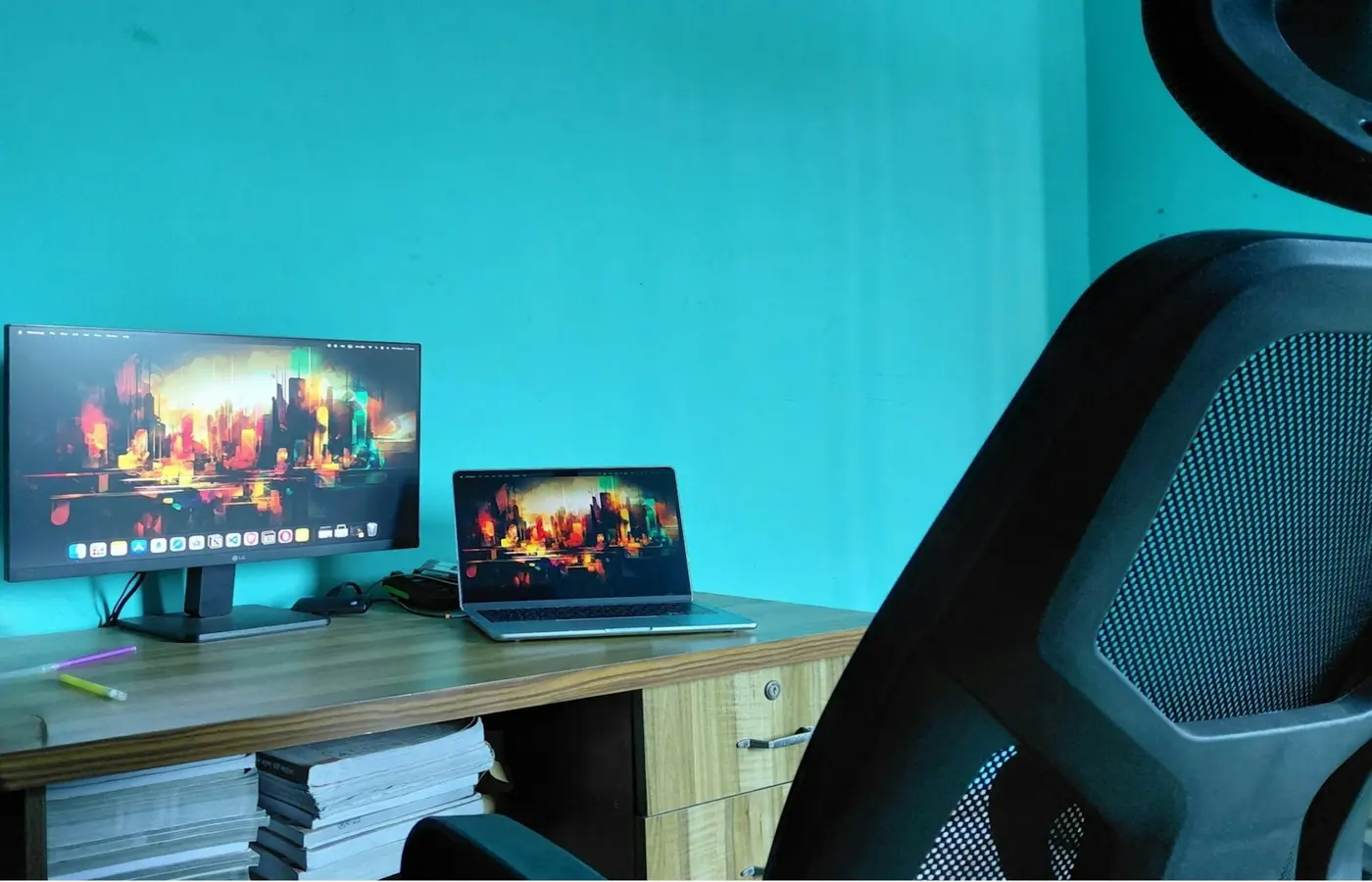 Buying Guides
Choose a programming laptop by checking tool compatibility, RAM, Linux support, virtual machines, upgrade options, and external displays.
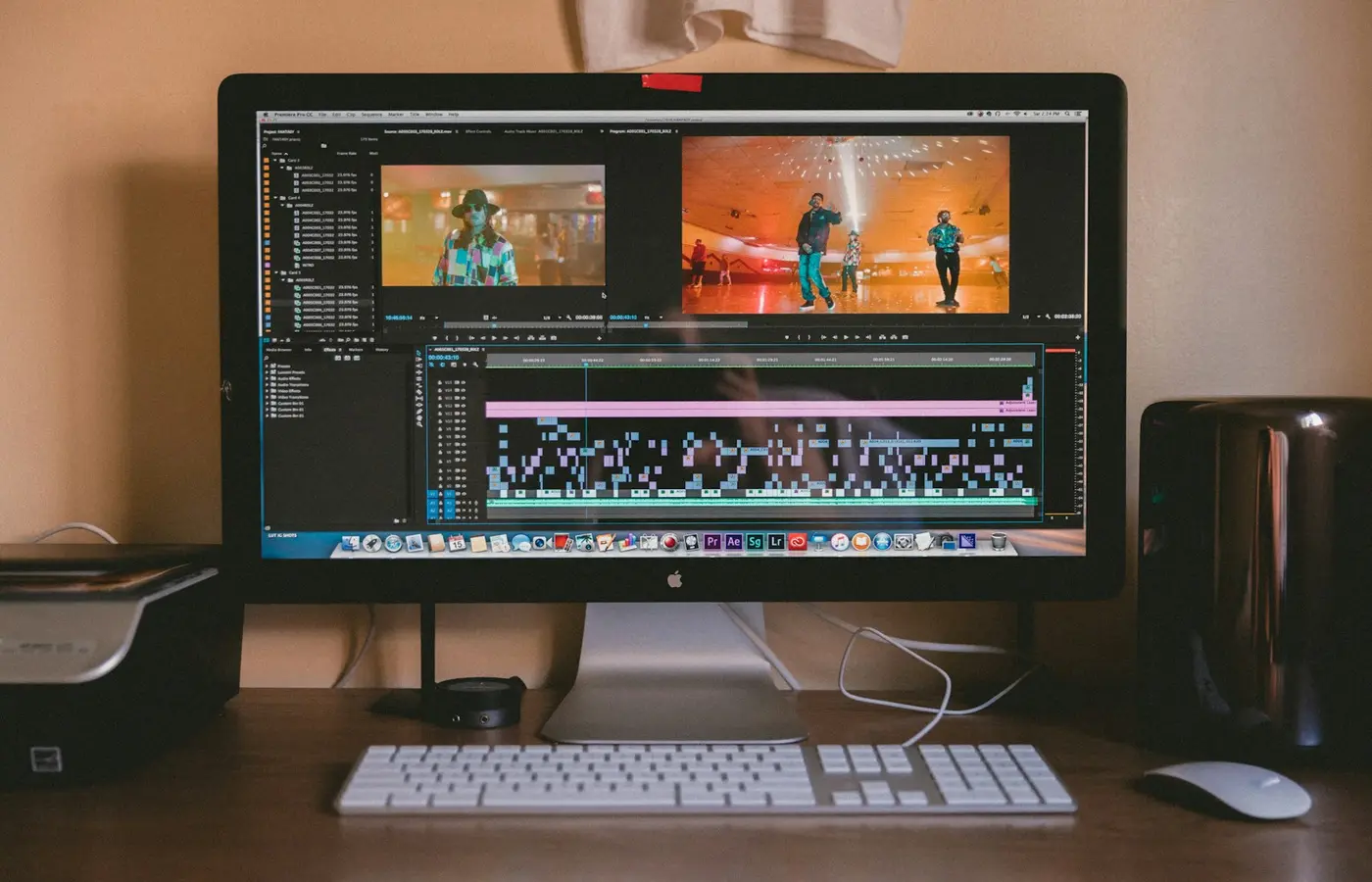 Buying Guides
Match your editing software, footage, color workflow, memory, GPU, display, storage, ports, and portability to the right laptop configuration.
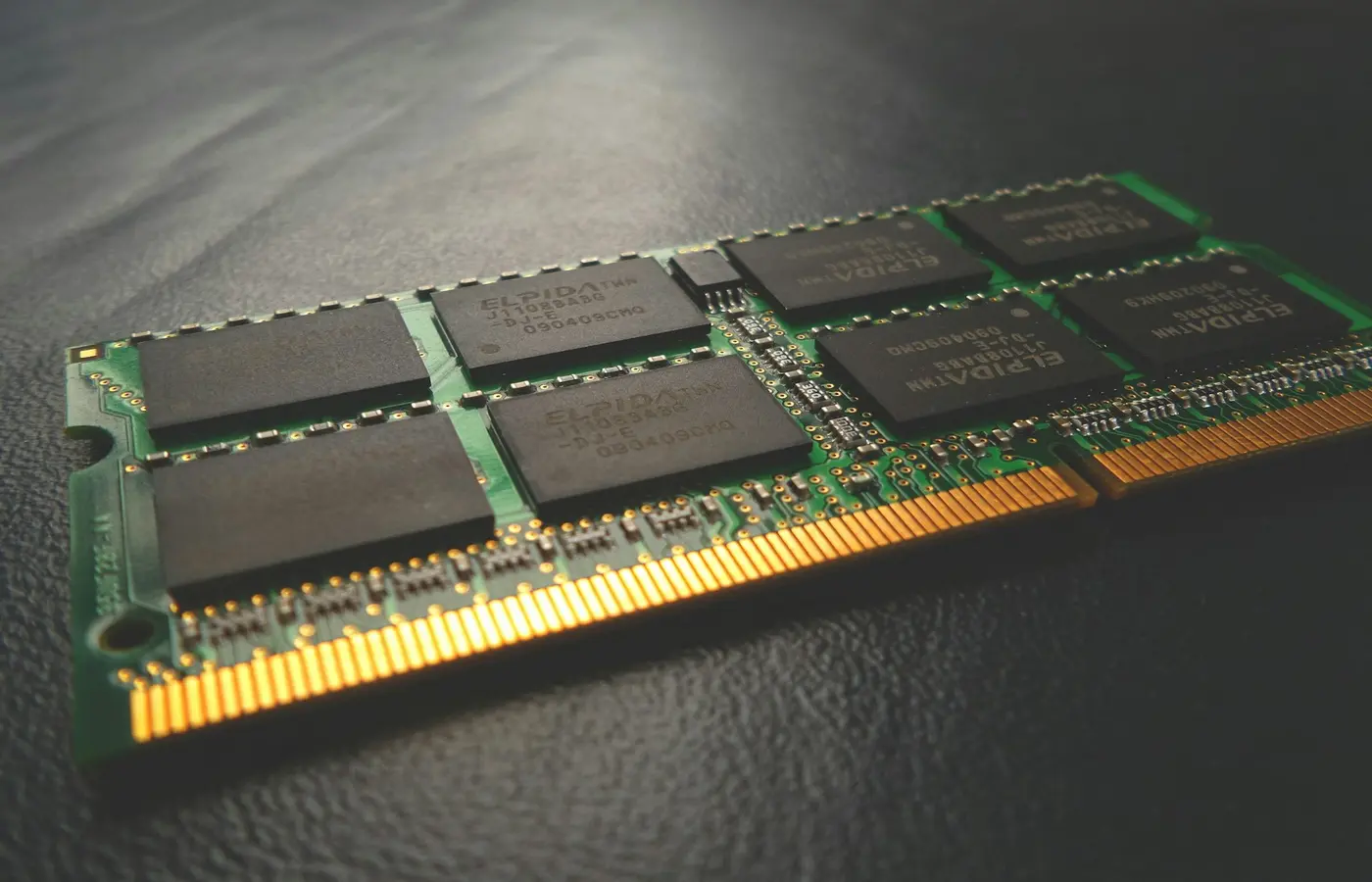 Buying Guides
Choose 8GB, 16GB, 32GB, or 64GB of laptop RAM based on your workload, upgrade options, graphics architecture, and ownership plans.
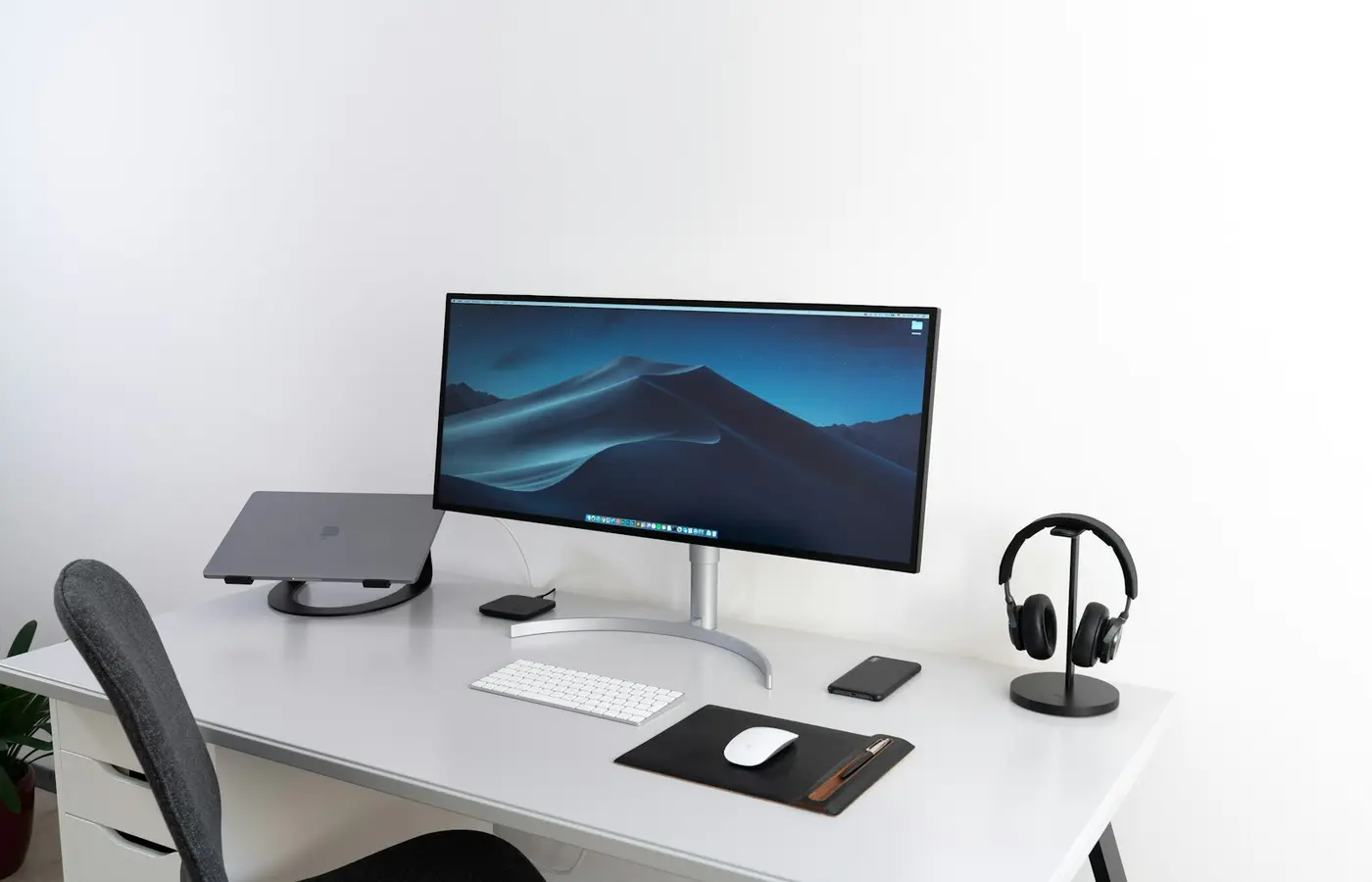 Buying Guides
Verify laptop dock compatibility by matching the host port, monitor requirements, charging power, Ethernet, cable, and operating system.
 Buying Guides
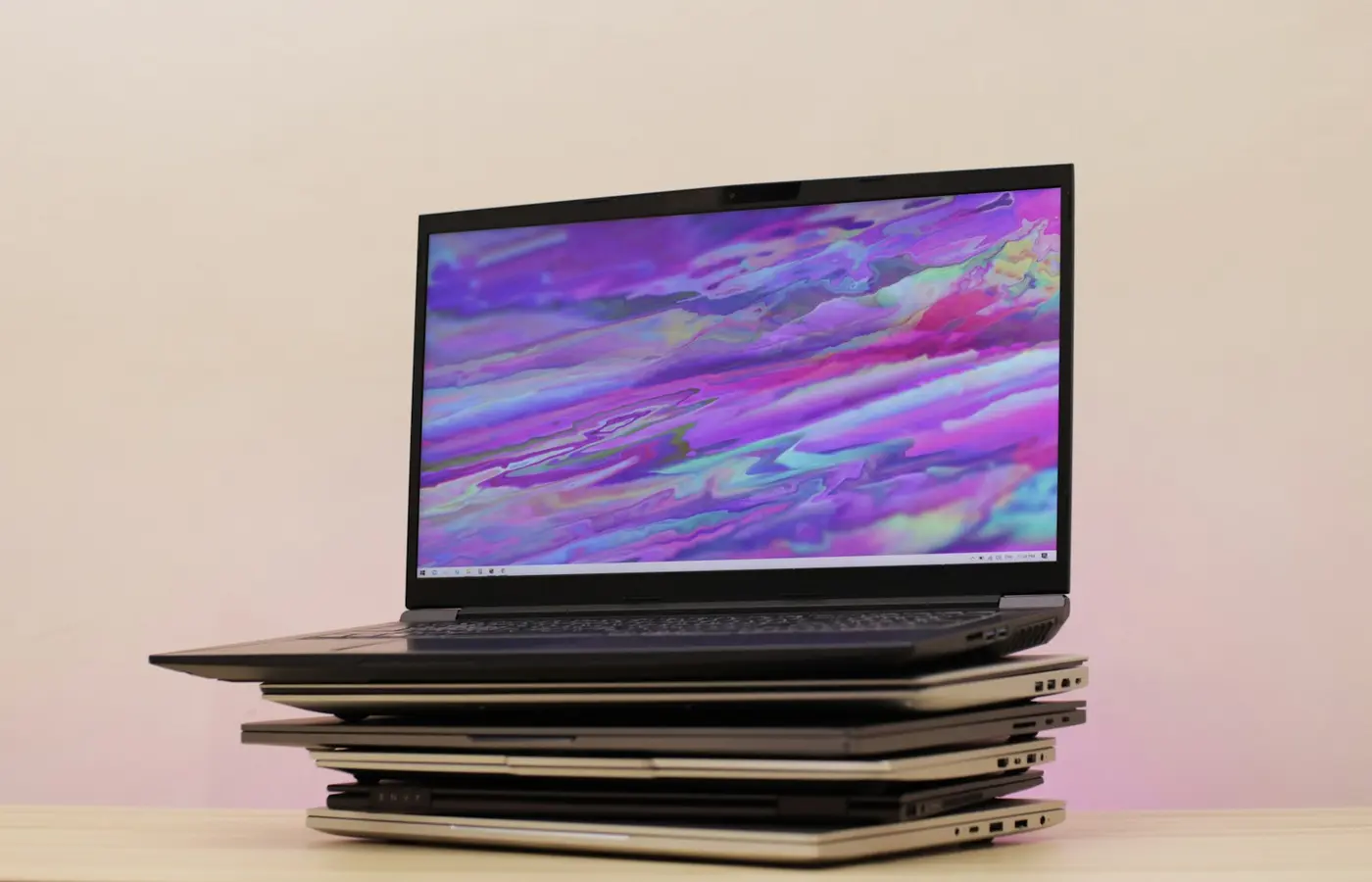
Choose a laptop display for your workload, lighting, and mobility needs, then verify the panel, resolution, brightness, color, and refresh rate.
 Buying Guides
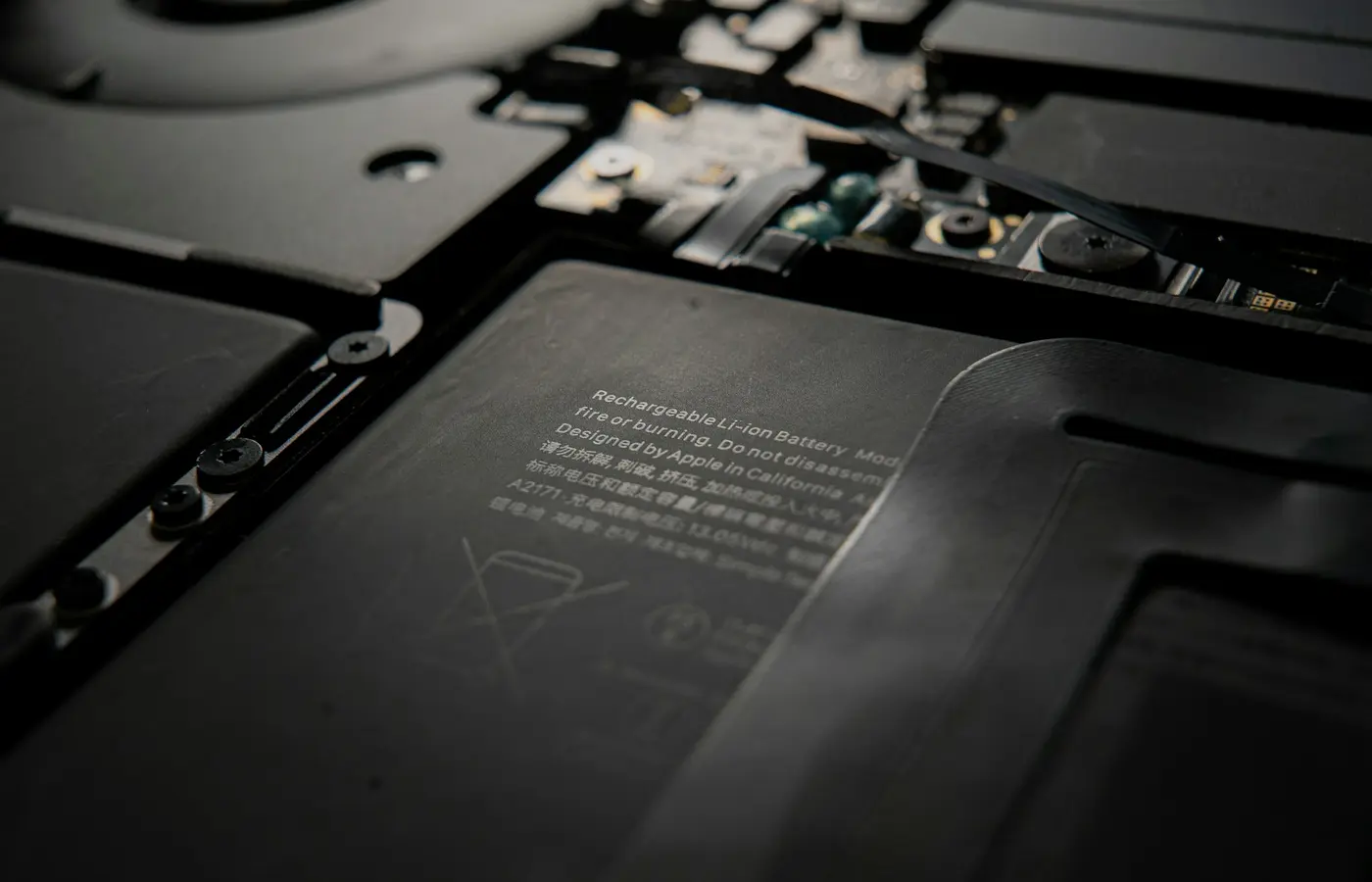
Learn how to verify battery access, official service procedures, replacement-part availability, and warranty terms for an exact laptop SKU.
 Buying Guides
Use this checklist to verify Windows on ARM compatibility for essential apps, drivers, peripherals, games, security tools, and virtual machines.
 Buying Guides
Verify laptop USB-C charging support, required charger wattage, cable compatibility, port limits, and proprietary-adapter exceptions before buying.