

Featured
How to Check Whether a Laptop Supports USB4, Thunderbolt, or Neither Before You Buy
Verify a laptop’s exact USB-C, USB4, Thunderbolt, display, docking, and charging capabilities before committing to a configuration.
Clear explanations of specifications and trade-offs before you spend.
Verify a laptop’s exact USB-C, USB4, Thunderbolt, display, docking, and charging capabilities before committing to a configuration.
 Buying Guides
Build a laptop software compatibility checklist covering the exact app version, operating system, hardware, licensing, peripherals, and IT rules.
 Buying Guides
Choose a college laptop by checking required software, your major, the exact configuration, campus support, ports, repair coverage, and return terms.
 Buying Guides
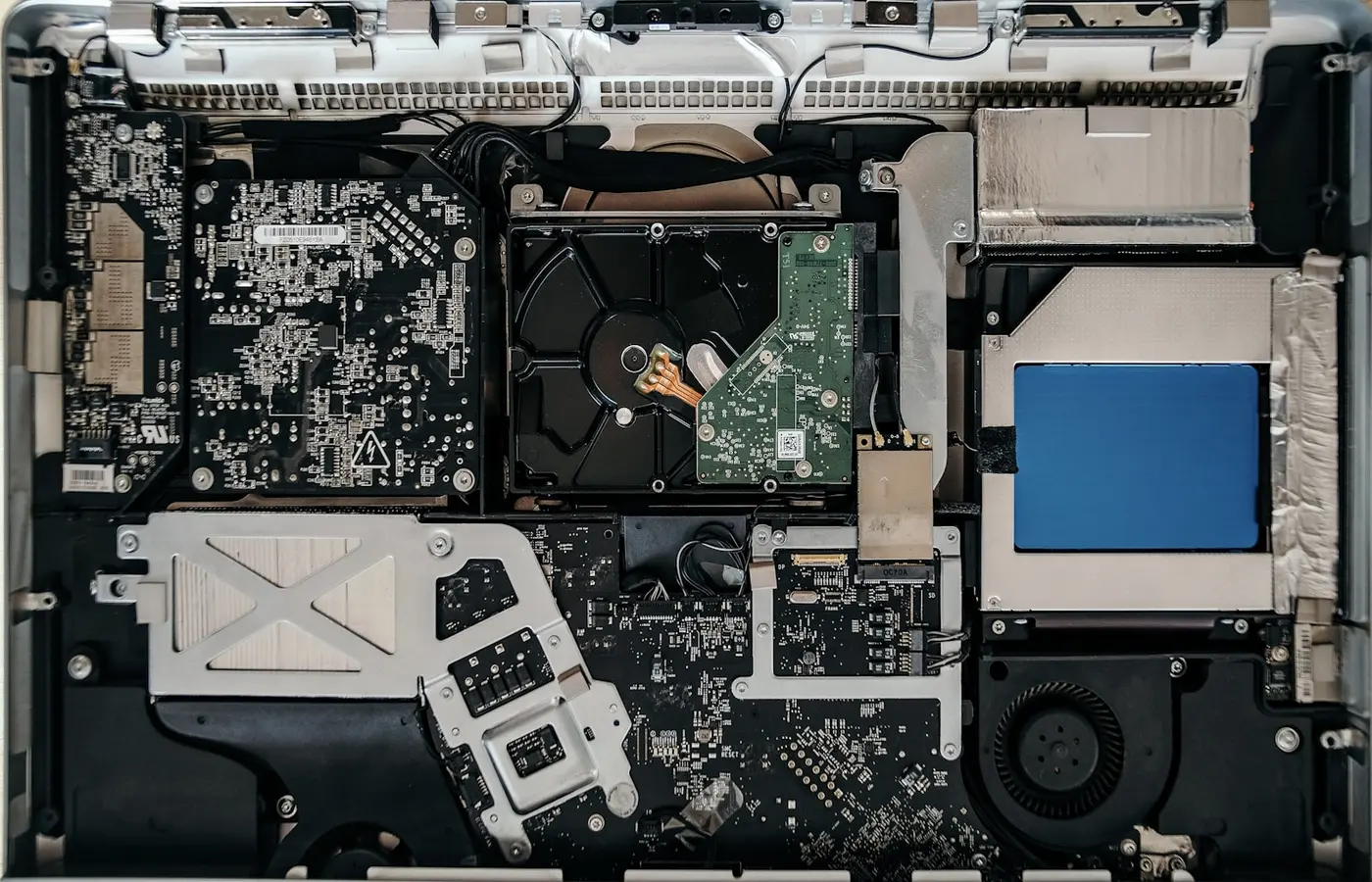
Use this pre-purchase checklist to verify a laptop’s RAM, SSD, battery, service manuals, spare parts, warranty, and regional repair options.
 Buying Guides
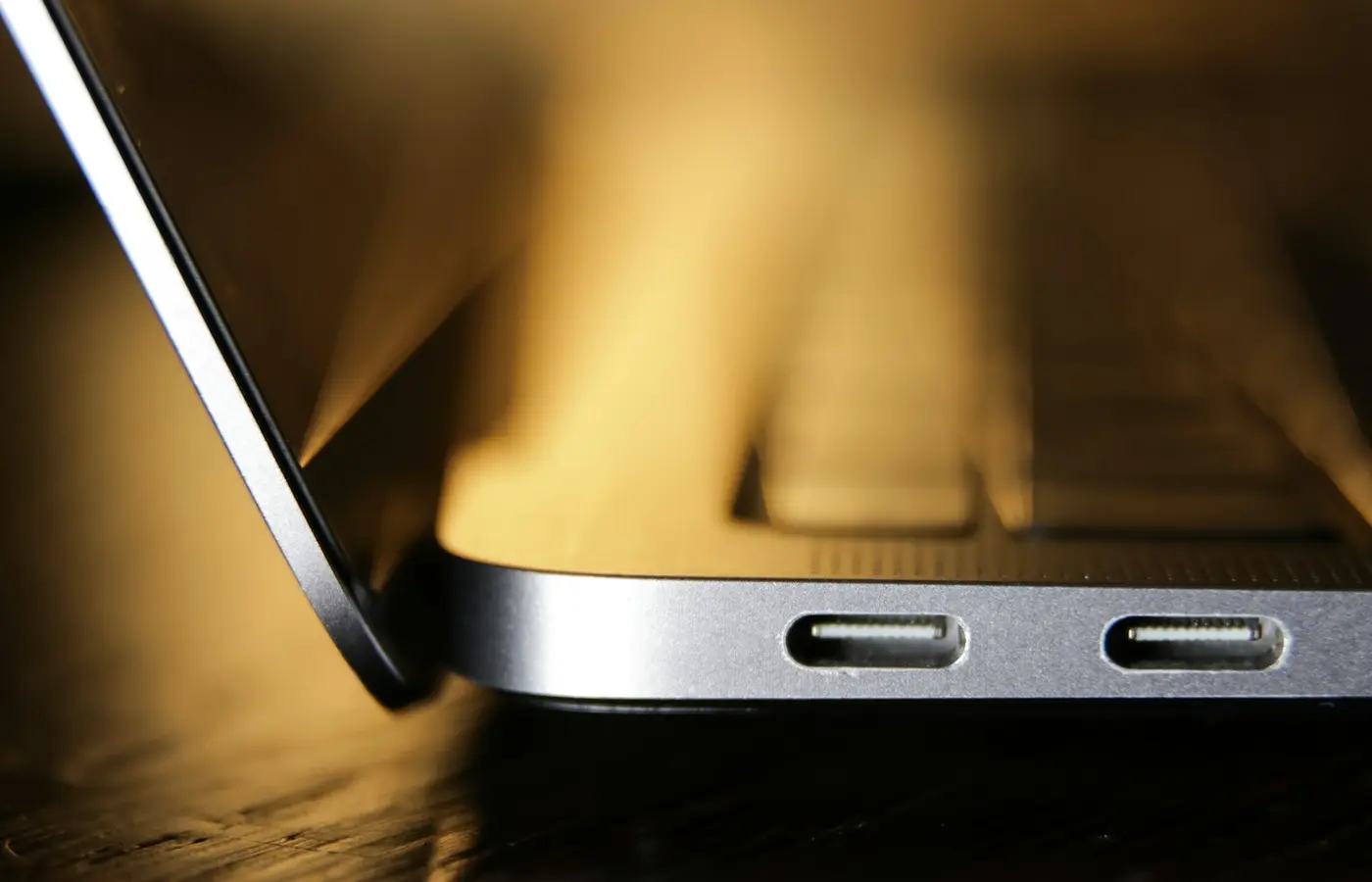
Verify a laptop’s USB-C charging, display, dock, USB4, and Thunderbolt capabilities by checking the exact SKU, port, cable, and manual.
 Buying Guides
Verify laptop dual monitor support by checking the exact SKU, display limits, port functions, dock compatibility, monitor modes, OS, and power.
 Buying Guides
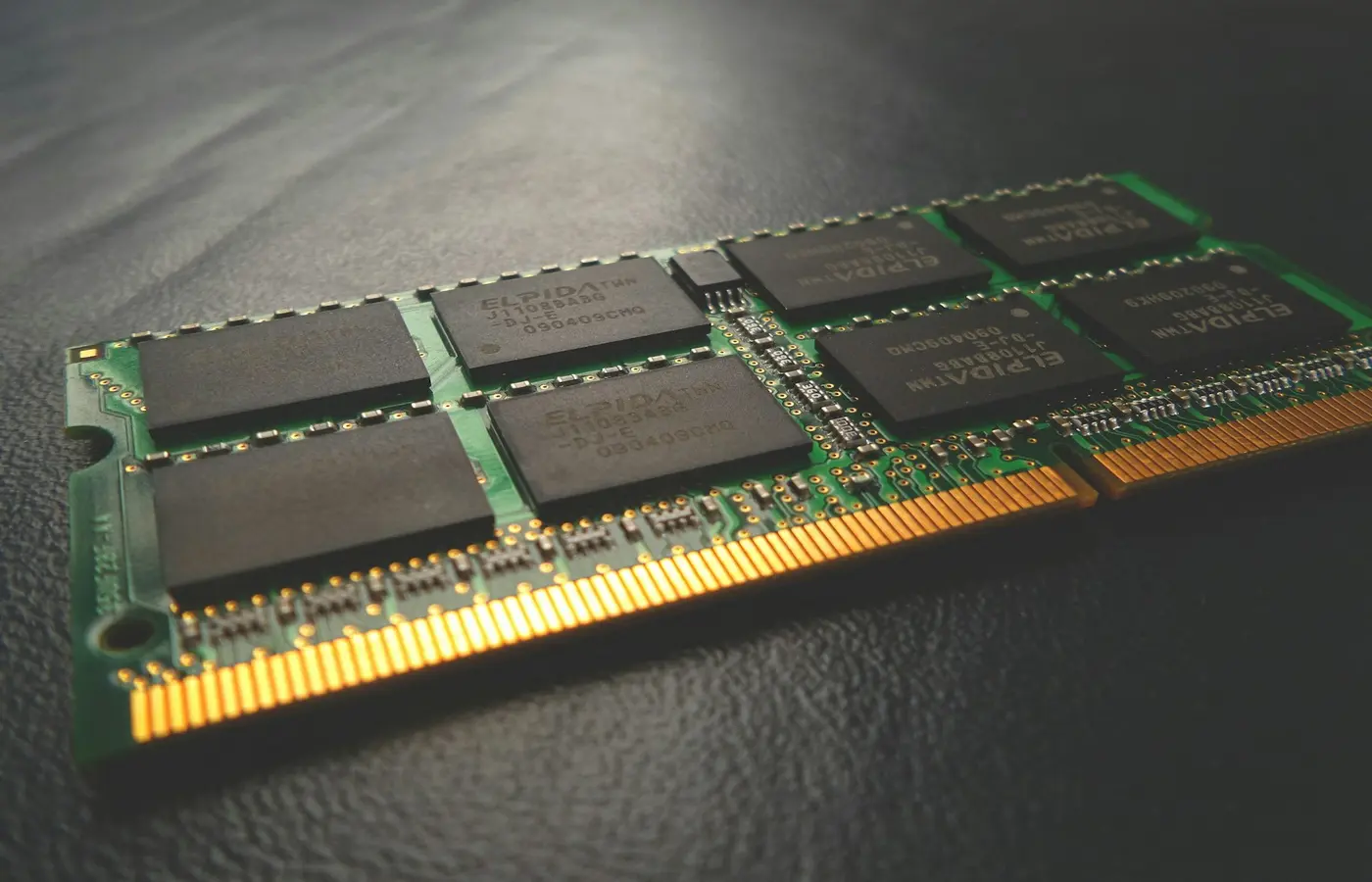
Choose the right laptop RAM for your workload, then check whether the exact configuration uses soldered, socketed, or unified memory.
 Buying Guides
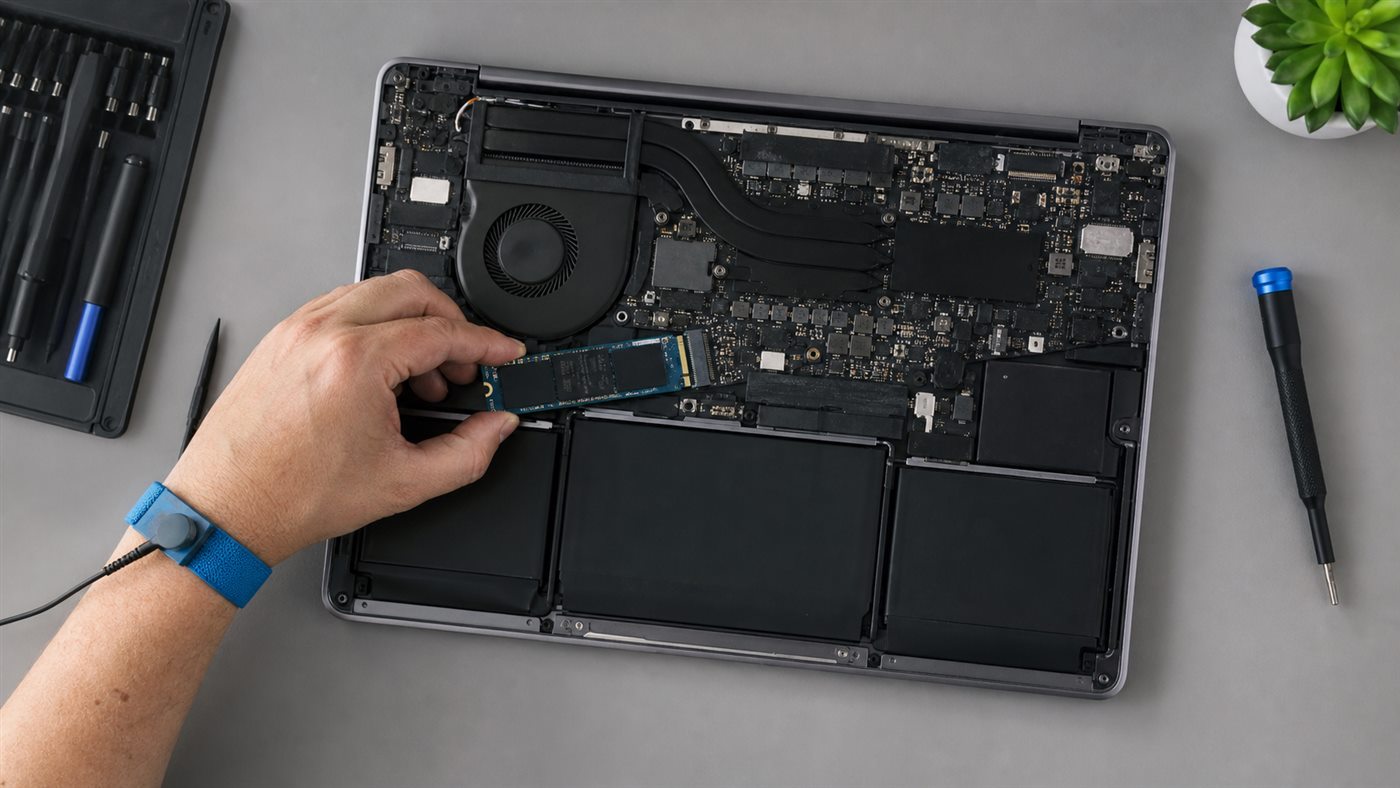
Decide between 16GB and 32GB laptop RAM by measuring current memory pressure, checking software requirements, and accounting for soldered or upgradeable memory.
 Buying Guides
Compare current Intel Core Ultra and AMD Ryzen AI laptops by exact processor generation, graphics, NPU support, ports, memory, and complete-system design.