
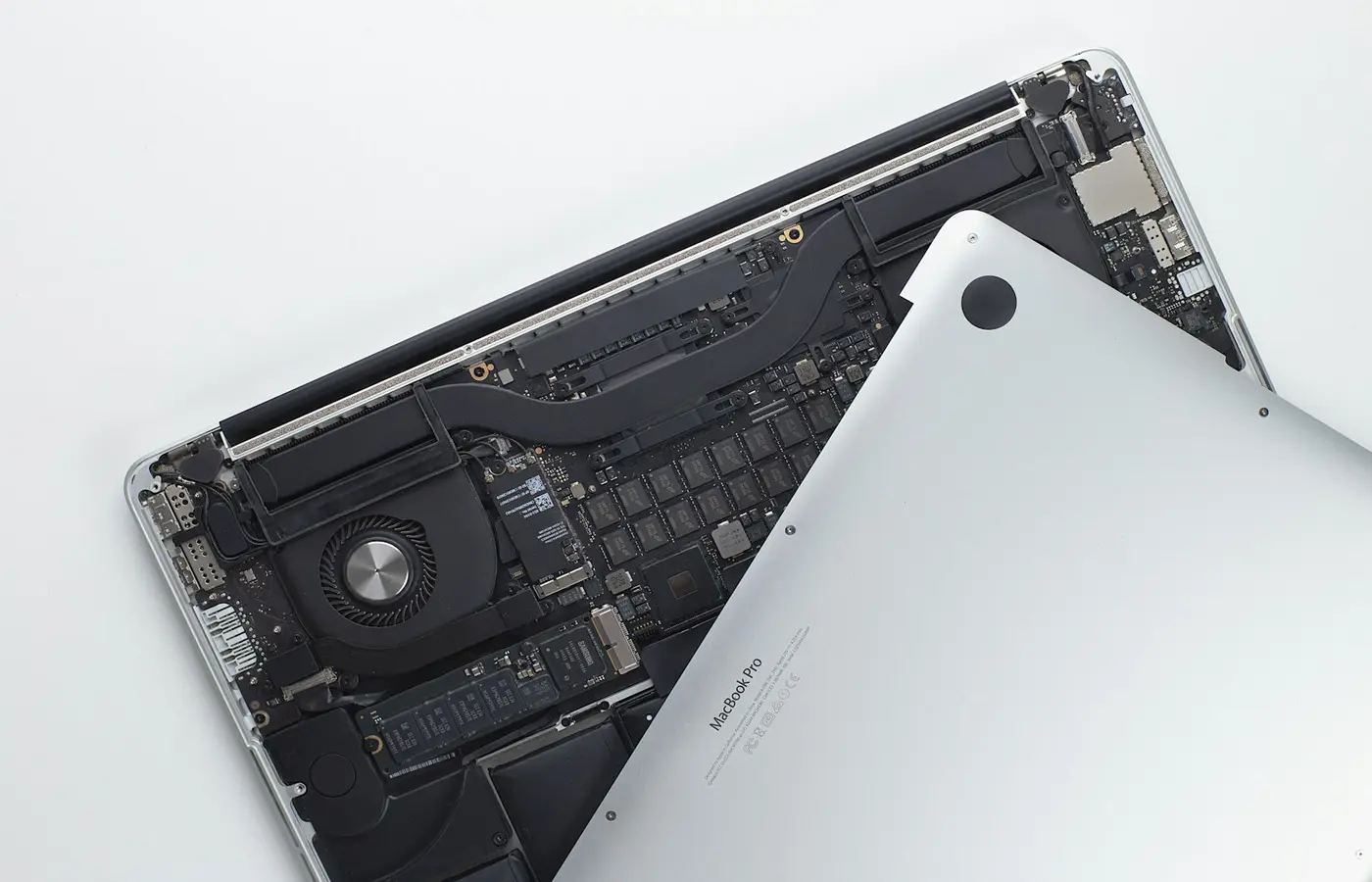
Featured
How to Check Whether Your Laptop Supports an SSD Upgrade
Confirm SSD upgrade compatibility before buying: identify your exact laptop, storage interface, M.2 size, spare slot, migration plan, and service limits.
Practical, careful steps for upgrades, maintenance, and common laptop problems.
Confirm SSD upgrade compatibility before buying: identify your exact laptop, storage interface, M.2 size, spare slot, migration plan, and service limits.
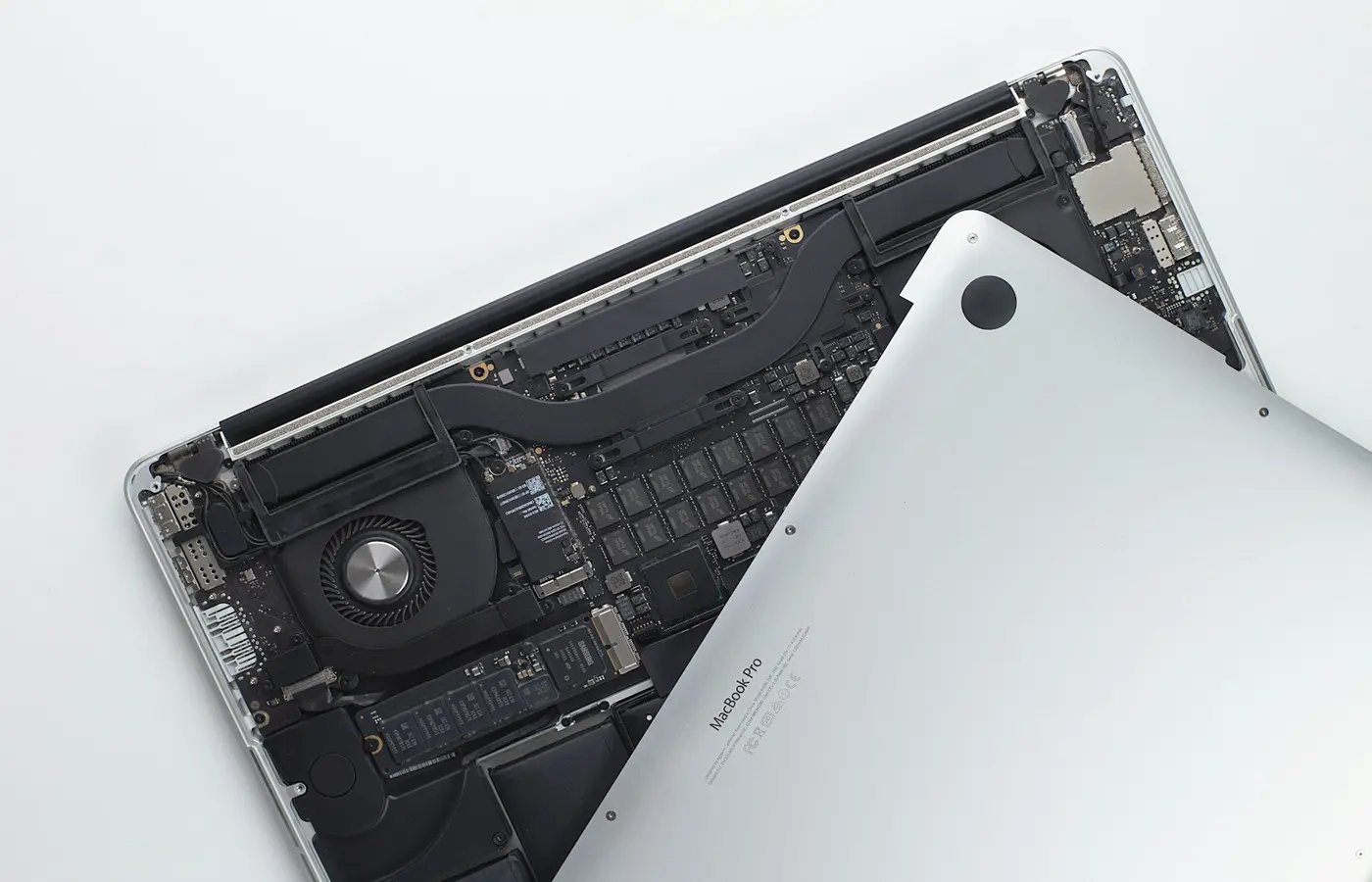 How-To
Verify a laptop’s SSD slots, supported drive size and interface, service access, warranty terms, and migration options before buying.
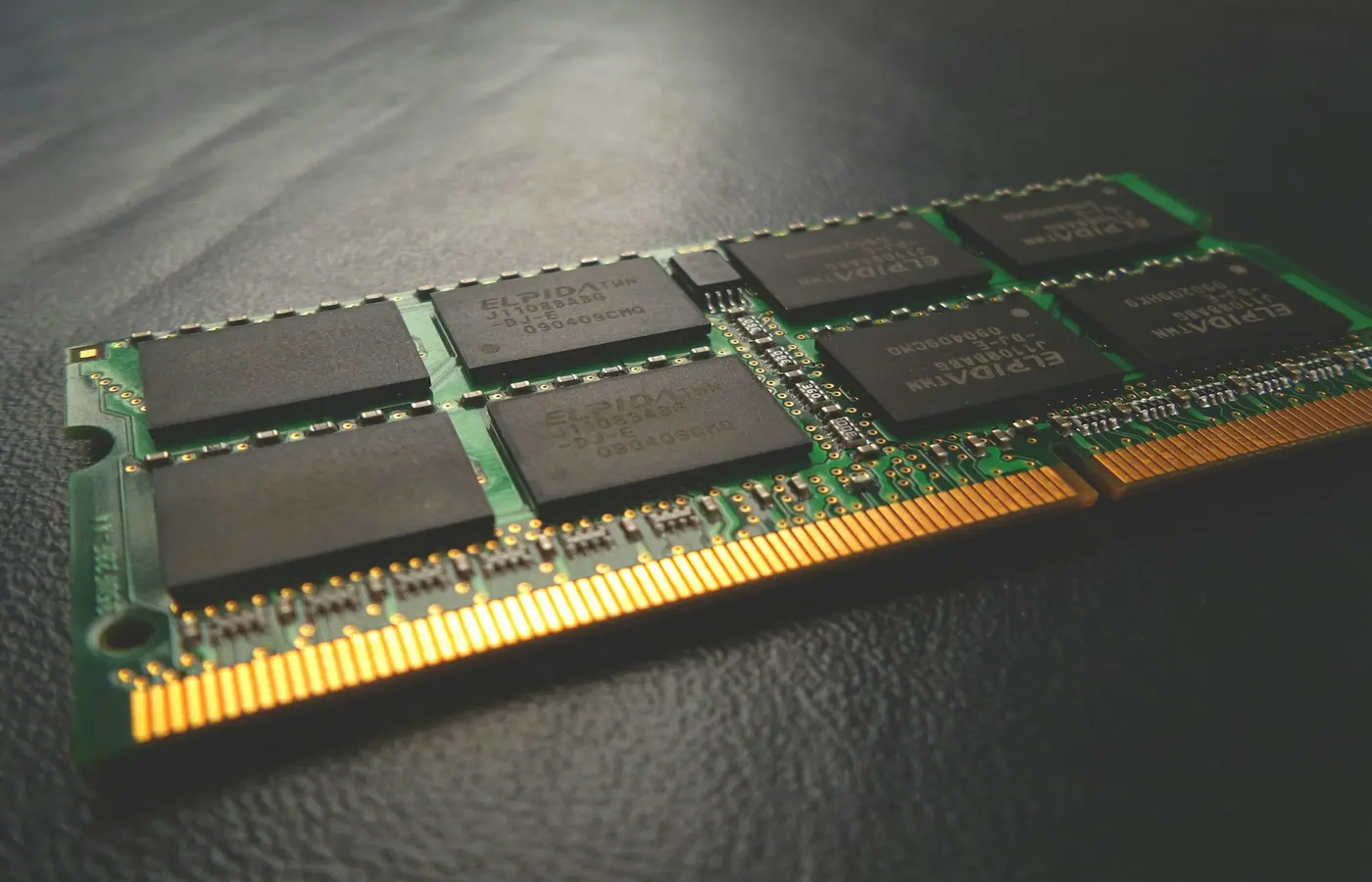 How-To
Learn how to verify laptop RAM slots, soldered memory, supported module types, capacity limits, and safe installation steps before buying.
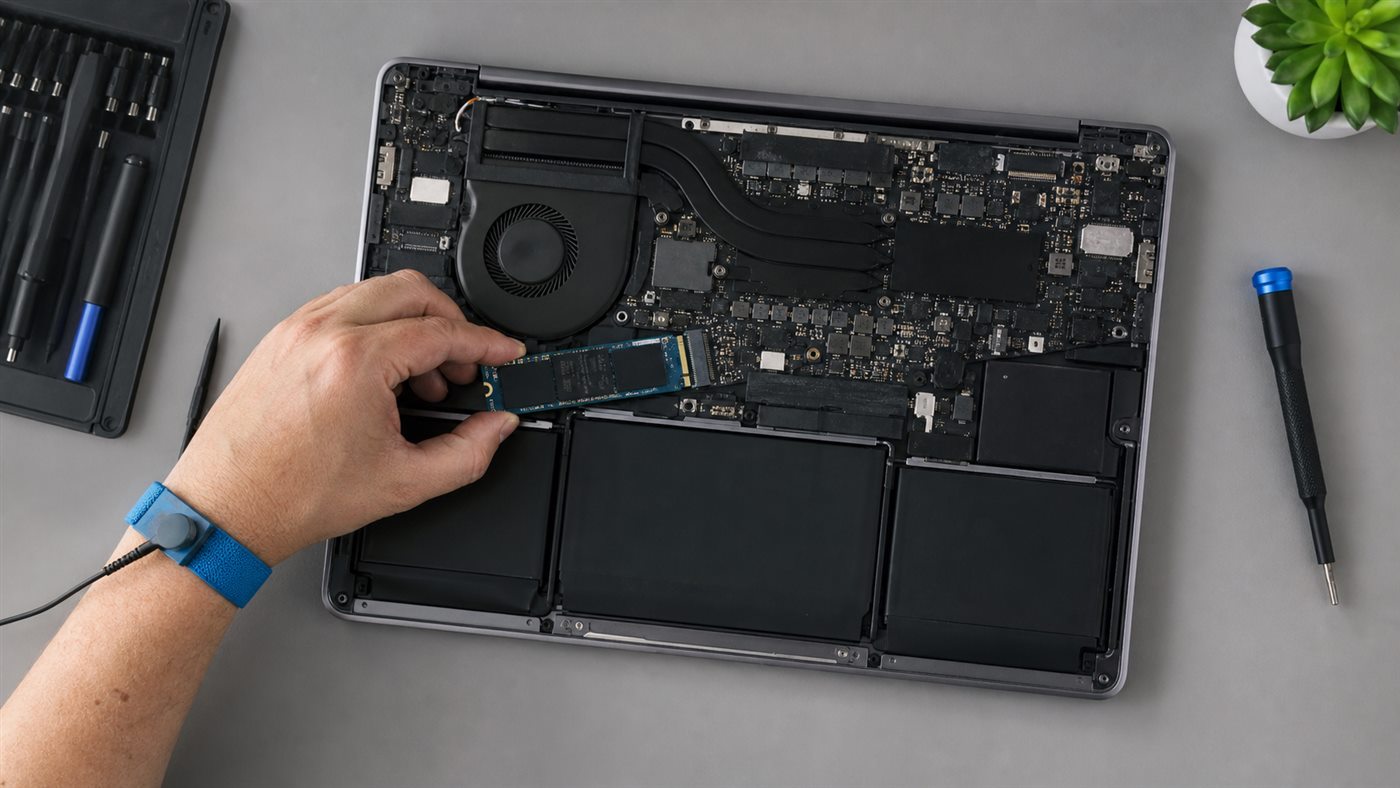 How-To
Check soldered memory, SO-DIMM type, capacity, slot layout, service steps, and post-install tests before upgrading laptop RAM.
How-ToConfirm a second M.2 slot, drive size, interface, cooling parts, and warranty before installing and initializing an NVMe SSD in Windows.
 How-To
Improve Windows or macOS laptop battery life by measuring drain, controlling the display and background load, checking battery health, and verifying each change.
 How-To
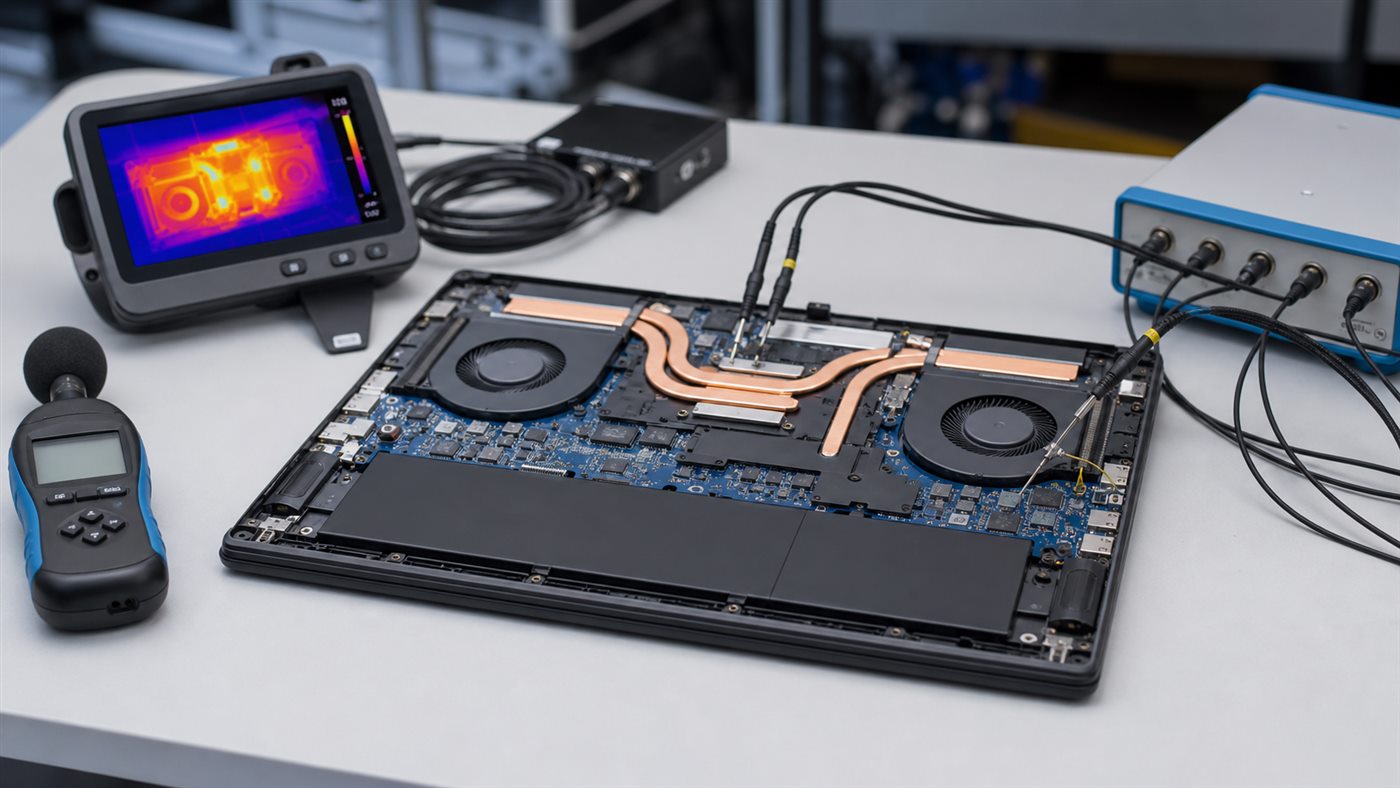
Diagnose loud laptop fans by checking workload, power mode, airflow, firmware, dust, and hardware symptoms before opening the chassis.